EasyManua.ls Logo

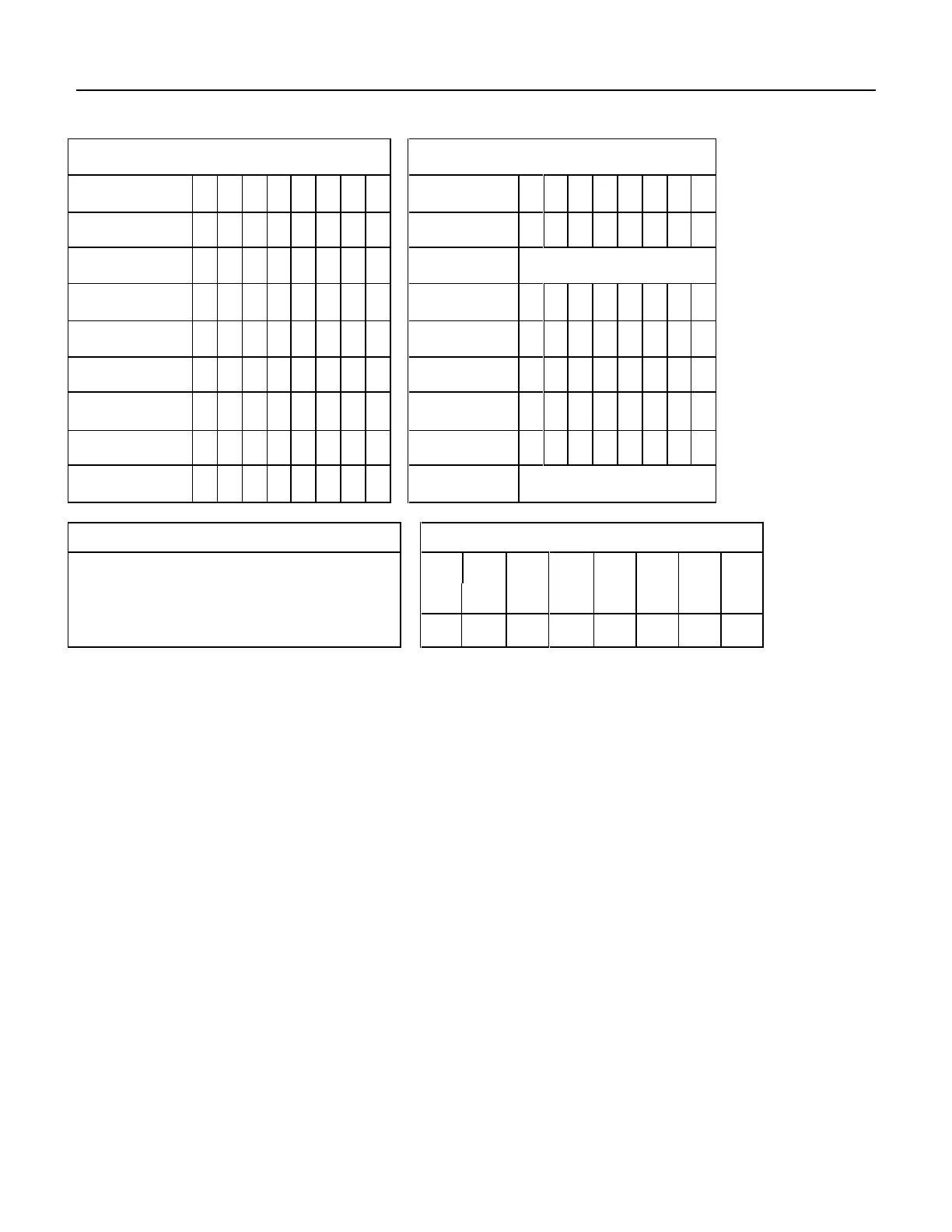
Western Digital Ultrastar DC HC310 - Table 107 Execute Device Diagnostic Command (90 H)

Western Digital Ultrastar DC HC310
322 pages
Print Icon
To Next Page IconTo Next Page
To Previous Page IconTo Previous Page
Loading...
134
Western Digital Hard Disk Drive OEM Specification
11.6 Execute Device Diagnostic (90h)
Command Block Output Registers
Command Block Input Registers
Register
7
6
5
4
3
2
1
0
Register
7
6
5
4
3
2
1
0
Data
-
-
-
-
-
-
-
-
Data
-
-
-
-
-
-
-
-
Feature
-
-
-
-
-
-
-
-
Error
…See Below
Sector Count
-
-
-
-
-
-
-
-
Sector Count
-
-
-
-
-
-
-
-
Sector Number
-
-
-
-
-
-
-
-
Sector Number
-
-
-
-
-
-
-
-
Cylinder Low
-
-
-
-
-
-
-
-
Cylinder Low
-
-
-
-
-
-
-
-
Cylinder High
-
-
-
-
-
-
-
-
Cylinder High
-
-
-
-
-
-
-
-
Device/Head
1
-
1
-
-
-
-
-
Device/Head
-
-
-
-
-
-
-
-
Command
1
0
0
1
0
0
0
0
Status
…See Below
Error Register
Status Register
Diagnostic Code
7
6
5
4
3
2
1
0
BSY
RDY
DF
DSC
DRQ
COR
IDX
ERR
0
V
0
-
-
0
-
0
Table 107 Execute Device Diagnostic Command (90h)
The Execute Device Diagnostic command performs the internal diagnostic tests implemented by the device. The
results of the test are stored in the Error Register.
The normal Error Register bit definitions do not apply to this command. Instead, the register contains a diagnostic
code. See Table 34 Diagnostic Codes on the page 42 for its definition.


Table of Contents

Related product manuals