247
Western Digital Hard Disk Drive OEM Specification
11.46.6.3 Set Power Condition Timer subcommand
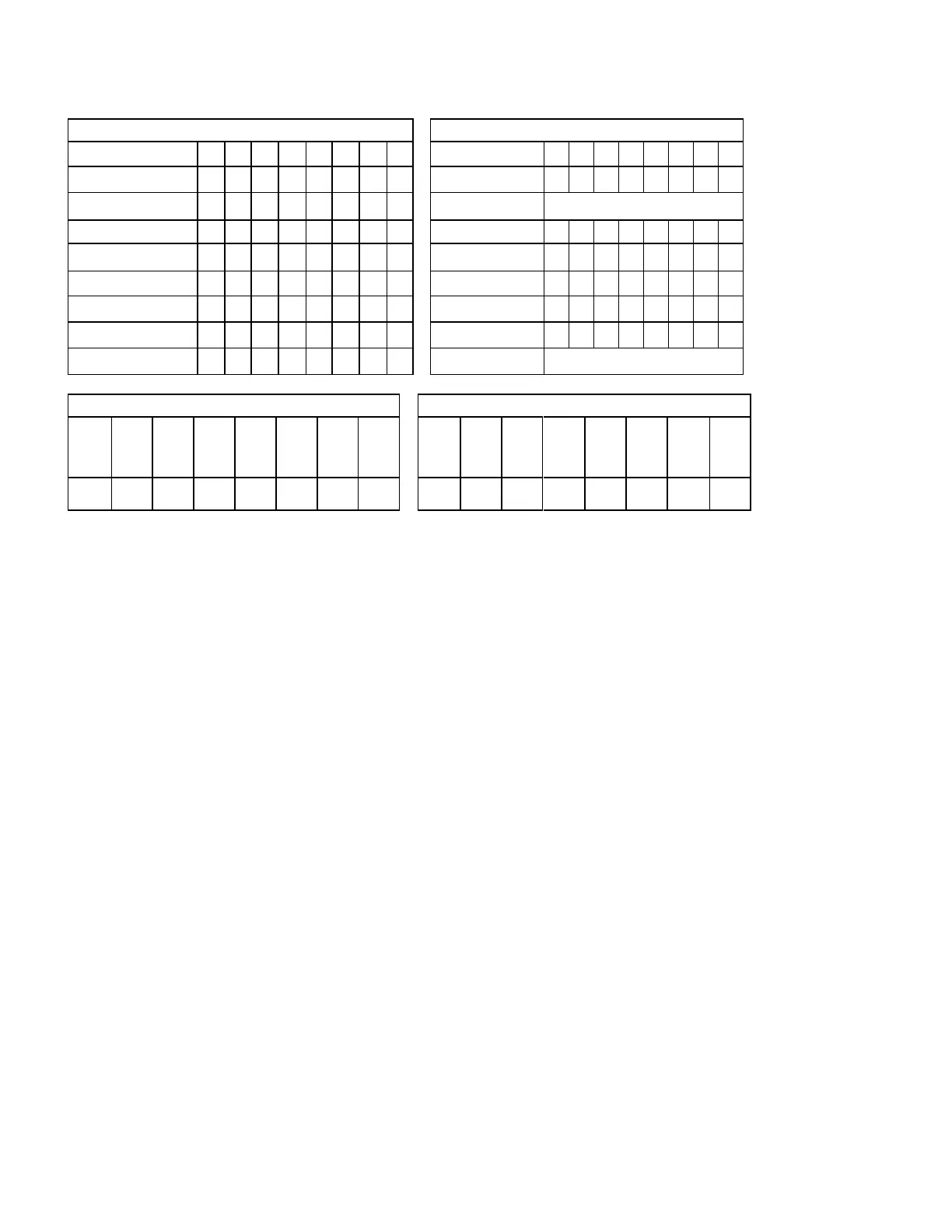
Command Block Output Registers
Command Block Input Registers
Table 215 Set Power Condition Timer subcommand
On successful completion of this EPC subcommand, the device updates the Power Conditions log for the selected
and supported Power Condition as follows:
1) copy the Timer field to the Current Timer Settings field;
2) if Enable is set to one and the Timer field is non-zero, then enable the Current Timer;
3) if Enable is set to one and the Timer field is zero, then disable the Current Timer;
4) if Enable is cleared to zero, then disable the Current Timer; and
5) if Save is set to one and the Power Condition settings are savable, then:
A) copy the Current Timer Settings field to the Saved Timer Settings field; and
B) copy the Current Timer Enabled field to the Saved Timer Enabled field.













 To Next Page