49
Western Digital Hard Disk Drive OEM Specification
9.6.4 Operation Example
9.6.4.1 Master Password Setting
The system manufacturer/dealer can set a new Master Password from default Master Password using the 2 Set
Password command, without enabling the Device Lock Function.
The Master Password Revision Code is set to FFFEh as shipping default by the HDD manufacturer
9.6.4.2 User Password Setting
When a User Password is set, the device will automatically enter lock mode the next time the device is powered on.
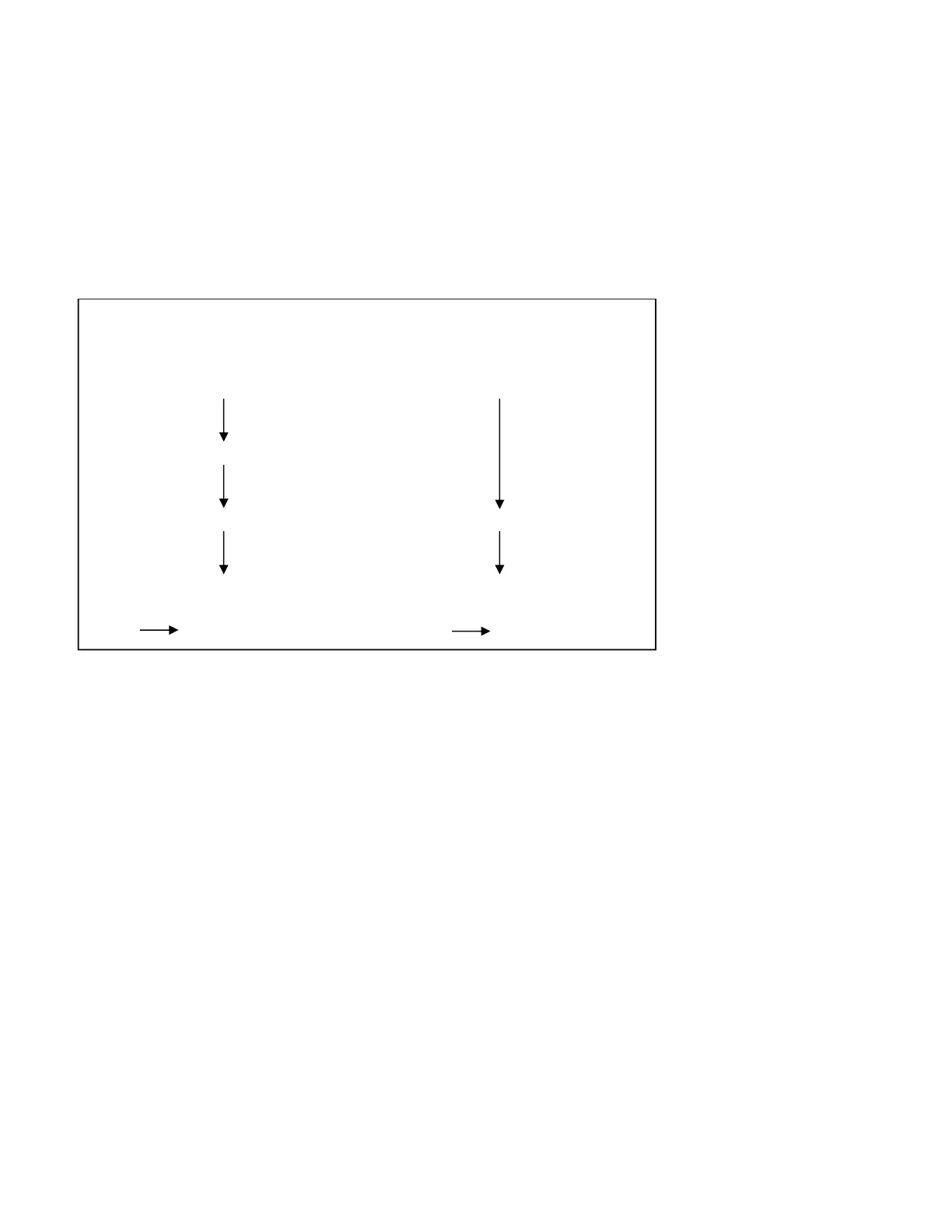
Figure 11 Initial Setting
(ref.)
< Setting Password > < No Setting Password >
POR POR
Set Password with User Password
Normal Operation Normal Operation
Power off Power off
POR Device locked mode POR Device locked mode













 To Next Page