52
General Preparation and Advice
before Use
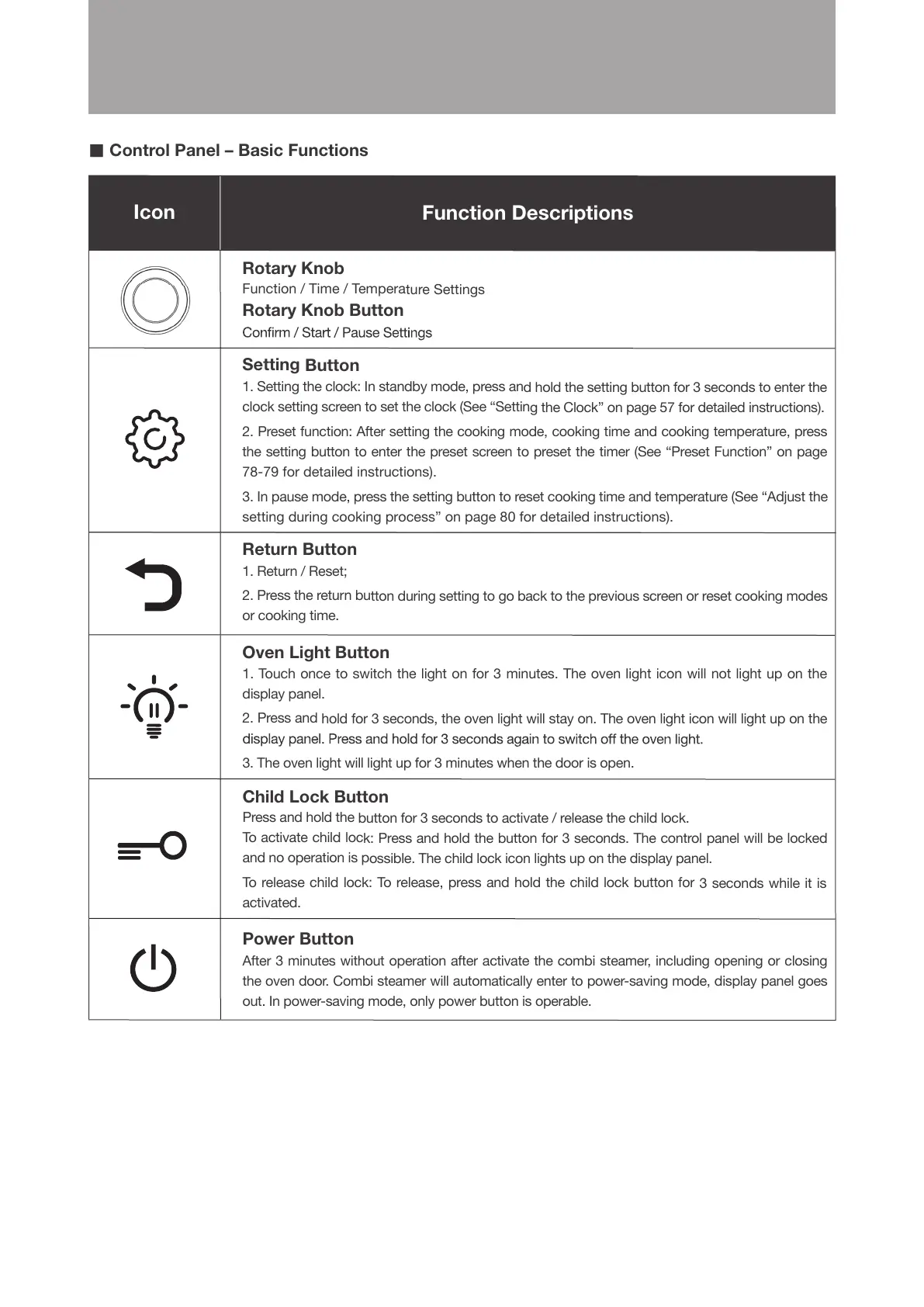
Icon Function Descriptions
Rotary Knob
Function / Time / Temperature Settings
Rotary Knob Button
Setting Button
1. Setting the clock: In standby mode, press and hold the setting button for 3 seconds to enter the
clock setting screen to set the clock (See “Setting the Clock” on page 57 for detailed instructions).
2. Preset function: After setting the cooking mode, cooking time and cooking temperature, press
the setting button to enter the preset screen to preset the timer (See “Preset Function” on page
78-79 for detailed instructions).
3. In pause mode, press the setting button to reset cooking time and temperature (See “Adjust the
setting during cooking process” on page 80 for detailed instructions).
Return Button
1. Return / Reset;
2. Press the return button during setting to go back to the previous screen or reset cooking modes
or cooking time.
Oven Light Button
1. Touch once to switch the light on for 3 minutes. The oven light icon will not light up on the
display panel.
2. Press and hold for 3 seconds, the oven light will stay on. The oven light icon will light up on the
3. The oven light will light up for 3 minutes when the door is open.
Child Lock Button
Press and hold the button for 3 seconds to activate / release the child lock.
To activate child lock: Press and hold the button for 3 seconds. The control panel will be locked
and no operation is possible. The child lock icon lights up on the display panel.
To release child lock: To release, press and hold the child lock button for 3 seconds while it is
activated.
Power Button
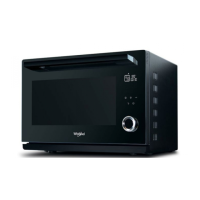
After 3 minutes without operation after activate the combi steamer, including opening or closing
the oven door. Combi steamer will automatically enter to power-saving mode, display panel goes
out. In power-saving mode, only power button is operable.
■
Control Panel – Basic Functions





 To Next Page