71
Operation Instructions
■
Preheat - Steam Mode
The Preheat Mode can be operated with steam mode. The oven
will be heated to preset temperature.
Temperature
Default Setting
Setting Range -
Steps:
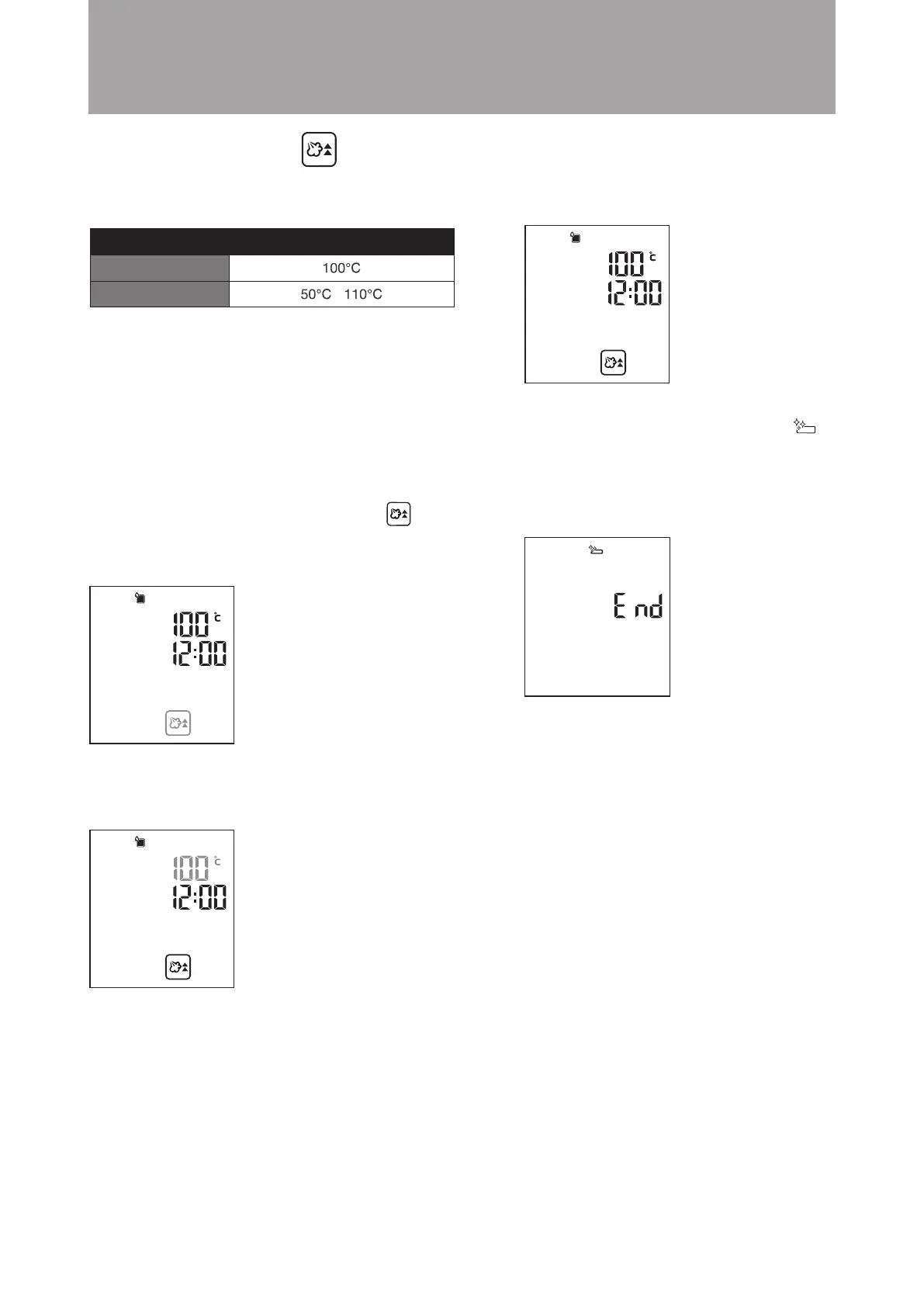
1. In standby mode, turn the knob clockwise to Steam
Preheating Mode. The icon will flash. Steam is the default
setting. Press the knob to confirm (as shown in the diagram
below).
Oven will automatically adjust the cooking time according to
set temperature. “END” will be displayed and an audio tone
will be heard when the temperature reaches the preset
temperature. Current time is displayed during preheating.
Always ensure that the water tanks is filled before using steam
preheating.
Example: Set the steam preheating temperature to 100°C.
2. The display will jump to temperature setting automatically.
Press the knob to confirm the default temperature 100°C
(as shown in the diagram below).
3. Setting is complete. The combi steamer will start
preheating (as shown in diagram below).
When preheating is complete, the display will show
“END” and an audio tone will be heard. The “Drip
Tray Cleaning Reminder” icon (customer has to clear
up the water in the drip tray if any) will flash (as shown in
the diagram below). After preheating the combi steamer,
you can select other cooking modes to continue your
cooking as required.
Important: The function of “Increase the Cooking
Time after Cooking is Completed” is not available
in this mode.





 To Next Page