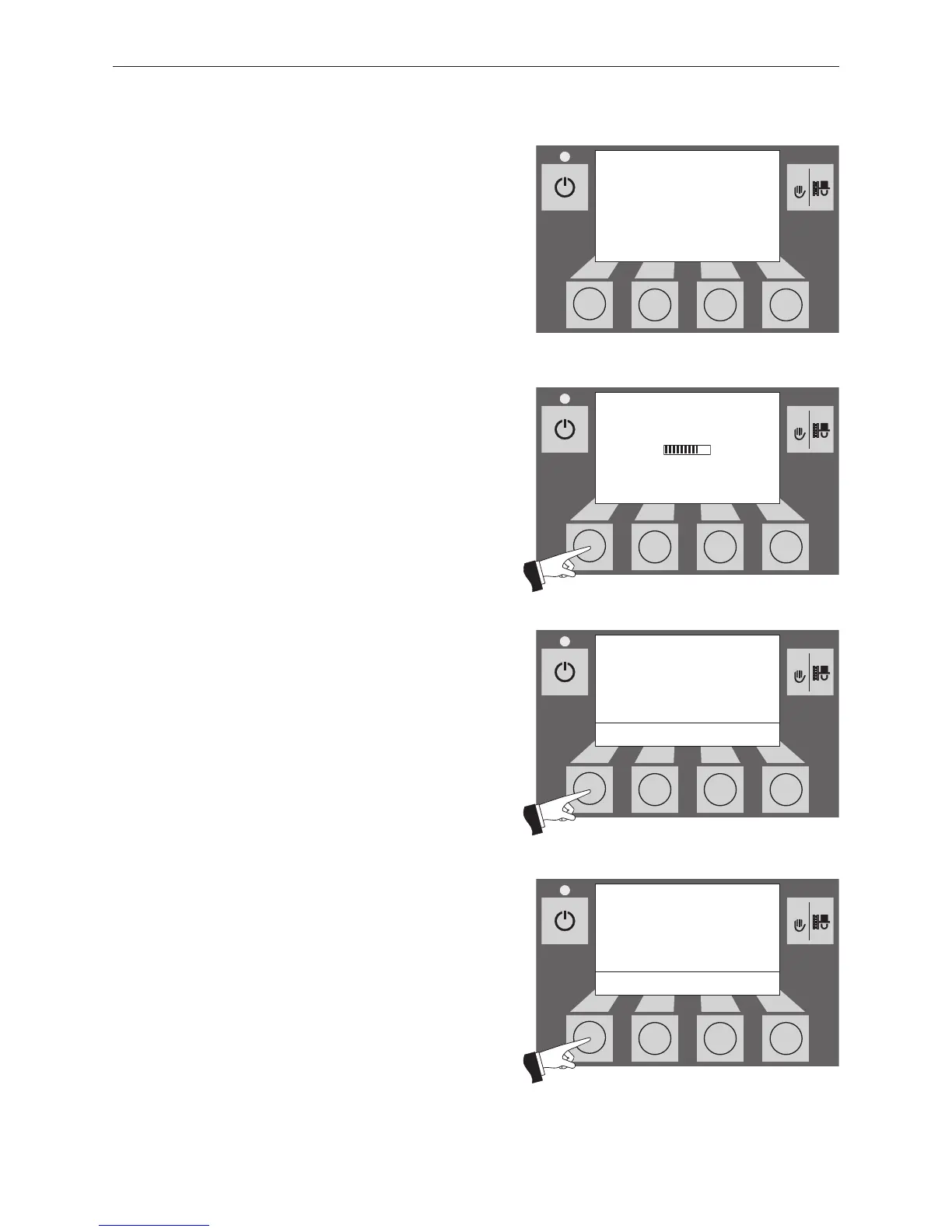
Fig. 17 Display lighting ON
Boiler temperature
(Operating phases)
Display lighting ON
42
°C
(Animated symbol)
2.5 Operating modes
2.5.1 OFF mode
The boiler is switched off when in OFF mode. The display
and all buttons, with the exception of the ON/OFF button,
do not function. The LED on the InfoWIN is not illuminated
– Fig.14.
2.5.2 ON mode, lighting ON,
self-test, lighting OFF
Press the ON/OFF button, lighting and display are switched
on and the self-test starts automatically – Fig.15.
Self-test:
Sensors, switches and motors are checked during the self-
test.
After a successful self-test, the display shows an operating
phase and the boiler water temperature (standard display).
The LED signal lamp lights green and the desired functions
can be selected using the buttons – Fig. 16.
If the self-test was unsuccessful, an information message
(e.g. information, fault, alarm) is displayed (see section4).
Lighting ON/OFF
The display lighting switches off automatically after 10 min.
(Fig. 17). Pressing one of the six buttons switches the ligh-
ting on again for 10 min.
InfoWIN identifies and stores the various operating modes
and states. Once the system is switched on, other operating
modes may also be displayed instead of the standard dis-
play, such as manual operation or solid fuel/buffer mode;
malfunctions are also displayed. These operating modes
and states are described later in these instructions.



 To Next Page