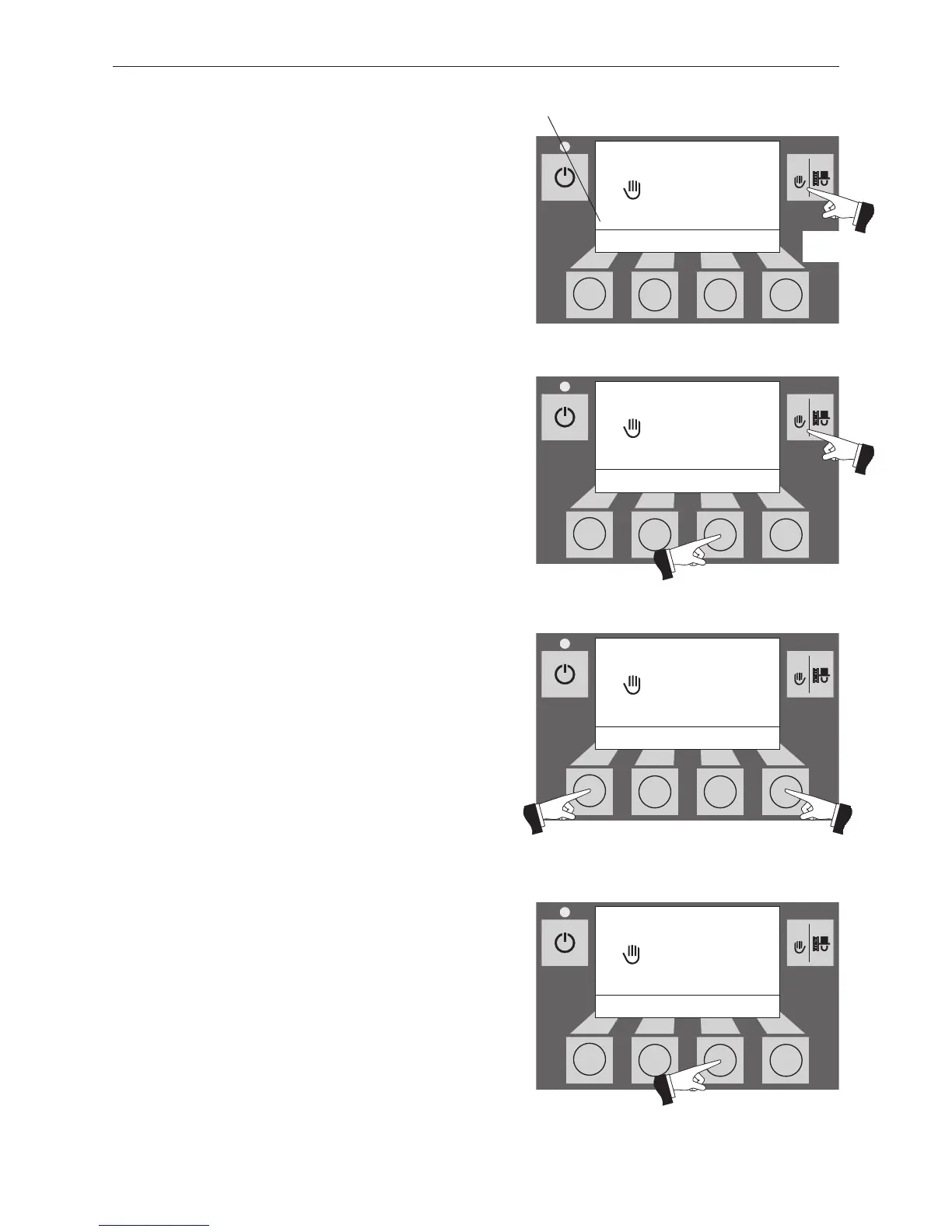
Fig. 25
Manual operation
Boiler temperature
– Back +
70
°C
(Symbol flashes)
The various operating phases are displayed here, inclu- 5
seconds ding Burner in operation, Burner OFF, etc.
2.5.5 Manual operation
Note!
Manual operation cannot be started in “solid fuel/buffer
mode”. Manual operation must not be started if an installed
solid fuel boiler is operating (heated up). Manual operation
may be started if there is no solid fuel boiler installed or if this
is not operating but only the accumulator tank is active. In this
case, first set the operating mode switch on the WVF to relay
test 2 or on the B-PLM to relay test 1 (see WVF or B-PLM ope-
rating manual).
Pressing one of the six buttons switches the lighting and
display on. Manual operation starts if the Manual operati-
on / chimney sweeper function button is pressed for more
than five seconds – Fig. 22. This sets the boiler tempera-
ture to the setpoint fixed for manual operation (standard
value 60 °C). The current automatic setting is not affected
by this. The lighting is switched off after the lighting timer
has counted down (10 min.); the function or display remains
unchanged.
Pressing the Cancel button or Manual operation / chimney
sweeper function button terminates the function – Fig. 23.
The boiler returns to automatic operation.
Setpoint adjustment for manual operation
By pressing the + or – button the display switches to the
setpoint adjustment mode – Fig. 24. Using the + or – button
can change the setpoint in 1 K steps. The temperature set
in this mode is not permanently saved. The original set tem-
perature is used once manual operation ends.
After pushing the Back button (Fig. 25) or after waiting 45
seconds, the screen returns to its previous display.



 To Next Page