53
3. Care, cleaning and maintenance
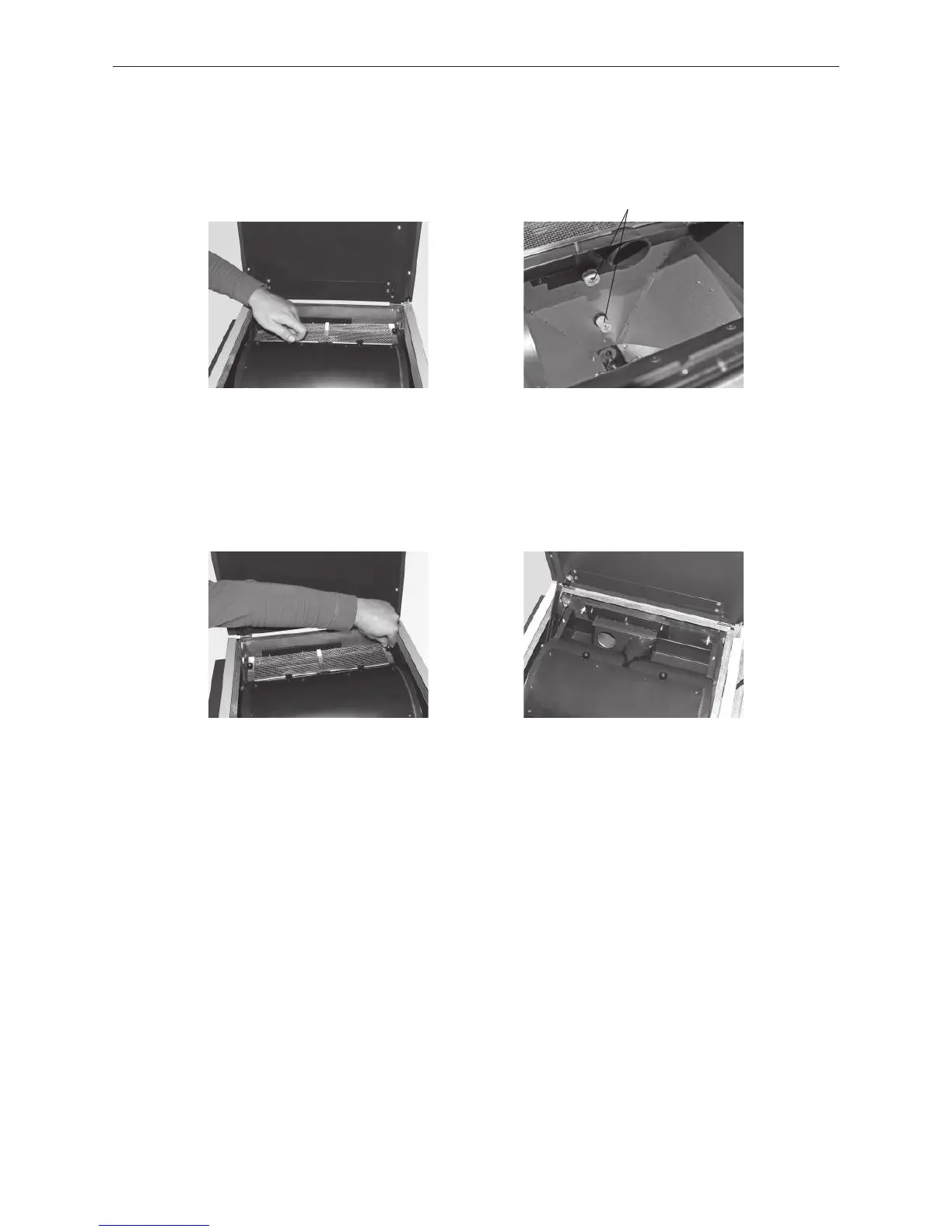
– Remove both knurled screws (Fig. 143) and fold open the inspection cover.
– Remove dust (bridge formation) from the container and from both Fill level switch (proximity switch) using a
vacuum cleaner – Fig. 144.
– Close the inspection cover again and screw it on with knurled screws.
Fig. 143 Removing the knurled screws Fig. 144 Folding open the inspection cover,
removing dust
– Remove both knurled screws at the back from the coarse filter (Fig. 145) and remove the coarse filter (Fig. 146).
– Remove pellets and dust using a vacuum cleaner.
– Put the coarse filter back on and screw it on with knurled screws.
Fig. 145 Removing the knurled screws Fig. 146 Removing the coarse filter,
removing pellets and dust
Assembly:
By working through these steps in reverse order.
Fill level switch (proximity switch)



 To Next Page