Rugged Windows Tablet M101B/ M101BL User Guide
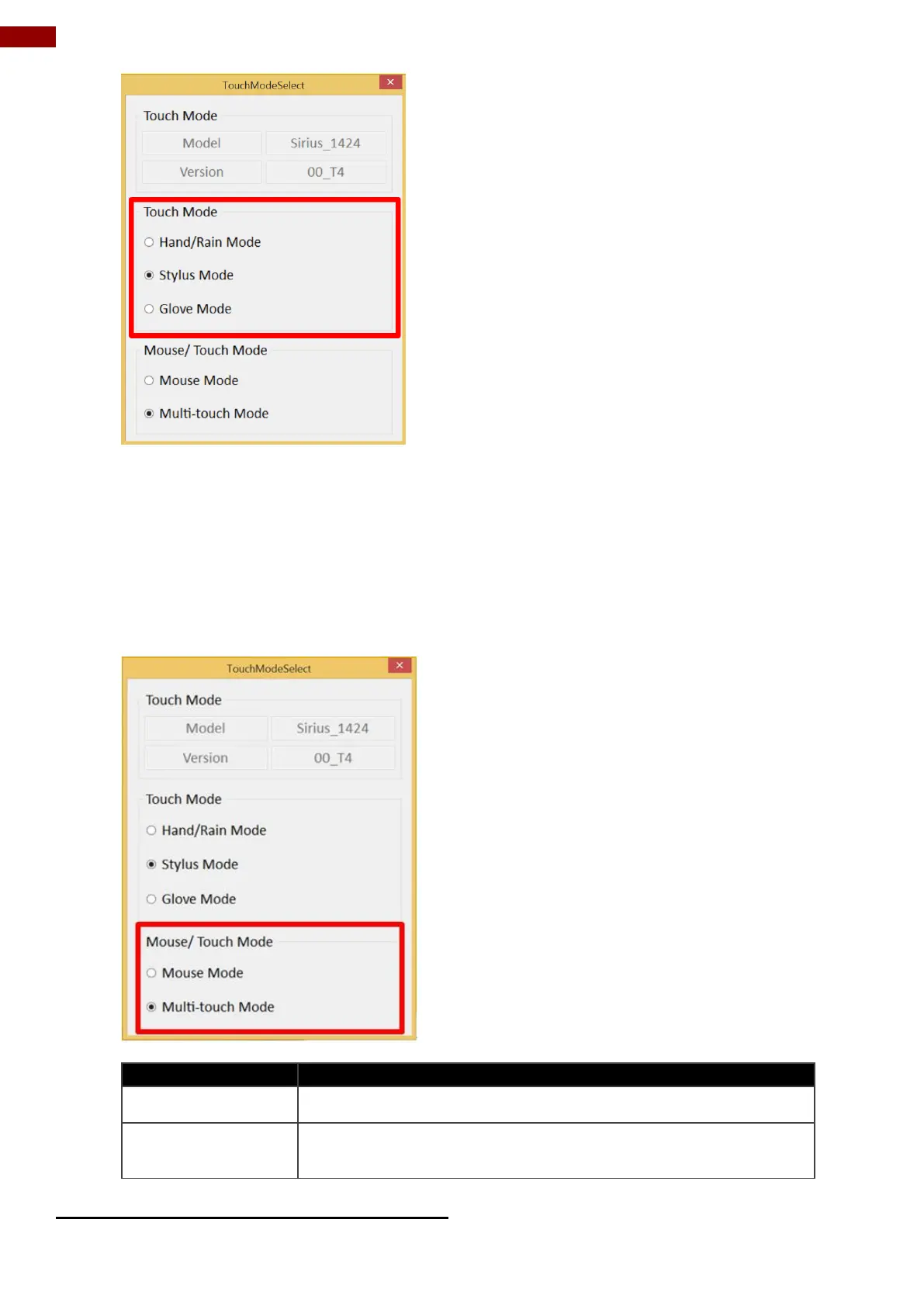
5. Now the touchscreen mode would behave as configured.
Here’s also additional Touch related setting to switch the touchscreen input between
mouse mode with cursor, or with multi-touch mode:
Single touch point supported, with mouse cursor shown
The default setting of the touch screen supports multi-touch
mode (up to 10 points)
Switch via Programmable Function Buttons:



 To Next Page