Chapter 5: Frequently Used Settings
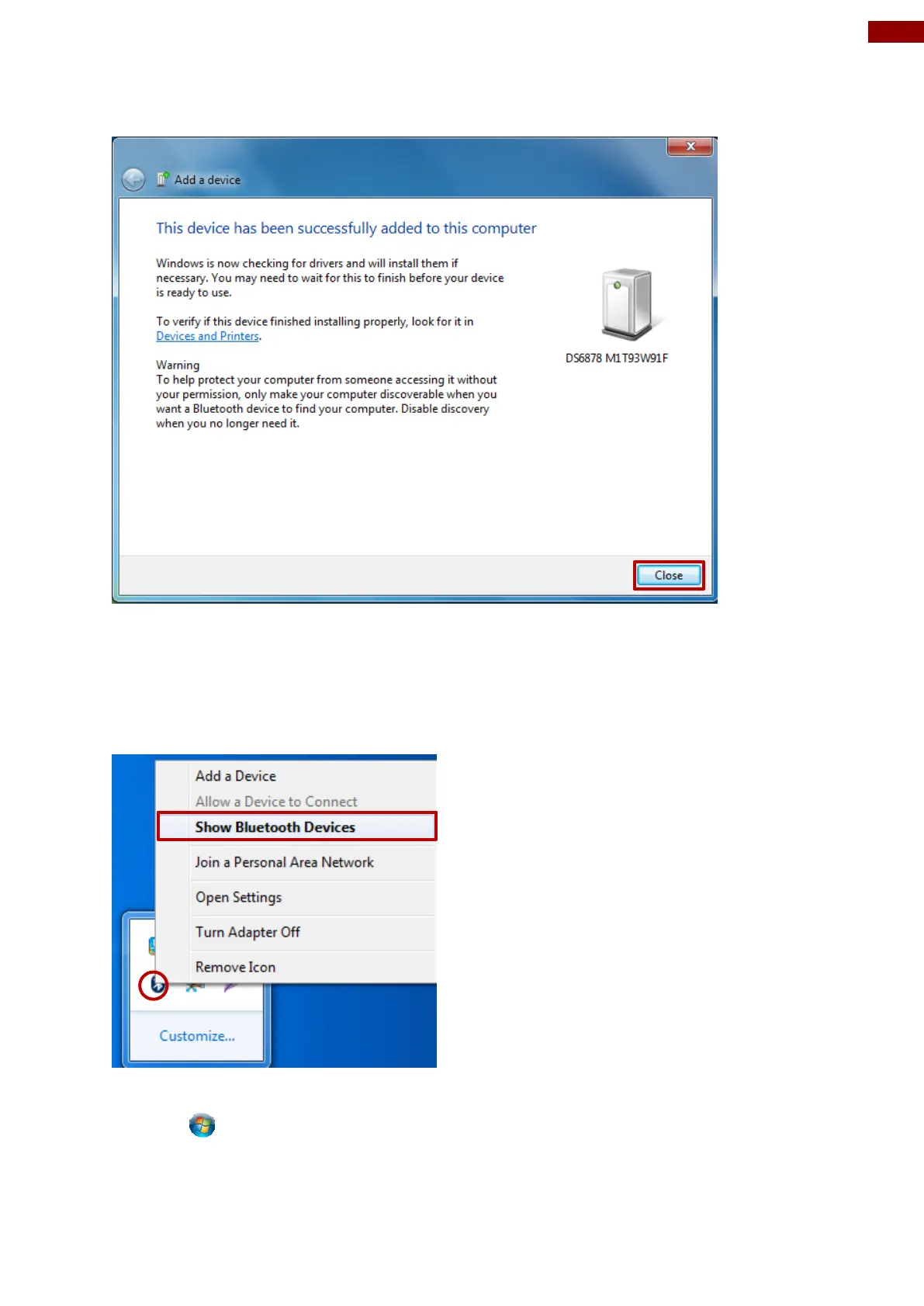
4. The Barcode Scanner has successfully been added to this computer. Click Close to exit
“Add a device” menu.
In order to ensure that Bluetooth Device is successfully pared to the Computer, follow the
steps below:
5. Locate the Bluetooth icon in the Notification Area. Select Show Bluetooth Devices.
You can access this menu in the Control Panel:
Windows Control Panel Devices and Printers Bluetooth Devices



 To Next Page