Tempro basic C 90 & Tempro primus C 90
Page 25
BASIC & PRIMUS C90 V 3.0 english / 10.04.2012
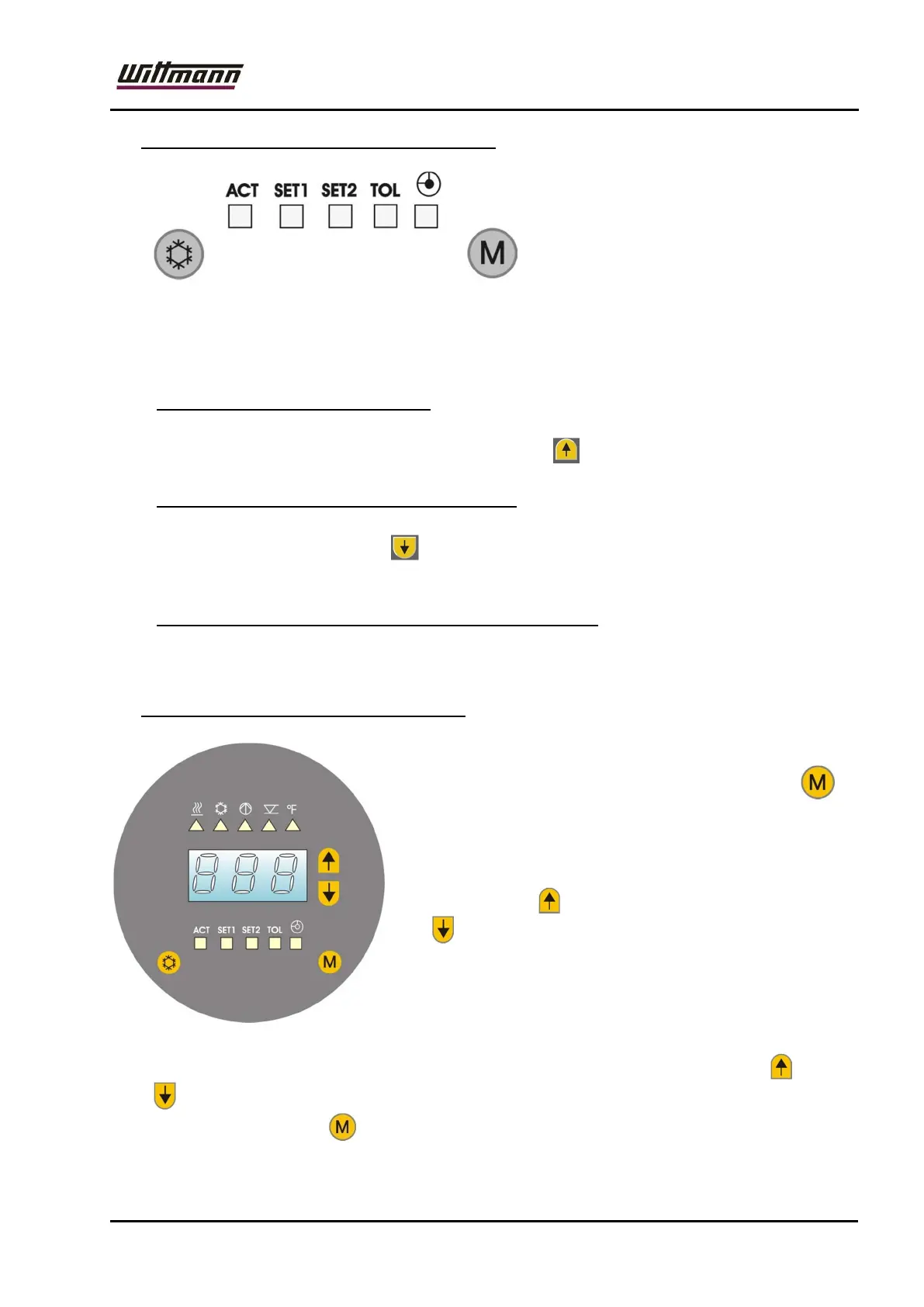
7.3 Display of actual value and status (ACT)
As long as no entries are performed
the LED "ACT" (Actual) is
illuminated and the current actual
value is displayed.
The status LED's signal the current
operating status of the stabilizer and indicate errors in the form of flashing LED's.
If no entries are performed for approx. 25 sec., the display will shift automatically
to this display of actual value and status.
All of the following descriptions use this display condition as a starting point.
7.3.1 Display of internal temperature
If the unit is equipped with an optional external sensor, the temperature of the
internal sensor can be called up by pressing the button.
7.3.2 Display of heating / cooling performance
During standard operation, the current heating or cooling performance (in %) can
be called up by pressing the button. In addition, the LED for heating or cooling
is on.
7.3.3 Display of version number (only at ACT – Display)
Upon simultaneous actuation of both cursor keys, the version number of controller
and operating software will be displayed.
7.4 Adjustment of set point value (SET1)
Enter the input modus for the setpoint value 1 to be
used in controlling operation by pressing the key
once.
The LED "SET1" will be illuminated and the most
recently adjusted setpoint value will be displayed.
This setpoint value may be changed upwards by
pressing the key or downwards by pressing the
key .
The adjustment range is 10° - 90°C. [50 – 200°F].
Upon short actuation of the keys, the setpoint value
will be changed by 1°C, when keeping them pressed,
the value will be increased in cycles (5x slowly, then
rapidly).
For quick adjustment of the temperature, simultaneously press the buttons and
. (°C: 20à60à90à20... [°F: 70à140à200à70...] ).
By pressing the key the selected value will be stored.



 To Next Page