Tempro basic C 90 & Tempro primus C 90
Page 29
BASIC & PRIMUS C90 V 3.0 english / 10.04.2012
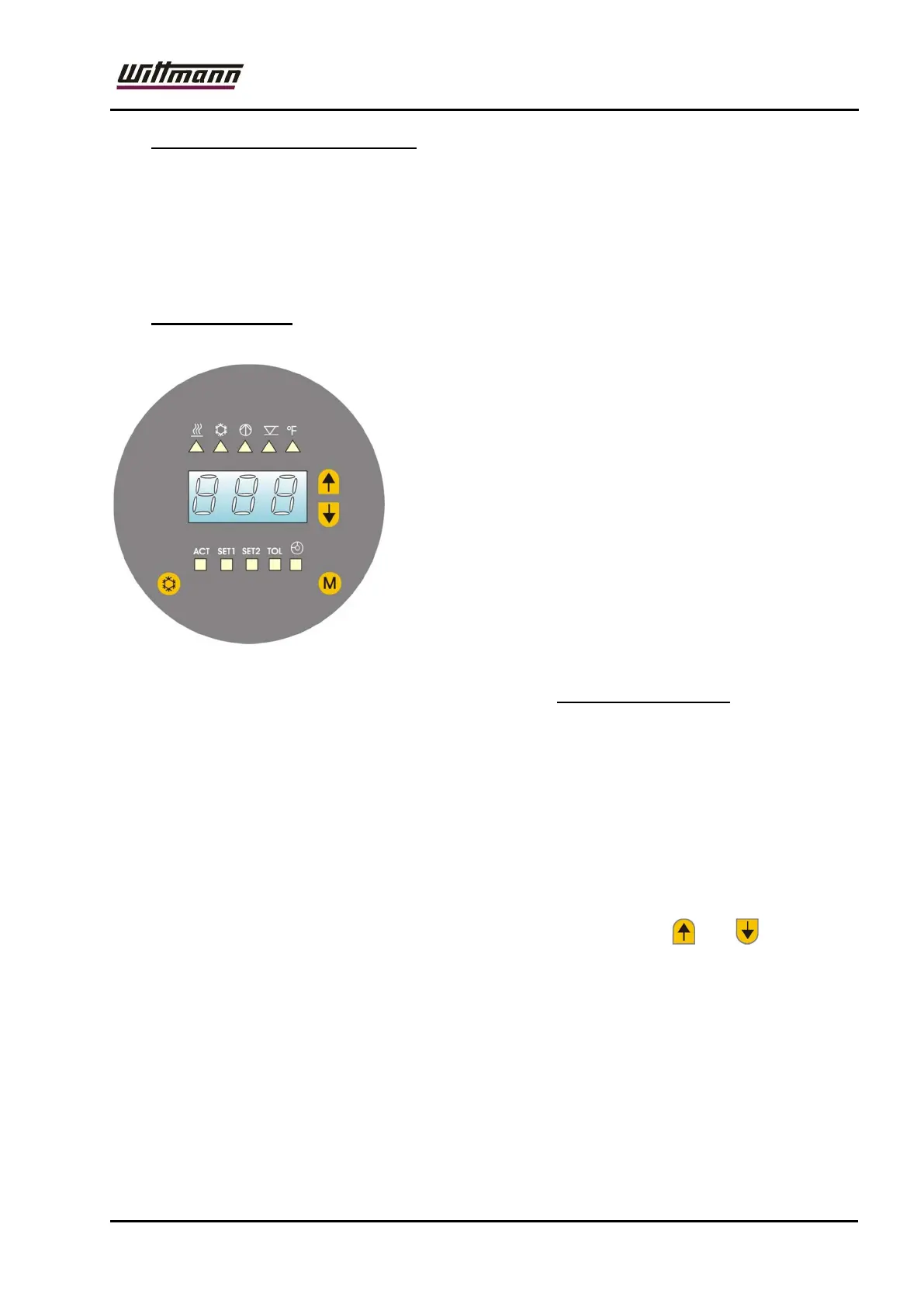
7.11 Cooling down function button
Press this button to cool down to the set value (SET2).
While the cooling-down function is active the LED for set value 2 (SET2) flashes.
Once the set value 2 has been reached the pump runs and the temperature is no
longer controlled.
If the cooling-down function button is pressed once more the set value 2 LED
stops flashing and the temperature is again controlled to set value 1 (SET1)..
7.12 Error messages
If the system detects an error at a peripheral
component, an error message (Exx) is displayed
and the respective LED flashes.
Possible error outputs and their meaning:
E 01 Safety temperature limiter has tripped
E 02 Motor protection relay has tripped
E 03 Filling time exceeded
E 11 Sensor breakage (internal sensor)
E 12 Sensor breakage („external sensor“ –
Option)
(not available for Primus C 90)
In the event of error messages the horn sounds (Tempro Basic C 90: and the
alarm contact switch is switched).
These are acknowledged by pressing any key, the error message on the display
stays on.
Only with option "Flow indication" (not in Primus C90):
Messages:
H 13 Pressure sensor defective
H 76 Service reminder
To acknowledge a message, simultaneously press the buttons and .



 To Next Page