Tempro basic C 90 & Tempro primus C 90
Page 26
BASIC & PRIMUS C90 V 3.0 english / 10.04.2012
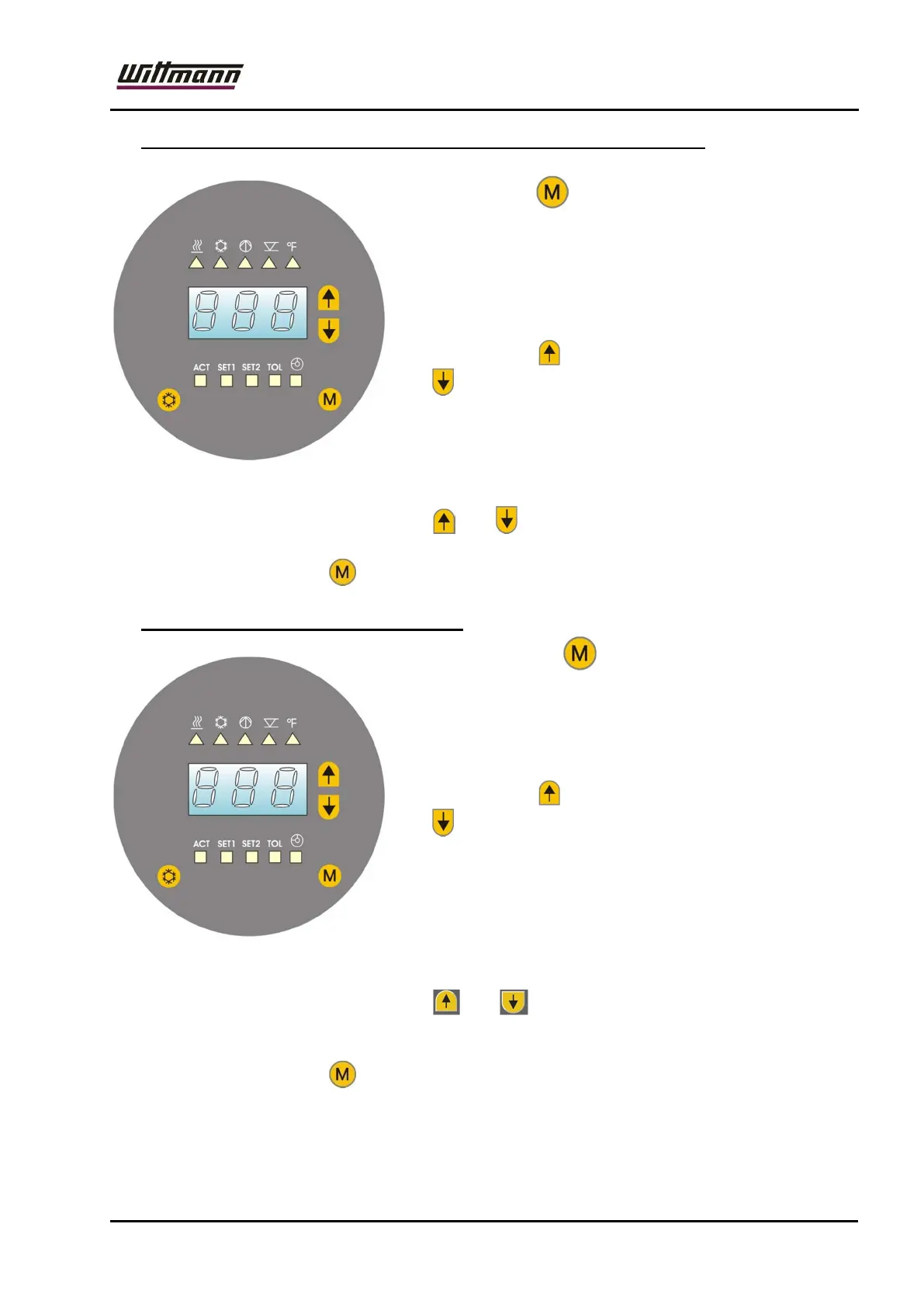
7.5 Adjustment of set point value for cooling down function (SET2)
Press the button twice to get to the input mode
for the cooling-down function set value 2.
The LED "SET2" is illuminated and the set value set
last is displayed.
This setpoint value may be changed upwards by
pressing the key or downwards by pressing the
key .
The adjustment range is 10° - 90°C. [50 – 200°F].
Upon short actuation of the keys, the setpoint value
will be changed by 1°C, when keeping them pressed, the value will be increased in
cycles (5x slowly, then rapidly).
Simultaneously press the buttons and to set the nominal value to the default
value of 40°C [100°F].
By pressing the key the selected value will be stored.
7.6 Adjustment of tolerance limits (TOL)
By pressing the key 3x you enter the input
mode for the tolerance limits.
The LED „TOL“ will be illuminated and the most
recently adjusted tolerance value will be displayed.
This tolerance value may be changed upwards by
pressing the key or downwards by pressing the
key .
The adjustment range is 1° - 90°C.
[2 – 200°F].
Upon short actuation of the keys, the tolerance
value will be changed by 1°C, when keeping them pressed, the value will be
increased in cycles (5x slowly, then rapidly).
Simultaneously press the buttons and to set the nominal value to the
default value of 10°C [20°F].
By pressing the key the selected value will be stored.
The tolerance monitoring is activated once the tolerance window has been
reached for the first time or upon expiry of time t1 (can be set in the configuration
menu).



 To Next Page