9
Start-up
Insert the WMF water fi lter
The optional WMF water fi lter ensures the best coffee quality and protects the coffee machine from
calcium deposits.
For water hardness 0-4, do not use a water fi lter.
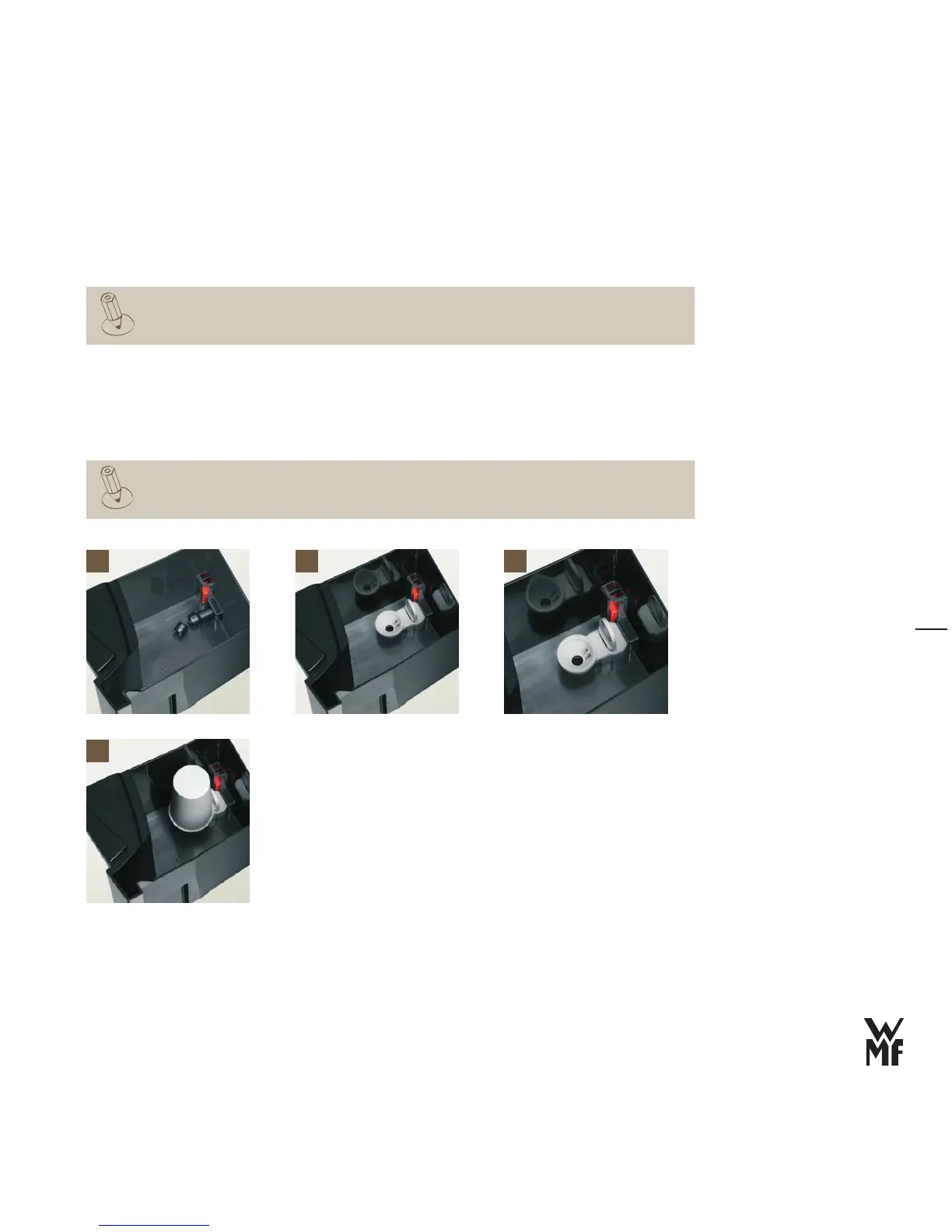
Remove the built-in fi lter from the front of the water tank
> [1]
Pull up the latch on the cartridge adapter
> [2]
Place the cartridge adapter on the water spout supports from above
> [3]
Push down the latch on the cartridge adapter
> [3]
Unpack the water fi lter cartridge and place it on the cartridge adapter
> [4]
The sieve and water fi lter sit very securely.
1 2 3
4



 To Next Page