31
Settings
grinding too coarse
Signs: The coffee fl ows too fast, the crème is too light and has too little body, the aroma is fl at.
Turn the multitool one rotation clockwise to set the grinding degree fi ner
>
Test the new grinding degree setting
Place an appropriate drinking vessel under the All-in-One spout
>
Press the P button briefl y >
Two new brewing tests automatically start, one after the other
The brewing pressure is shown in the form of a bar diagram during the brewing test.
Low brewing pressure •
ª
coarse grinding degree
ª
milder aroma
High brewing pressure •
ª
fi ne grinding degree
ª
stronger aroma
After a few seconds, the grinding degree setting is shown in the display:
Press off/c to end grinding degree setting
>
Grinding degree too fi ne?
Signs: The dispensing stream is interrupted, and/or fl ow fault.–> the ground coffee is stopping up the
brewing sieve.
Turn the multitool one rotation anticlockwise to set the grinding degree coarser
>
Test the new grinding degree setting (see above) >
Press off/c to end grinding degree setting >
Set the grinding degree
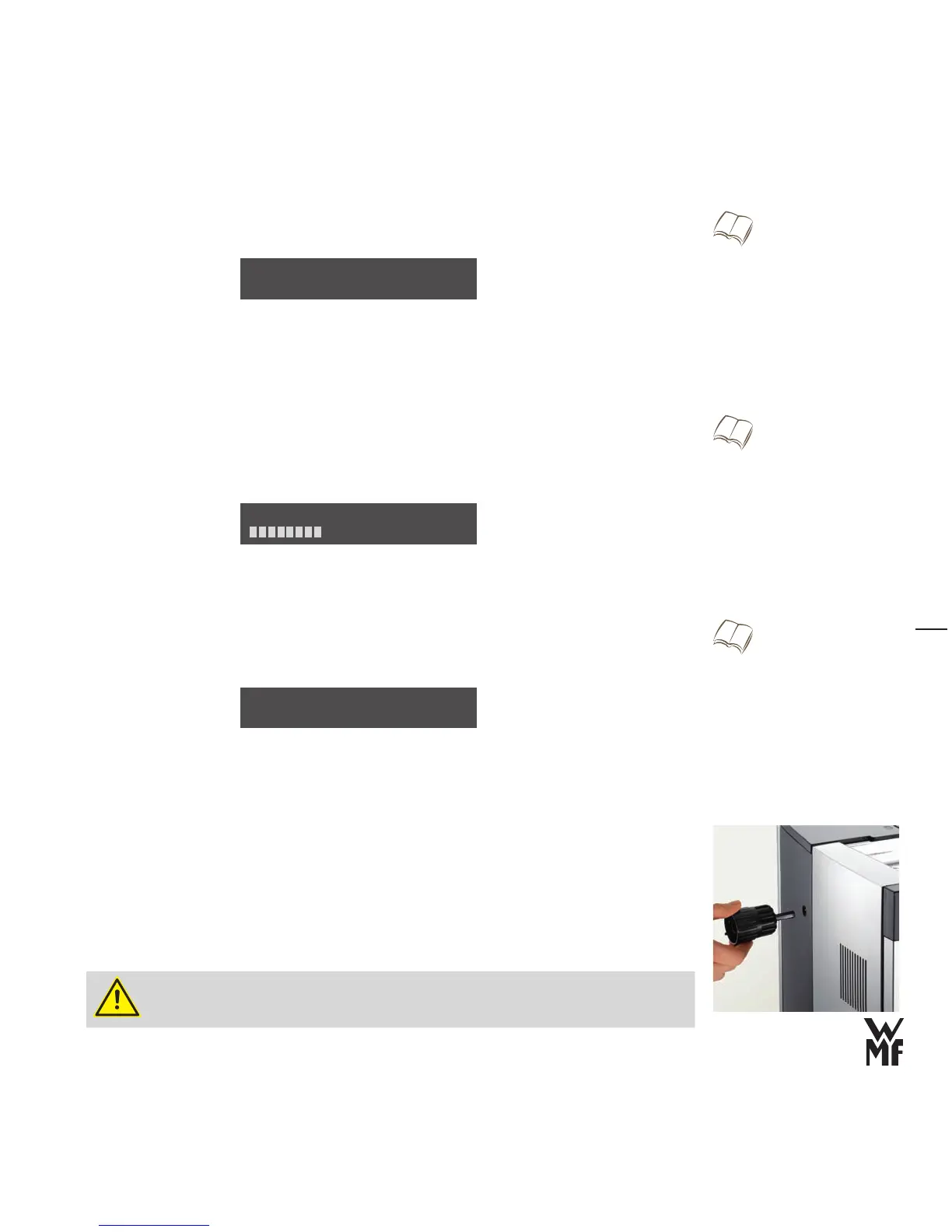
Use the multitool supplied in the accessories box.
Place the multitool into the grinding degree adjustment on the left side of the coffee machine
>
Adjust the grinding degree by one rotation >
Grinding should be fi ner: turn clockwise •
Grinding should be coarser: turn anticlockwise •
Never adjust more than one rotation fi ner at a time. •
Do not overwind the stop with force. •
w Set grinding degree
Page 31
grinding too coarse
Test: P end: C
Display brewing pressure bar diagram
Page 30
min. press. max.
w Set grinding degree
Page 31
Set coffee strength
w Settings w Beverage settings
Page 27
grinding too fi ne?
Test: P end: C



 To Next Page