26
Settings
Settings
The Cup size setting allows you to select the cup volume for your coffee specialties, just as simply as
with WMF professional machines. When you do this, the coffee machine adjusts the recipe quantities to
the new cup volume, so that you still receive the same coffee taste. You can of course use the Beverage
settings to vary the recipe individually.
The Basic settings are the settings for the operation and display of the coffee machine.
The Counters give you information about the number of beverages that have been prepared.
Cup size (Cup volumes)
The WMF 1000 allows you to make easy individual adjustments to the cup volume to suit the cup sizes.
The essential point is that: the recipe remains unchanged.
> Press the P button for > 2 seconds
Use the
>
+
button to browse to Display
Select the cup size with the P button
>
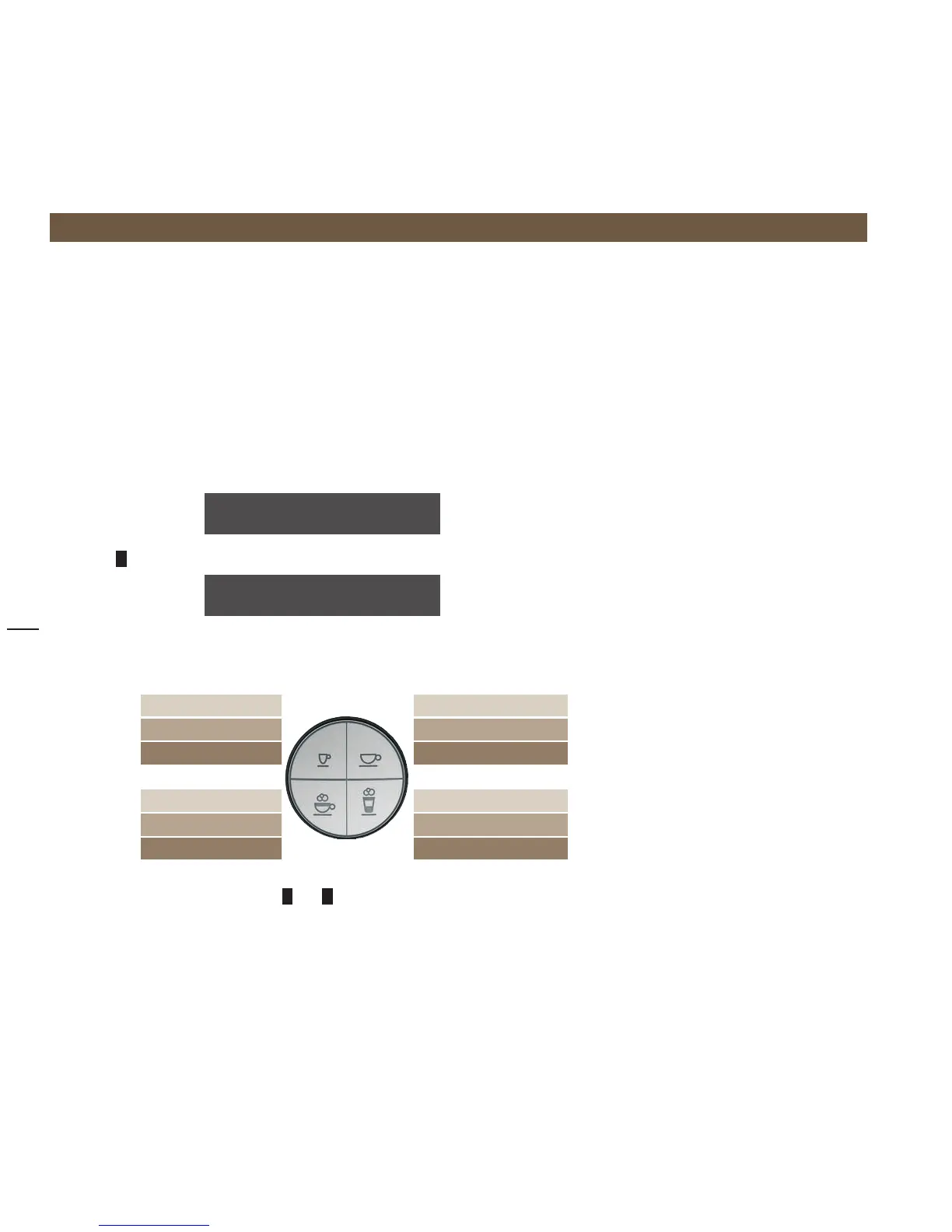
Select the beverage for which the cup volume should be adjusted to the cup size >
1x briefl y 1 x espresso 1x café crème 1x briefl y
2x briefl y 2x espresso 2x café crème 2x briefl y
1x long 1x ristretto 1x mug café crème 1x long
1x briefl y 1x cappuccino 1x latte macchiato 1x briefl y
2x briefl y 2x cappuccino no setting
1x long 1x milk coffee 1x espresso macchiato 1x long
Set the desired cup volume with the
>
–
and
+
buttons
The cup volume is displayed in %. 100 % corresponds to the beverage setting.
All beverage volumes are matched to the
WMF Coffee Lounge cups.
select program
browse: -/+
cup size
OK: P browse: -/+



 To Next Page