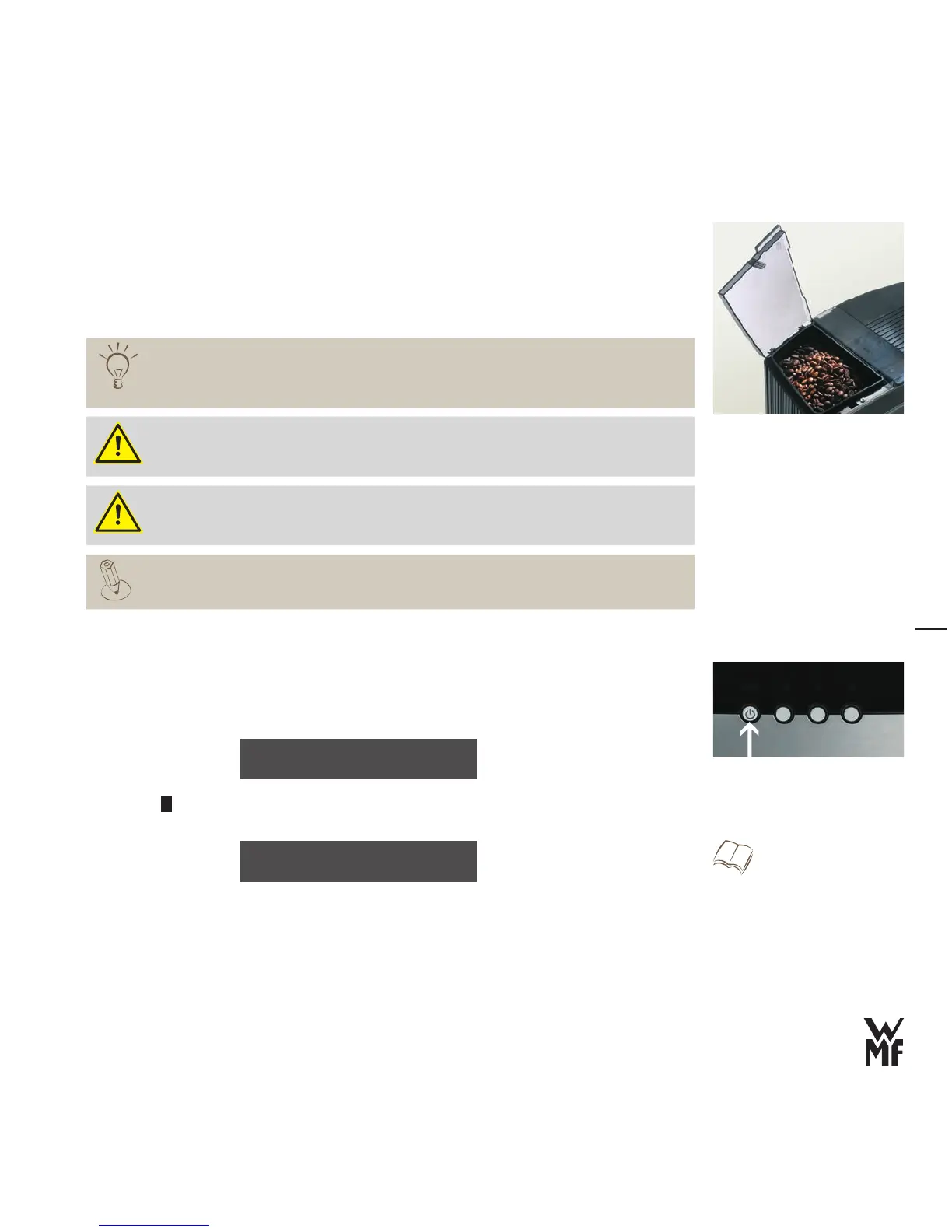
Fill the coffee bean hopper
> Lift the lid by the back side and remove it
Fill with coffee beans (up to 320 g)
>
Replace the lid >
Once roasted coffee beans have been unpacked, they lose their aromatic components
within days.
Therefore only pour as many beans into the coffee bean hopper as you expect to use in the
next few days; frequent topping off is better.
Ensure that no foreign bodies land in the coffee bean hopper.
Such foreign bodies can damage the grinders of the coffee mill. This damage is not covered
under the warranty.
Do not reach into the bean opening of the mill.
Each coffee machine is thoroughly tested before shipment. Therefore, coffee grounds
residue may remain in the grinder. Your coffee machine is not used.
Start-up
> Press the off/c button
The start-up program begins.
Press the
>
+
button to set the desired language
Confirm with the P button
>
The machine is switched on, the start-up program leads you through the basic settings.
language: english
OK: P change: -/+
The set values can be changed in the
“Basic Settings” program after start-up.
w Settings
Page 26
Initial settings
WMF 1000



 To Next Page