Messages and instructions
Messages and instructions
Operating messages
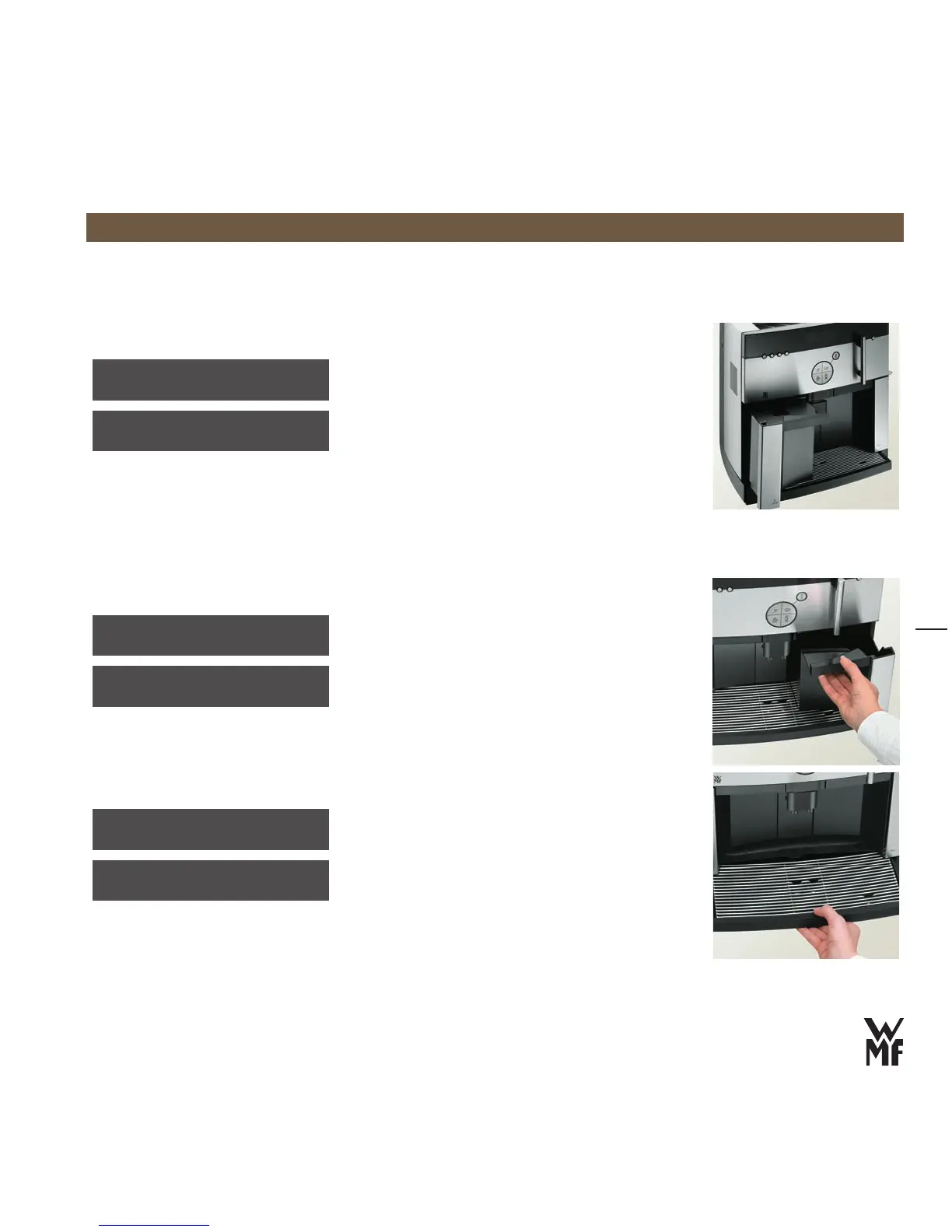
Empty grounds container
empty grounds cont.
The coffee grounds container is full
Remove the coffee grounds container, empty it and
>
rinse it with water
Wipe the coffee grounds container dry
>
Replace the coffee grounds container >
Confirm with the P button >
Always have the coffee machine turned on when
changing the coffee grounds container, so that the
electronic counter registers the fact that it was
emptied.
beverage sel. locked
grounds cont.missing
Refill water tank
refill water tank
The water tank is nearly empty
The water tank will not be completely emptied, in
order to prevent air from entering the coffee system.
Lift the water tank slightly and remove it
>
Empty the remaining water >
Fill the water tank with cold tap water >
Slowly slide the water tank back into the machine >
beverage sel. locked
refill water tank
Empty drip tray and clean it
drip tray cleaning
The drip tray must be emptied and cleaned
Remove and empty the drip tray
>
Clean and dry the drip tray >
Replace the drip tray >
beverage sel. locked
drip tray missing



 To Next Page