Controls / OperationCT Hoods and DD Ventilation
3-2
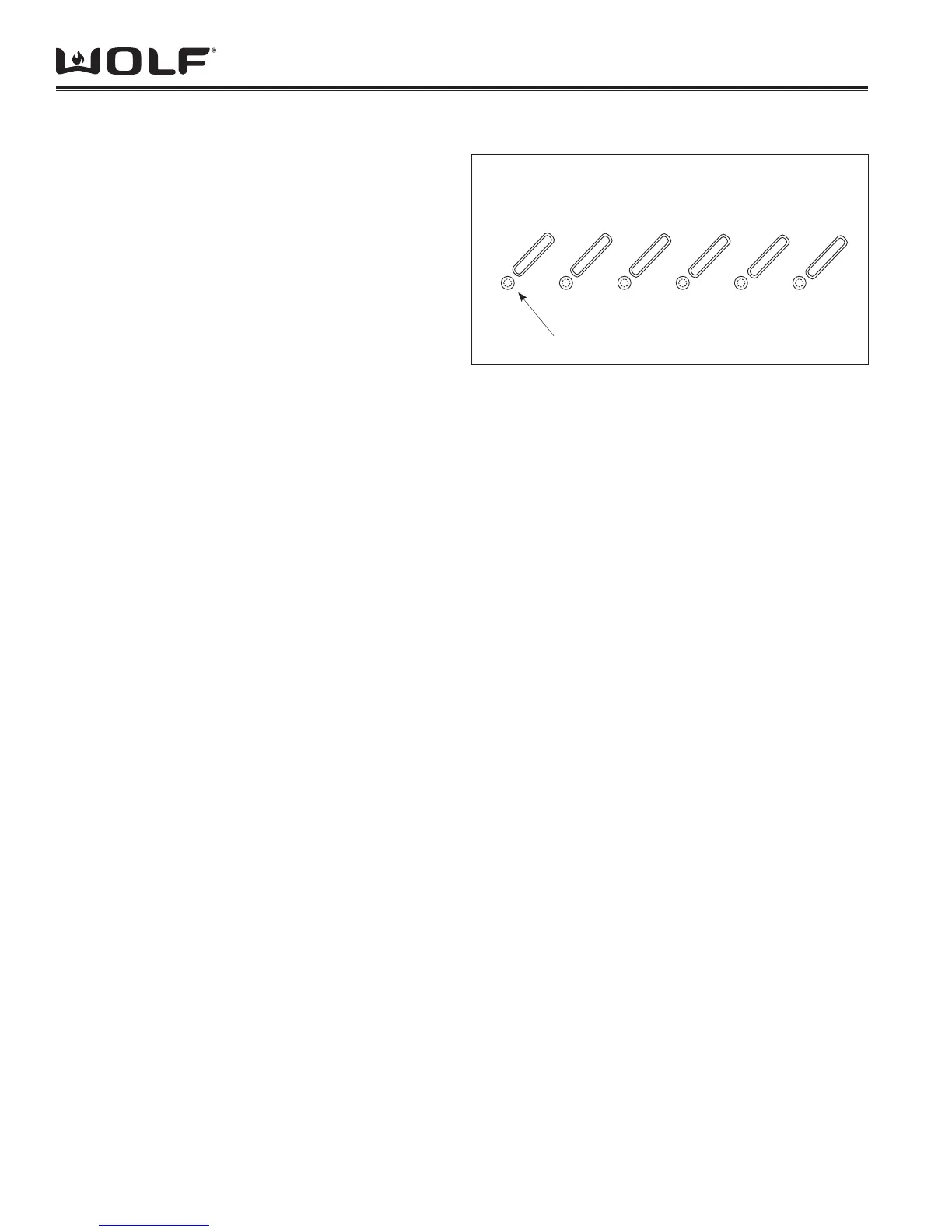
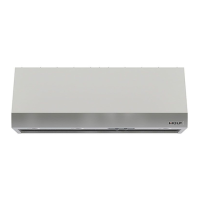
Wolf ventilation hoods utilize a 6 button control panel with
LED indicators, that is mounted along the right front edge
of the unit. (See Figure 1)
The LIGHT button turns the halogen lights on and off,
and allows the user to choose from three lighting levels,
high, medium and low.
The HIGH, MEDIUM and LOW buttons control the op-
erational speed of the remote or internal blower. An LED
indicator below the button indicates the speed of blower
operation.
To turn the blower off, depress the button over the illumi-
nated LED.
The DELAY button activates the delay feature which
allows the blower to continue running at the selected
speed for programmed time period after the button is
depressed.
When in Delay mode both the Delay LED and the corre-
sponding blower speed LED will be illuminated.
If the blower is on high speed when the Delay mode is
activated, the blower will continue to run at high speed
for 5 minutes. The blower will then run at low speed for 5
minutes before turning off.
If the blower is on medium speed when the Delay mode
is activated, the blower will continue to run at medium
speed for 5 minutes. The blower will then run at low
speed for 5 minutes before turning off.
If the blower is on low speed when the Delay mode is
activated, the blower will continue to run at low speed for
5 minutes and then turn off.
If the DELAY button is depressed when the blower is off,
no action will take place.
If the DELAY button is pressed when the unit is already
in delay mode, the delay mode will be cancelled.
The FILTER button monitors the use of the hood. After
30 hours of use at medium speed the Filter LED will
illuminate. The fi lters should be removed and cleaned.
Depress the Filter button to reset the Filter clean LED.
HEAT SENTRY MODE
Heat Sentry Mode is always in wait and is activated
when exhaust temperature from hood reaches 206 F
(97 C). When this temperature is reached the blower
motor speed will automatically adjust to the next high-
est speed or turn on if the blower motor was off. The
LED of the corresponding blower speed will fl ash on
and off to indicate Heat Sentry Mode.
Once in Heat Sentry Mode, the hood will continue to
monitor exhaust temperatures every three minutes. If
exhaust temperature is at or exceeds 206F (97C) blow-
er speed will be increased to the next highest speed
and the corresponding LED will begin to fl ash. If after
three minutes the exhaust temperature falls below 174F
(79C), blower speed will decrease to the next lowest
speed. If the blower was off prior to Heat Sentry Mode,
the unit will turn off when exiting Heat Sentry Mode.
When blower speed returns to original setting prior to
Heat Sentry Mode activation, the corresponding LED
will stop fl ashing and remain constant.
FILTER
HIGH
MEDIUM
LOW
DELAY
LIGHT
Figure 3-1 Controls (Wall and Island Hoods)
LED Indicators
ELECTRONIC CONTROL FOR CT HOODS


 To Next Page