Page | 62
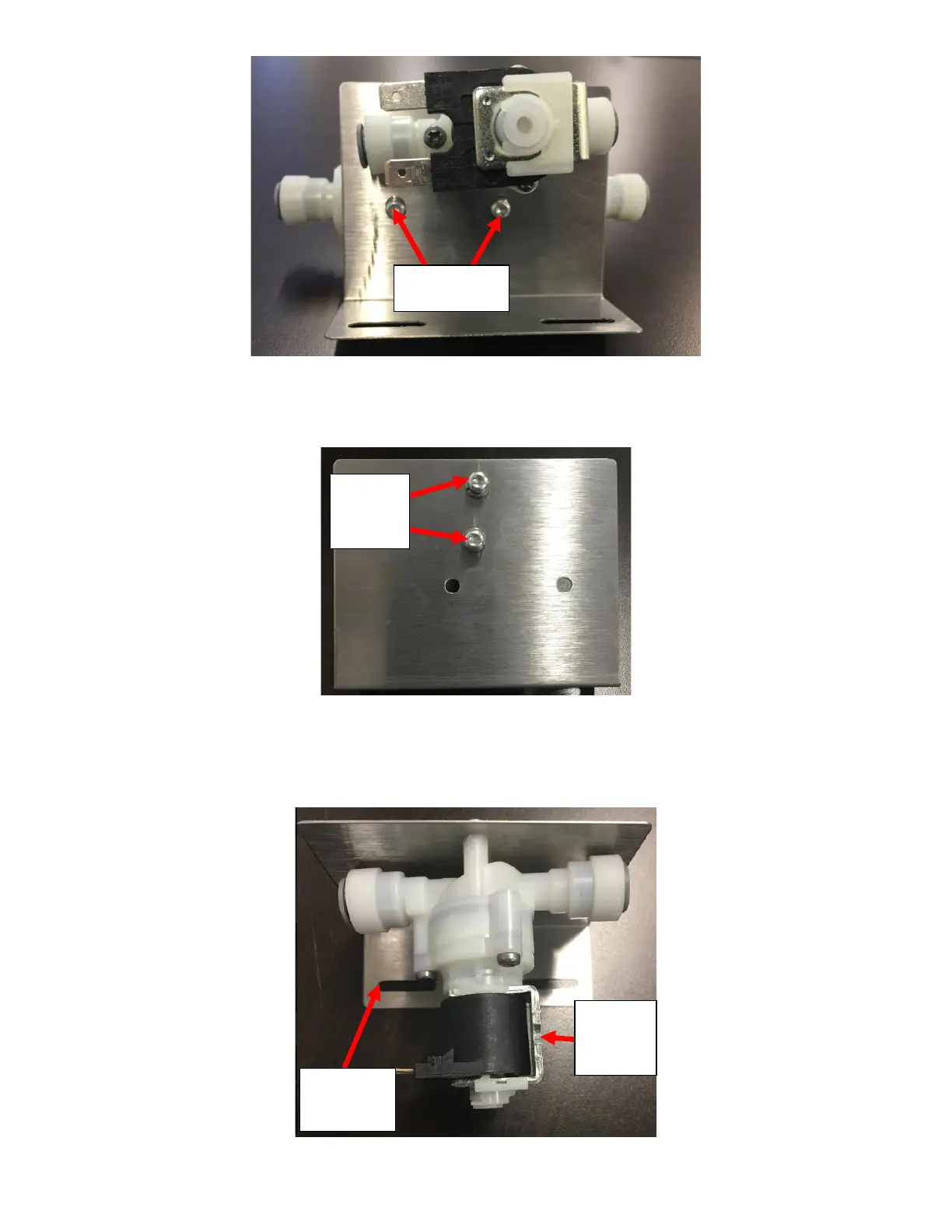
5. Remove the Solenoid from the bracket by removing the two screws and split washer holding it in place with a T20
Drive Screwdriver. See Figure G4.
6. Replace the Solenoid with a new unit. Remember to reinstall the split washer removed when reinstalling the new
Solenoid to prevent it from getting damaged. The Solenoid should be installed so that the U-Bracket on the Solenoid
is on the Right with the bracket flange facing towards you. See Figure G5.



 To Next Page