Page | 42
iv. Replace the LED Light Strip by connecting it into the Harness and placing it into the Light Cover.
v. Align the Light Cover in its original position and apply pressure until it clips back into place.
Symptom 12: Fridge Door Coming Off:
1. Check the Hinge Pin to see if it is broken or missing.
2. Verify that the hinge pin has not come loose and is in the hinge bushing (gray bushing in the door). If hinge pin is
in the gray bushing in the door, remove it from the door.
3. If hinge pin is missing insert a new hinge pin:
a. Align the hole on the hinge bushing with the threaded hole in the hinge.
b. Insert the Hinge pin through the threaded hole into the hinge bushing.
c. Apply thread lock on the threaded portion of the hinge pin.
d. Screw the hinge pin into the threaded hole of the hinge. Tighten the Hinge Pin so it is flush with the hinge.
Over tightening the hinge pin can cause the hinge pin to go through the screw hole and get dislodged again.
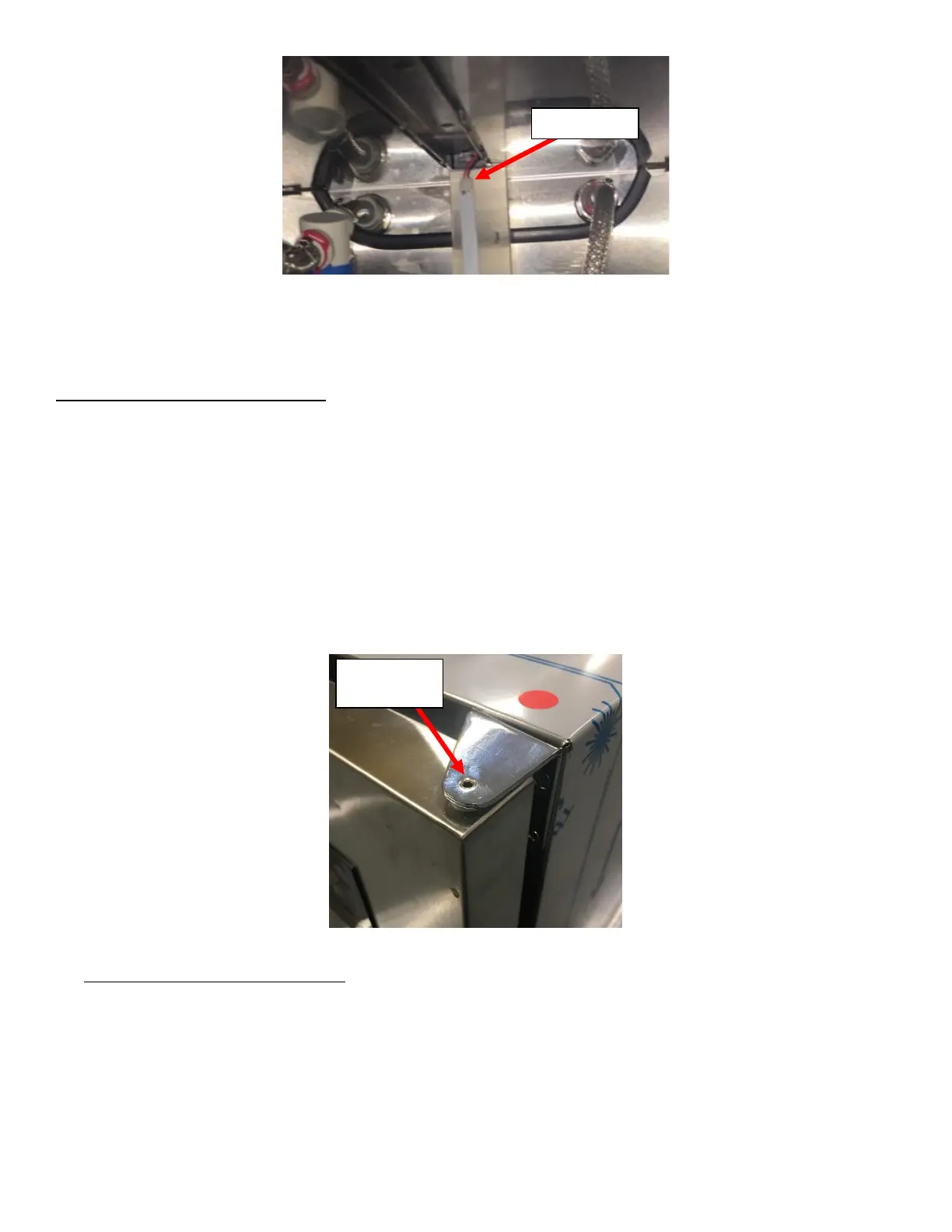
See Figure 92. Apply RTV Silicone Sealant to the Hex Head to seal it.
Symptom 13: Fridge UI Not Working:
1. If Fridge Light/Evaporator Fan/Compressor functions, then replace the UI Board:
a. Use knife or similar to get under the existing Overlay. See Figure 93.



 To Next Page