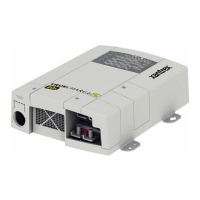
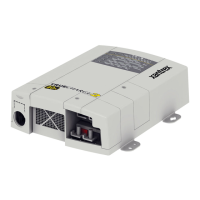
Configuring the Truecharge™ 2 Battery Charger
975-0402-01-01 2–27
This guide for use by qualified installers only
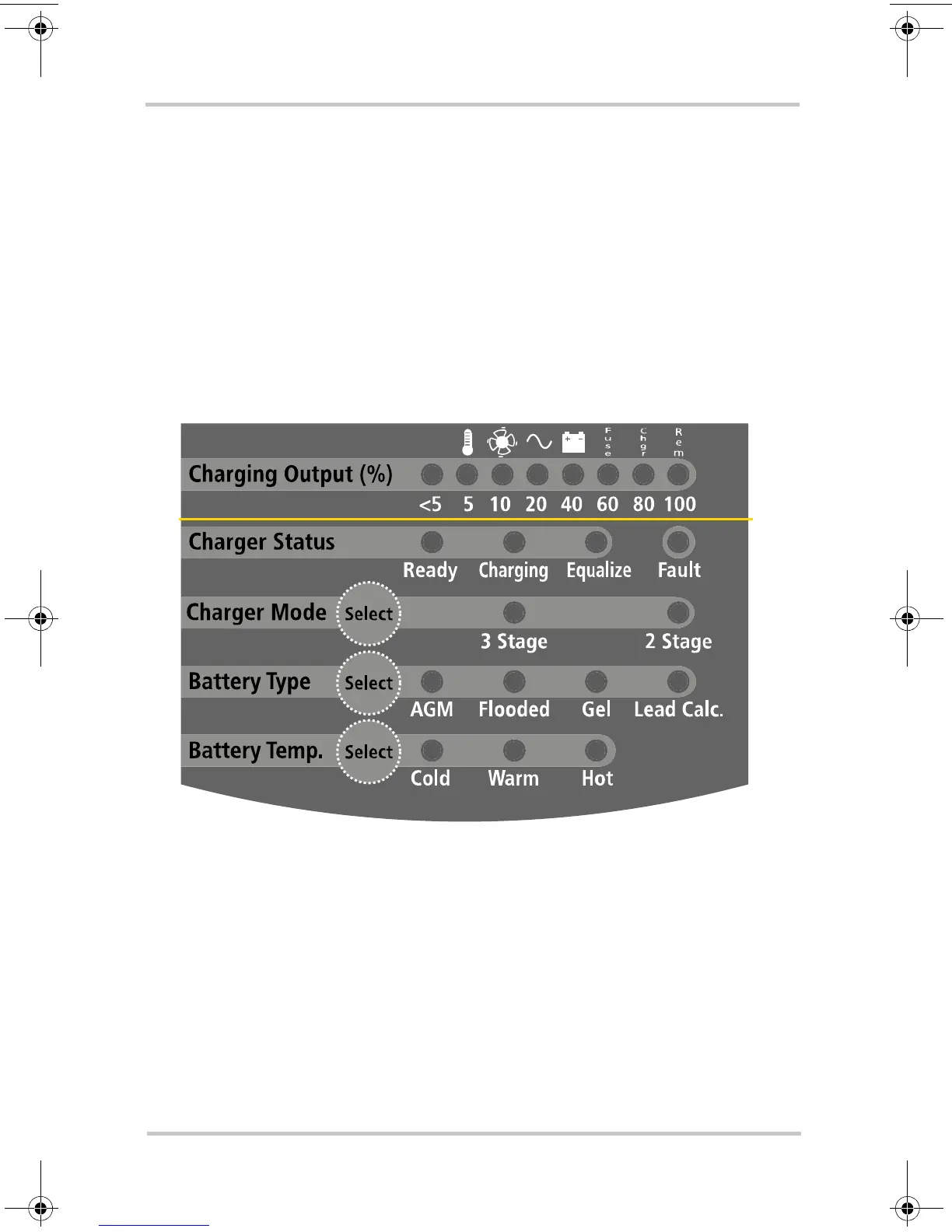
Configuring the Charger Mode
Using the Onboard Display Panel
To configure the charger mode:
Note: By default, the Charger Mode is set to three-stage.
1. Press and hold the Charger Mode Select button for three
seconds.
2. Select the proper charger mode.
The LEDs will indicate which of the two modes is being
selected: three-stage (default) or two-stage.
Figure 2-5
Onboard Display Panel
TC2 Series BattChg Install Guide.book Page 27 Monday, June 30, 2008 3:18 PM


 To Next Page
 Loading...