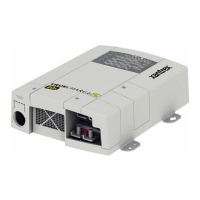
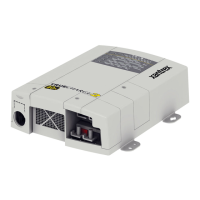
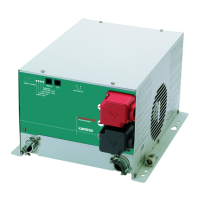
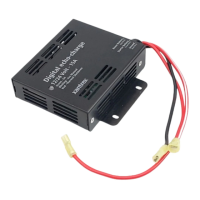
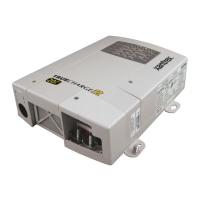
Configuring the Truecharge™ 2 Battery Charger
975-0402-01-01 2–31
This guide for use by qualified installers only
Configuring the Maximum Output Current
Percentage
Using only the Remote Panel
To configure the maximum output current:
Note: By default, the Max. Output % is set to 100.
Press the Set Max Output button to select the appropriate
maximum output setting.
The LEDs will indicate which of the five values is being
selected: 100, 80, 60, 40, or 20.
Table 2-4
Battery Temperature Compensation Levels
Temperature
Selection
Recommended
for battery
temperature of:
Voltage added for temperature
compensation offset from 25 °C
Cold below 5 °C
(41 °F)
Flooded/PbCa/Gel 0.675
AGM 0.525
Warm between
5 and 30 °C
(41 and 86 °F)
Flooded/PbCa/Gel 0
AGM 0
Hot above 30 °C
(86 °F)
Flooded/PbCa/Gel -0.27
AGM -0.21
TC2 Series BattChg Install Guide.book Page 31 Monday, June 30, 2008 3:18 PM


 To Next Page
 Loading...