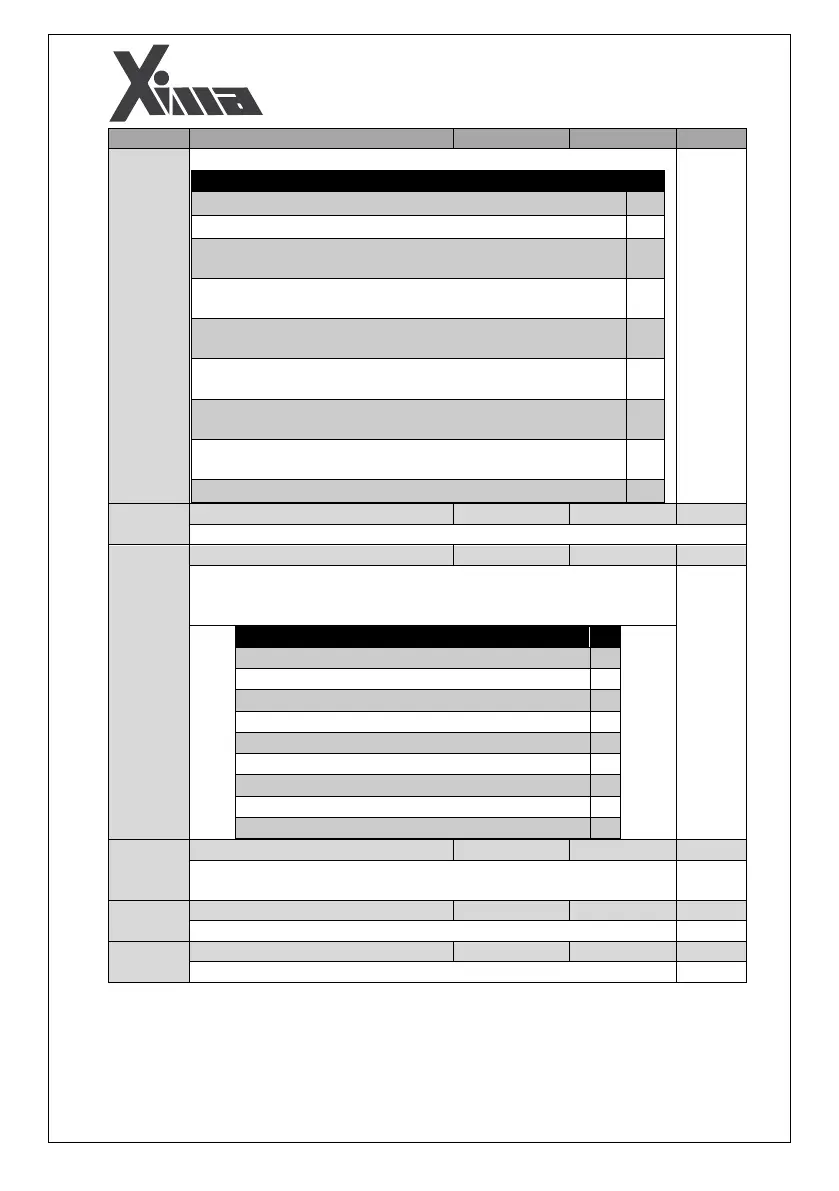
Parameters
’ Settings
from to
Parameter settings from to must be done as table below.
Relays and digital outputs settings
Fault happening (Digital output N.C is disabled when inverter
fault is happened)
Feedback Enable output (Digital output N.C is disabled when a
fault is happened)
Door Zone for use in Advanced Door Opening (Digital output N.C
is disabled when an output fault is happened)
Fault happening (Digital output N.O is enabled when inverter
fault is happened)
Feedback Enable output (Digital output N.O is enabled when a
fault is happened)
Door Zone for use in Advanced Door Opening (Digital output N.O
is enabled when an output fault is happened)
Enabling electricity of control panel in delayed rescue
Digital Input Configuration
I7 digital input, not only can enable the rescue mode, but also can be set as
other digital inputs. The input parameter I7 can be set according to the
following table.
Parameters which can be defined for I7
Setting of I7 input instead of I1 input
Setting of I7 input instead of I2 input
Setting of I7 input instead of I3 input
Setting of I7 input instead of I4 input
Setting of I7 input instead of I5 input
Setting of I7 input instead of I6 input
Setting of I7 input to enable the rescue mode
Setting of I7 input instead of I8 input
Enable normal-close (NC) I8 Terminal
0- enable command on N.O mode (auxiliary contact of TC)
1- enable command on N.C mode (auxiliary contact of TC)


 To Next Page