Modules
6 - 8 Setting Up SATA RAID, Optane™ or AHCI Mode
6
13. Go to RAID Level: and press <Enter>.
14. Choose the RAID Level required (see Table 6 - 2, on page 6 - 5 for details) and
press <Enter>.
• RAID0 (Stripe)
• RAID1 (Mirror)
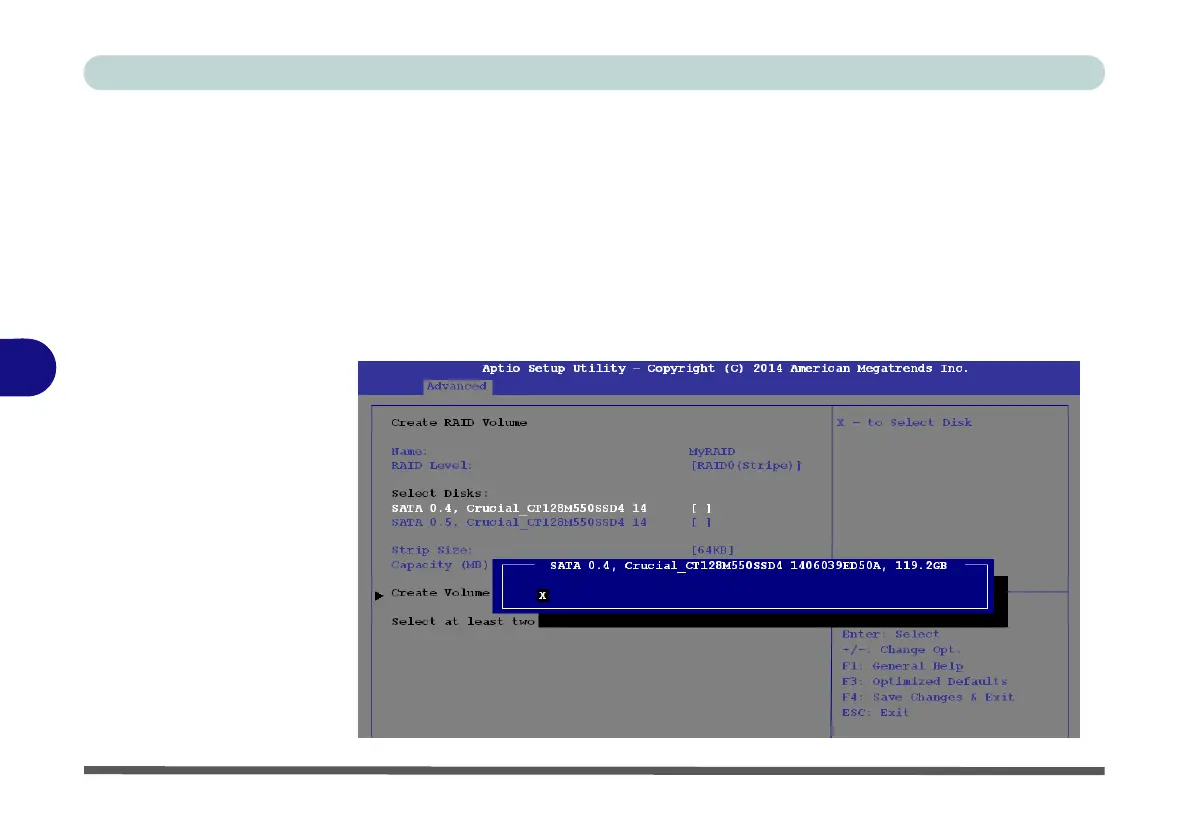
15. Go to any of the disks listed under Select Disks: and select a disk name and
press <Enter>.
16. Move the cursor down (use the arrow keys) onto to X (o select the disk required
and press <Enter>.
Figure 6 - 3
Select Disks
(Advanced > Intel(R)
Rapid Storage
Technology)



 To Next Page