Modules
Setting Up SATA RAID, Optane™ or AHCI Mode 6 - 9
6
17. You should select two identical SSDs to form your RAID volume.
18. If you have selected RAID0 (Stripe) then you can adjust the “Strip Size” to your
requirements (it is recommended that you set the “Strip Size” to 128KB).
19. Go to Create Volume and press <Enter>.
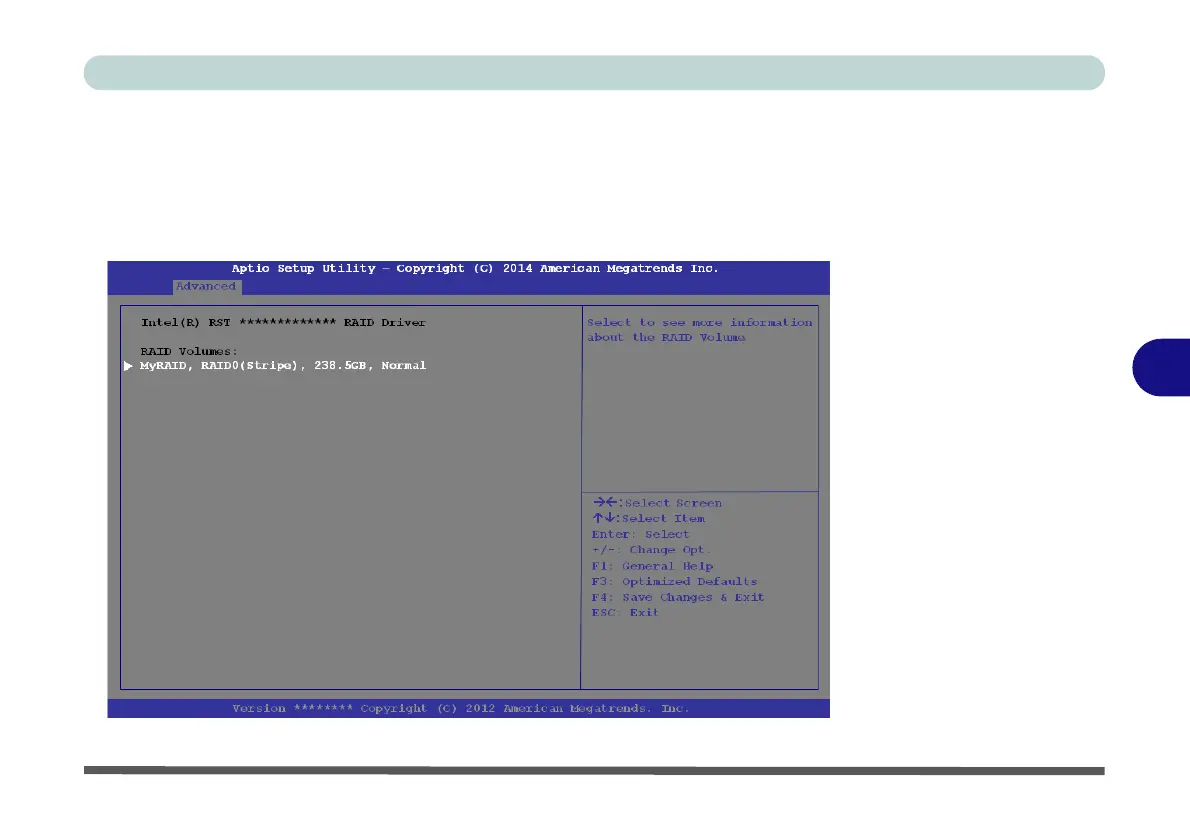
20. The RAID volume will then be created and the RAID information will be displayed
under Intel(R) Rapid Storage Technology (in the Advanced menu).
21. Press <Esc> to exit the menu.
Figure 6 - 4
Created RAID
Information
(Advanced > Intel(R)
Rapid Storage
Technology)



 To Next Page