Chapter Three - Installation
17
Chapter 3 – Installation
This chapter illustrates the installation of, and the options for, the 3500. The figures
on the next several pages show the internal and external components on the front and
back panels of the unit to help you locate features relevant to installation.
Front Panel
The 3500 series has a NEMA 4/4X/12 and IP65 sealed front panel. The panel
protects the system’s interior when the system is properly panel mounted.
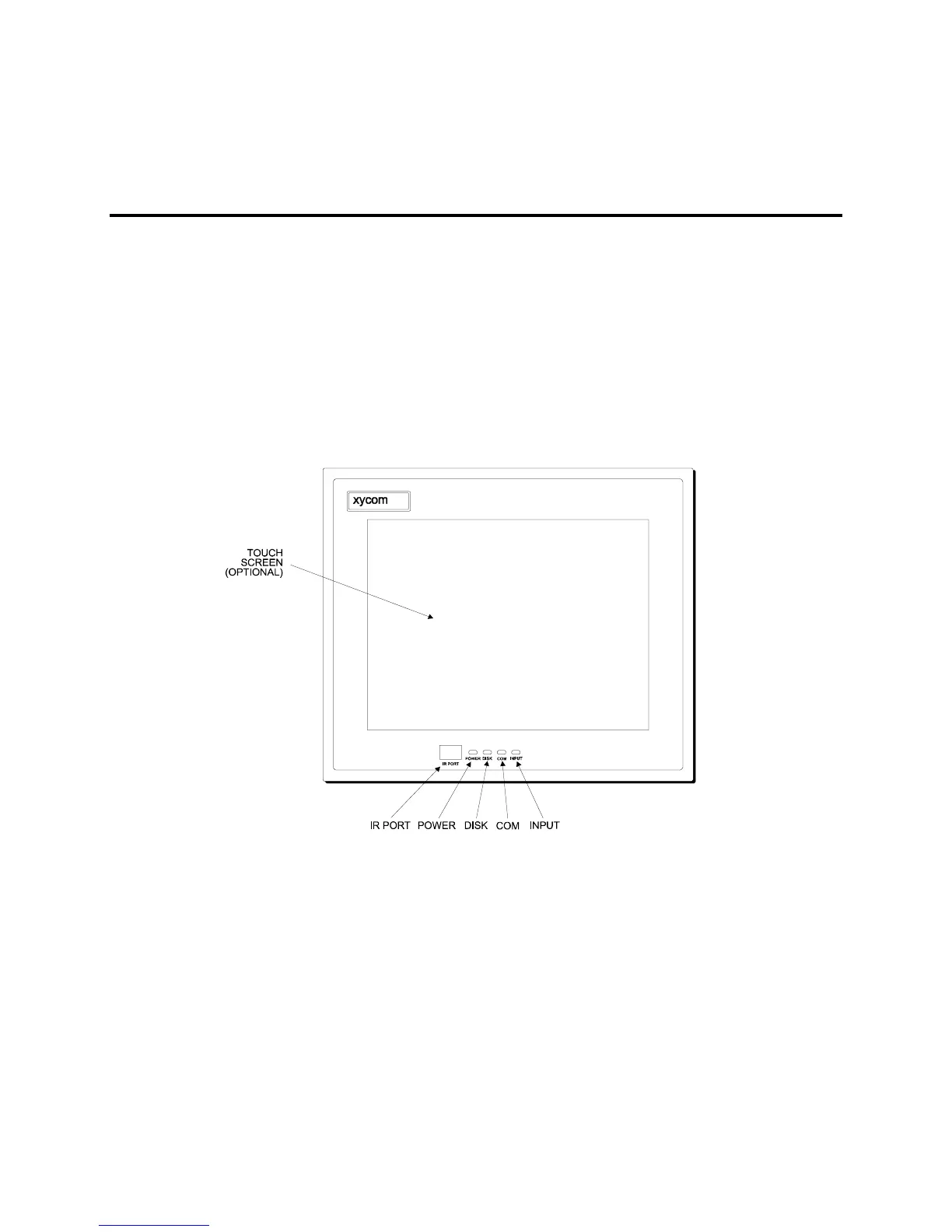
3510T/12T Front Panel
Figure 3-1. 3510T/3512T Front Panel



 To Next Page