Chapter Six - Maintenance
87
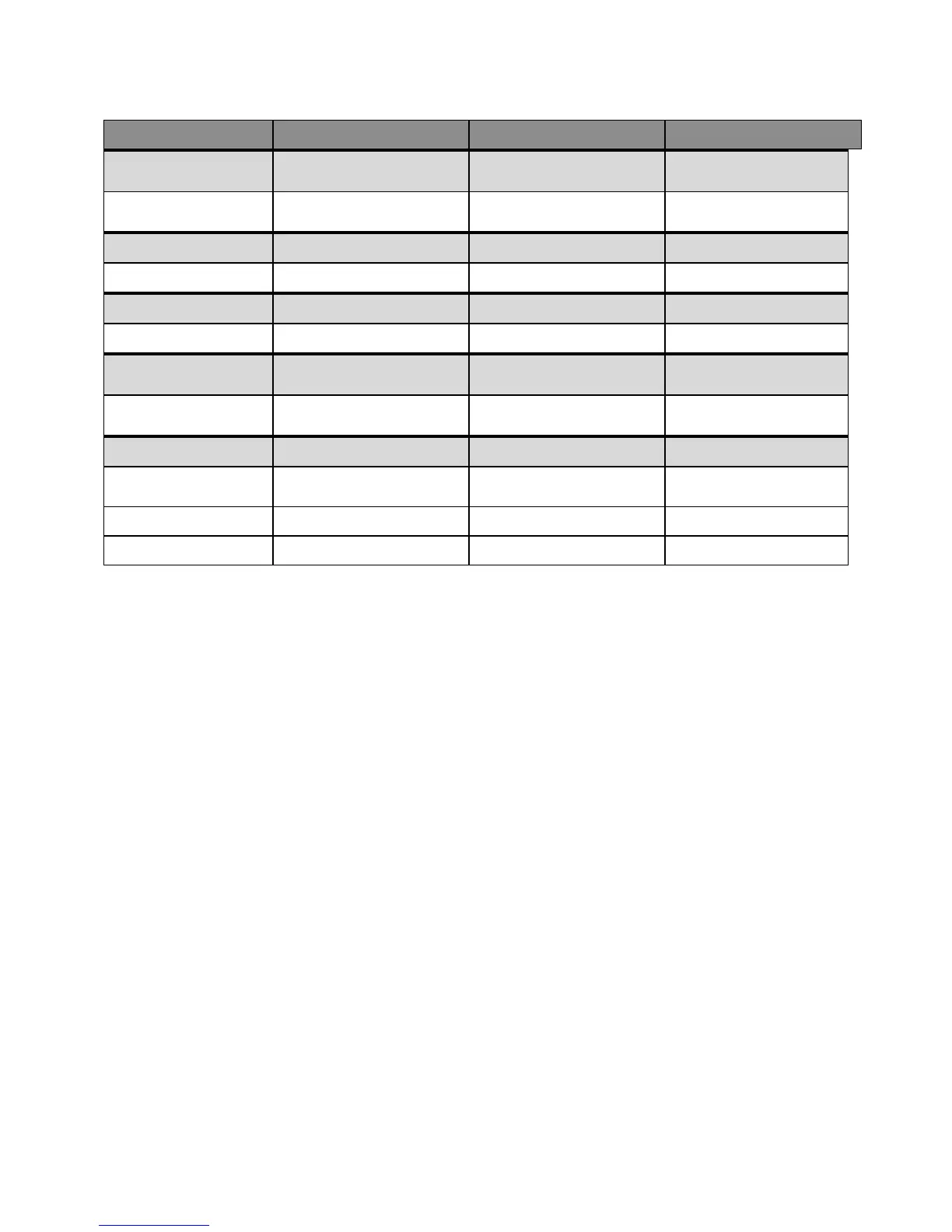
DESCRIPTION PART NUMBER 3510 PART NUMBER 3512 PART NUMBER 3535
FLOPPY DOOR
PLATE
9000-RFC
19” Floppy Door Plate
110843-001 110843-001 110843-001
FILTER MEDIA
Filter Media
110383 110383 110383
MEDIA RETAINER
Media Retainer
110650 110650 110650
INPUT POWER
CONNECTOR
Input Power
Connector
99711-001 99711-001 139807-001
9000 ACCESSORIES
9000-EXF External
Floppy Kit
116074-001 116074-001 116074-001
9000-FFK
116061-001 Call Xycom 11606-001
9000-CDK
Call Xycom
a
Panel assembly includes T/S controller
Product Repair Program/Returning a Unit to Xycom
Automation
Xycom Automation’s Product Repair & Customization Department (PR&C) restores
equipment to normal operating condition and implements engineering changes that
enhance operating specifications. Xycom Automation tests products returned to
Xycom with the standard Xycom test diagnostics.
Follow the steps below to prepare the unit for shipment:
1. Obtain an RMA number for your unit by calling your nearest Xycom
Automation Repair Department or Xycom Automation, Inc. at 1-800-289-9266
or 734-429-4971.
2. Please have the following information:
• Company name, shipping and billing address
• Type of service desired: product repair or product exchange
• Product model number, part number, quantity, serial number(s), and
warranty status
• Failure mode and failure systems
• Purchase order number or repair order number
3. Make sure the front panel assembly is properly attached to the unit.



 To Next Page