3500 Flat Panel Industrial PCs
34
Custom Logo
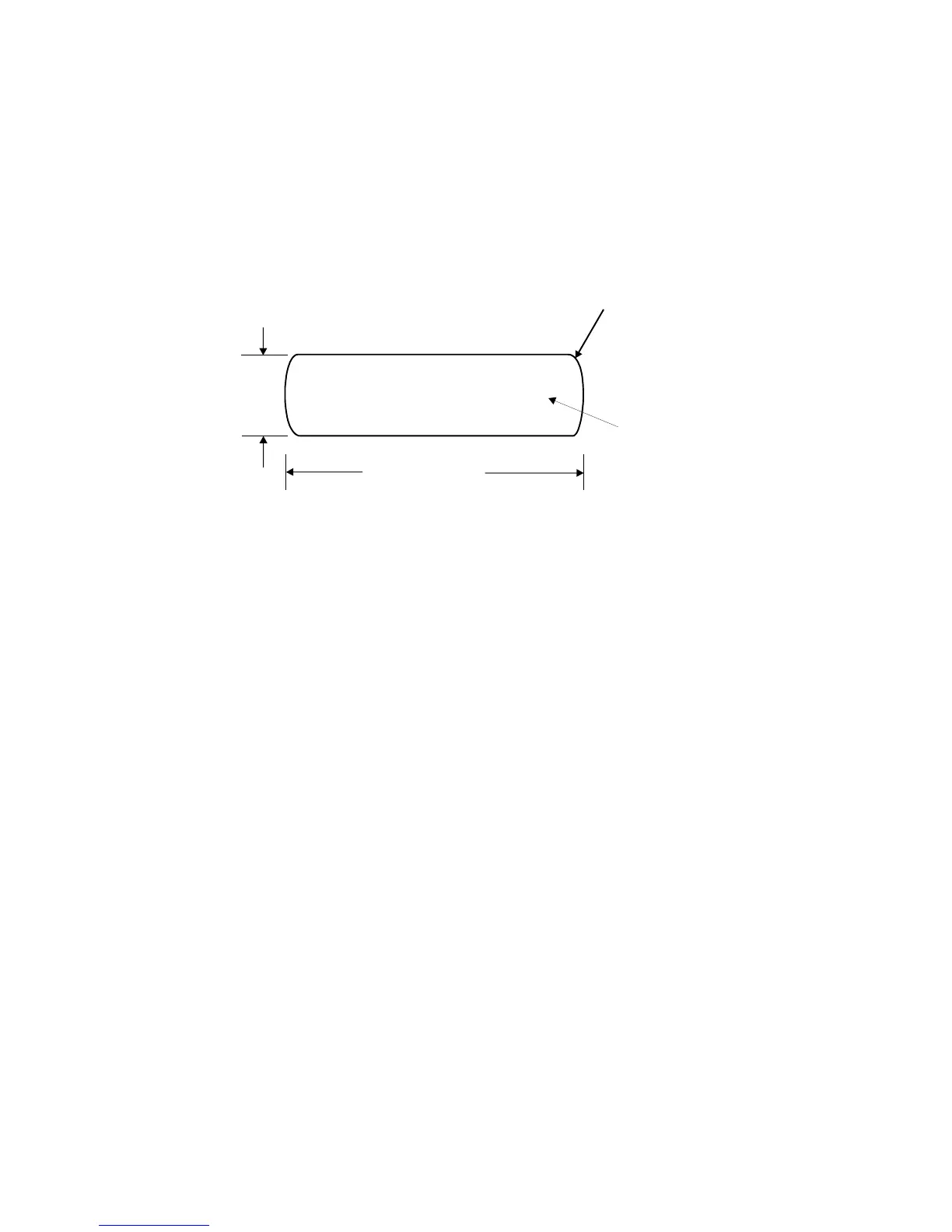
You have the option to place a custom label on the unit. Refer to Figure 3-13 for the
dimensions and recommended requirements for a customized label. Once a
customized label is procured, place the new label over the “Xycom Automation”
label (inside the recessed area).
0.55 (13.97)
2.05 (52.07)
Your Logo On
Entire Surfac
NOTE: All dimensions are in inches (mm)
RECOMMENDED MATERIAL: 0.007 (0.176) thick
polyester with 3M #468 adhesive on far side
0.06 (1.52)
(4 Places)
Figure 3-16. Logo Label Dimensions



 To Next Page