Chapter Three - Installation
45
Using a Touchscreen
Xycom Automation’s touchscreen complies with environmental specifications and
maintains a NEMA 4 seal when panel mounted. It remains operational even after 30
million touches. The touchscreen Monitor Mouse driver emulates a Microsoft
mouse.
Depending upon the date of purchase, the Xycom Automation unit will have one of
two possible touchscreen controllers:
• The Microtouch Controller P/N 114084
• The Xycom Controller P/N 140554
These controllers function similarly. However, the following sections require
attention to the type of controller installed.
Microtouch Controller
Note
If MS-DOS, or Windows 95 is installed on your
system, the touchscreen is configured for the mouse port
and the mouse port is unavailable.
If Windows NT is installed on your system, the
touchscreen is set up on COM2 and the COM2 port is
unavailable for other use.
To reconfigure the touchscreen to use the COM2 port, perform the
following steps:
1. Disconnect the power.
2. Remove the lid.
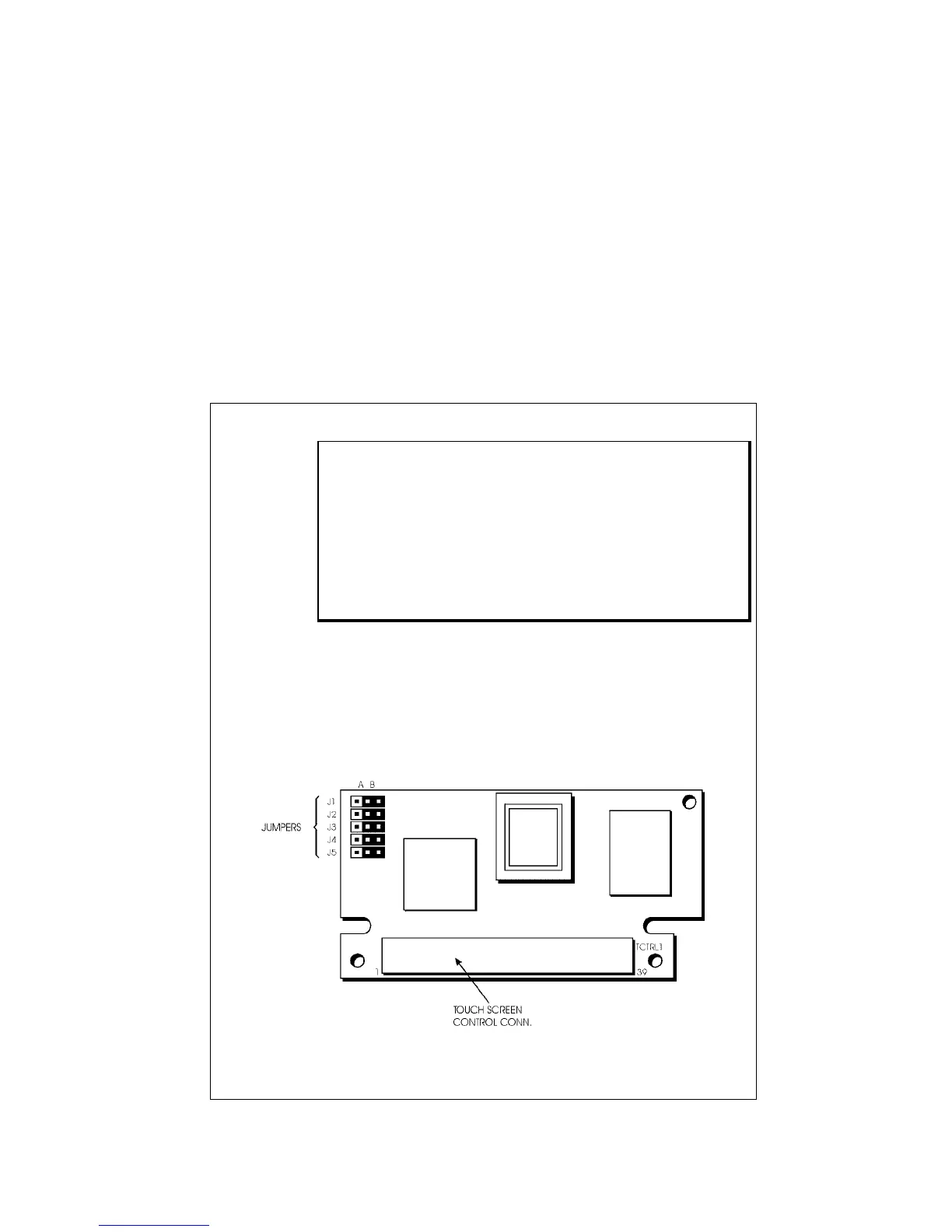
Figure 3-17A. Touchscreen Controller Card
3. Remove the touchscreen controller card (Figure 3-



 To Next Page