3500 Flat Panel Industrial PCs
46
17A).
4. Reconfigure Jumpers J1-J5. Position A = COM2.
Position B = PS/2 mouse.
5. Reinstall the touchscreen controller card.
6. Reboot the computer.
7. Using the touchscreen manual do the following:
• Load the touchscreen drivers.
• Reconfigure the touchscreen driver for COM2.
• Recalibrate the touchscreen.
8. Replace the lid.
Xycom Controller
To reconfigure the touchscreen to use the COM2 port, perform the
following steps:
1. Disconnect the power.
2. Remove the lid.
1
39
40
J1
J2
J3
J4
J5
TOUCH SCREEN
NTR
L
NN.
JUMPERS
J7
J8
J9
2
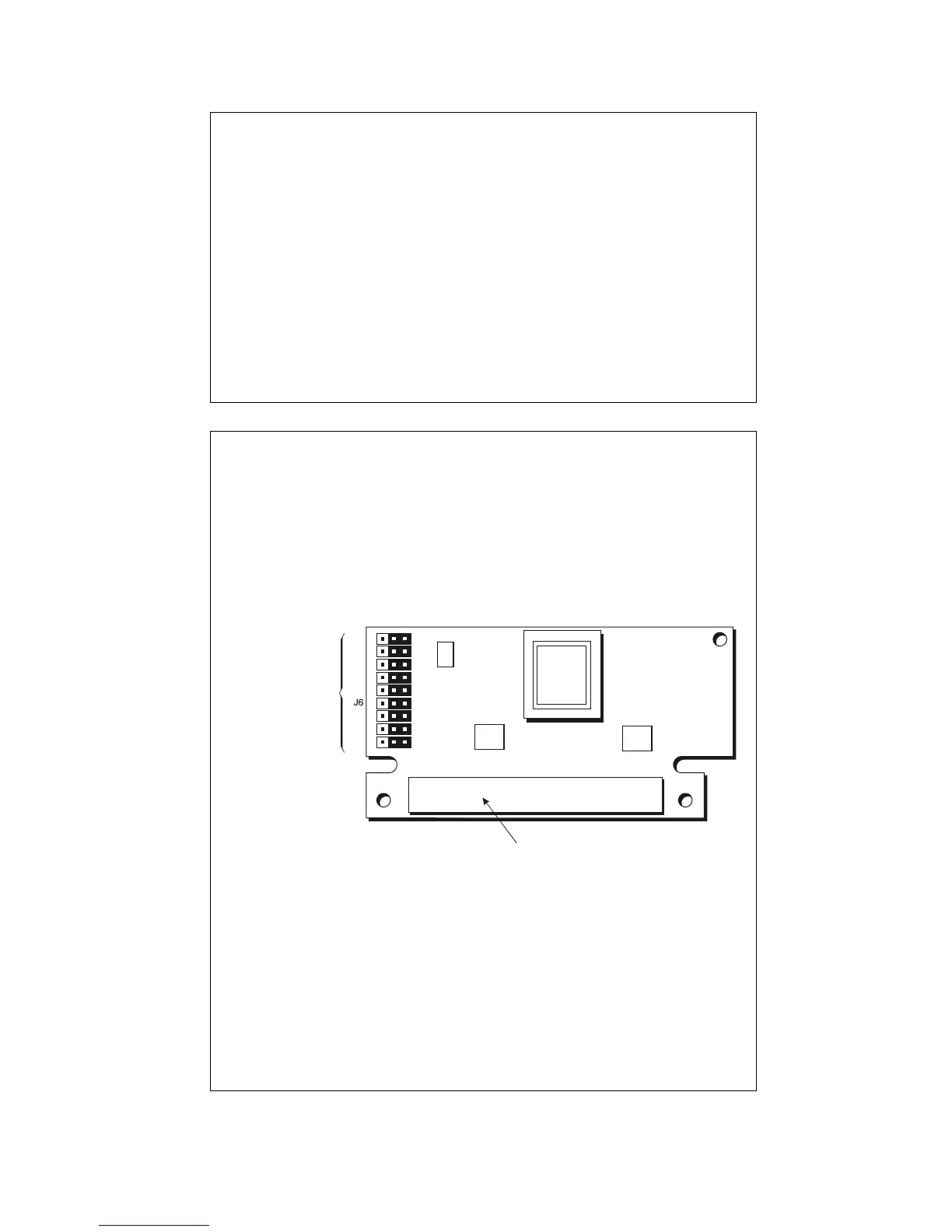
Figure 3-17B. Touchscreen Controller Card
3. Remove the touchscreen controller card (Figure 3-
17B).
4. Reconfigure Jumpers J1-J9. Position A = COM2.
Position B = PS/2 mouse.
5. Reinstall the touchscreen controller card.
6. Reboot the computer.
7. Using the touchscreen manual, do the following:



 To Next Page