3500 Series Flat Panel Industrial PC
78
Download Menu
Note
When you select Download, any macro set previously programmed is overwritten.
Download sends the set of keypad macros to the keyboard controller. The macro set
must reside in memory before it can be downloaded. A checksum is calculated
during transmission and an error message displays if an error occurs.
As the macro is sent, the keyboard controller programs its non-volatile memory with
the new macros that become the new key definitions for the keypad. After
programming the system will reboot.
Utilities Menu
When Utilities is selected, a menu bar displays four choices: Func Lock ON, Func
Lock OFF, Clear EEPROM, and Exit.
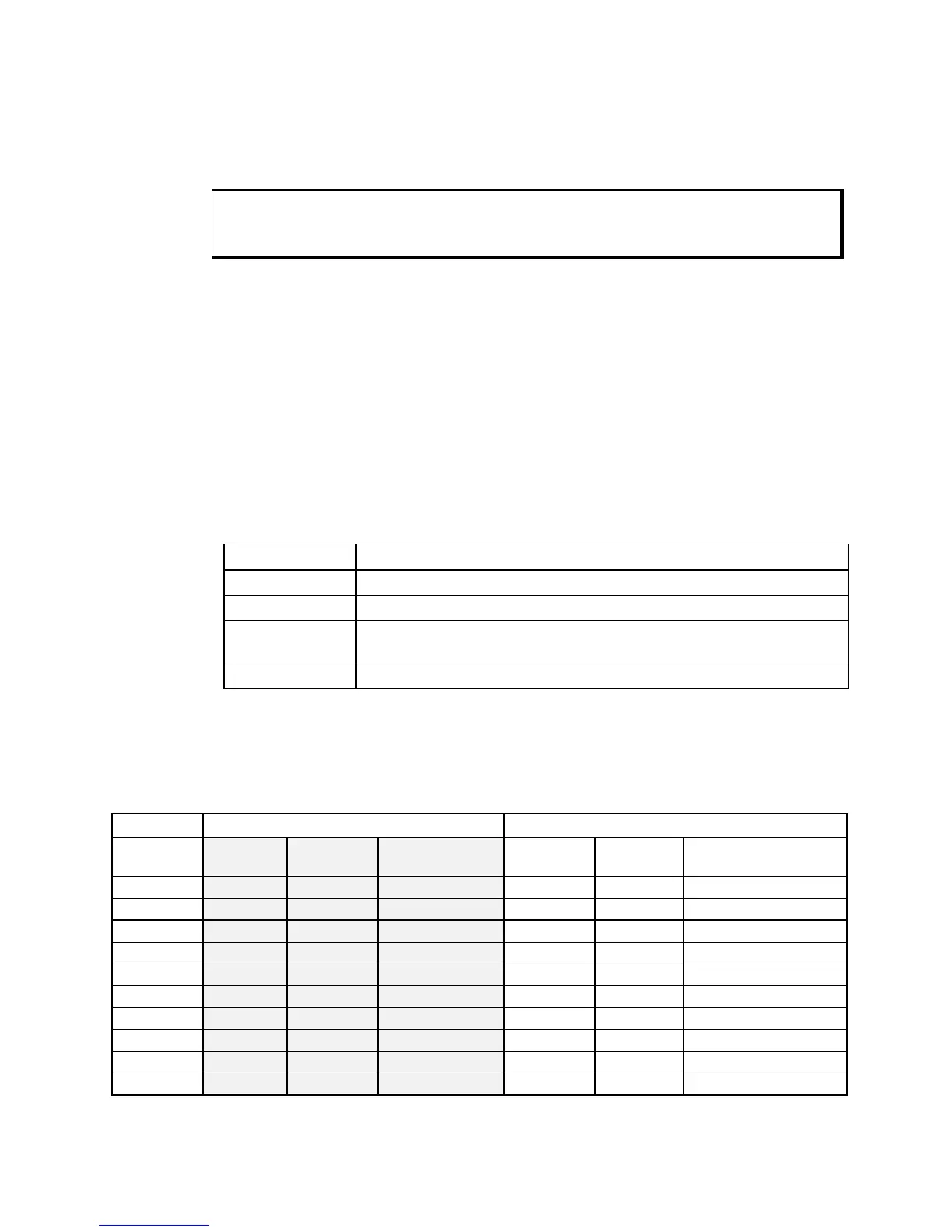
Command Description
Func Lock ON Locked
Func Lock OFF Unlocked
Factory Default Reprograms the keypad macros to the factory default settings. After
completion, the system will reboot.
Exit Returns to the Main Menu.
Keypad Scan Codes
The utility’s default keypad keycodes are listed in the following table.
Default Keypad Keycodes
3535KPM F/A Key LED Off (Function Mode) F/A Key LED On (Alpha Mode)
Description
of Key
Keyboard
Equivalent
Make
Codes
Break Codes Keyboard
Equivalent
Make
Codes
Break Codes
PF1 / A F21 14 05 F0 05 F0 14 A 1C F0 1C
PF2 / B F22 14 06 F0 06 F0 14 B 32 F0 32
PF3 / C F23 14 04 F0 04 F0 14 C 21 F0 21
PF4 / D F24 14 0C F0 0C F0 14 D 23 F0 23
PF5 / E F25 14 03 F0 03 F0 14 E 24 F0 24
PF6 / F F26 14 0B F0 0B F0 14 F 2B F0 2B
PF7 / G F27 14 83 F0 83 F0 14 G 34 F0 34
PF8 / H F28 14 0A F0 0A F0 14 H 33 F0 33
PF9 / I F29 14 01 F0 01 F0 14 I 43 F0 43
PF10 / J F30 14 09 F0 09 F0 14 J 3B F0 3B



 To Next Page