EasyManua.ls Logo

Yamaha DTX700 - User Manual

Yamaha DTX700
64 pages
Print Icon
To Next Page IconTo Next Page
Loading...
Read on your computer
(PDF file)
EN
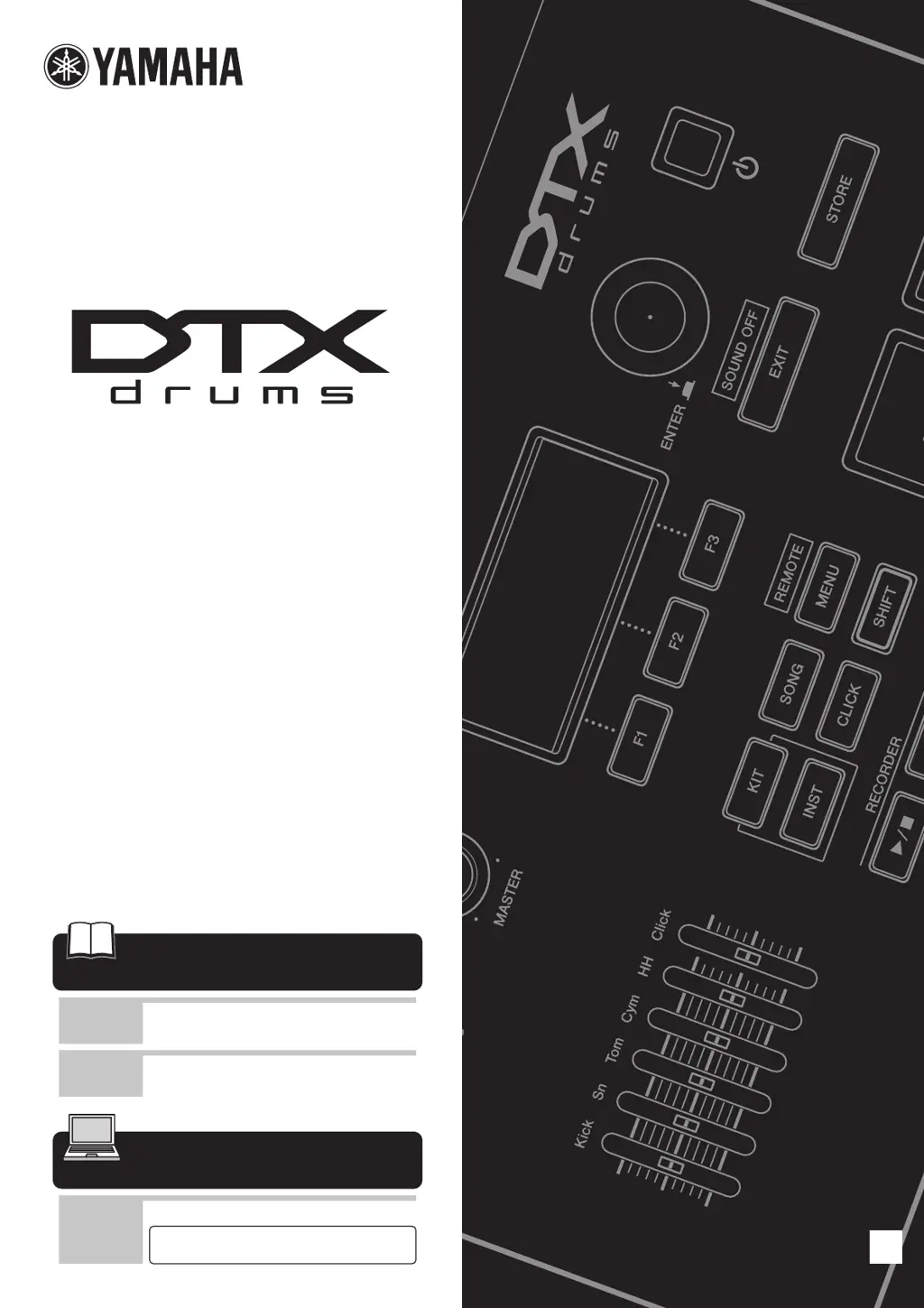
DRUM TRIGGER MODULE
DTX700
Read first
Owner’s Manual
(Setup / Basic Operation)
:
This booklet
Reference Manual
(Detailed Operation)
Read when
necessary
Read when
necessary
Data List :
Separate booklet
Please download from this web page:
http://www.yamaha.co.jp/manual/
Read on paper
Owners Manual
(Setup / Basic Operation)
(see page 6 for Table of Contents)

Table of Contents

Other manuals for Yamaha DTX700

Questions and Answers

  • R
    Robin OrtizSep 12, 2025
    Why aren't the hi-hat sounds working on my Yamaha Drums DTX700?
    • K
      Kimberly GonzalezSep 12, 2025
      If the hi-hat’s open and closed sounds are not produced on your Yamaha DTX700 drums, ensure that the DBL BASS parameter is not turned on.
  • K
    Kristen JosephSep 12, 2025
    Why does my Yamaha Drums DTX700 restore default settings on startup?
    • E
      eric08Sep 12, 2025
      If the Factory Set (i.e., default settings) is restored whenever the Yamaha DTX700 is turned on, turn off the PowerOn Auto function.
  • M
    Megan EllisSep 15, 2025
    What to do if Yamaha Drums DTX700 receives no trigger signals?
    • A
      annettefernandezSep 15, 2025
      To address the issue where your Yamaha DTX700 receives no switch or trigger signals, restore the default settings (i.e., the Factory Set).

Summary

First Steps

First Steps: Open the boxes to reveal their contents

Instructions for unpacking the DTX700 and its accessories.

First Steps: Assemble your kit

Steps for assembling the drum kit racks and mounting the DTX700 and pads.

First Steps: Connect your kit

Guide on connecting the drum pads to the DTX700 module and powering it on.

First Steps: Play your kit

Guidance on starting to play the DTX700 and exploring basic functions.

Quick Start Guide

Quick Start Guide: Choosing sounds to play

Guides users on how to select and play different sounds on the DTX700 module.

Quick Start Guide: Recording your own performance

Steps to record drum performances directly on the DTX700.

Setup

Setup: Component Names & Functions - Control Panel

Identifies and explains the functions of buttons and knobs on the DTX700's control panel.

Setup: Component Names & Functions - Side Panel

Details the ports and connectors located on the side panel of the DTX700.

Setup: Component Names & Functions - Rear Panel

Explains the various input/output jacks and controls on the rear panel of the DTX700.

Setup: Setting Up for Sound - Connecting the Adaptor

Step-by-step guide on how to connect the power adapter to the DTX700.

Setup: Setting Up for Sound - Connecting Speakers or Headphones

Instructions on connecting audio output devices like speakers or headphones to the DTX700.

Setup: Setting Up for Sound - Turning On

Procedure for powering on the DTX700 and initial startup display.

Setup: Setting Up for Sound - Turning Off

Steps to properly turn off the DTX700 unit.

Basic Operation

Basic Operation: Basic DTX700 Operations - Dial (with integrated button)

Explains the functionality of the main control dial, including turning and pressing.

Basic Operation: Basic DTX700 Operations - [F1], [F2] & [F3] Function Buttons

Describes the context-sensitive function buttons and their usage.

Basic Operation: Basic DTX700 Operations - Adjusting the Volume

Guide on controlling master and headphone volumes using the knobs.

Basic Operation: Pages Accessed Using the [MENU] Button

Overview of navigating the DTX700's menu system for various settings.

Basic Operation: Storing Settings

Instructions on saving customized settings to the DTX700's internal memory.

Basic Operation: Connecting a USB Memory Device

Guide on connecting and using USB memory devices for data transfer.

Basic Operation: Restoring Default Settings

Steps to reset the DTX700 to its factory default settings.

Basic Operation: Performing on Many Different Kits - Selecting a Kit

How to choose and switch between different drum kit sound presets.

Basic Operation: Building Your Own Kit - Selecting Sounds (Instruments)

How to assign individual drum sounds (instruments) to connected pads.

Basic Operation: Building Your Own Kit - Adjusting an Instruments Sound

Details on adjusting parameters like tuning, muffling, and decay for individual sounds.

Basic Operation: Recording Your Performances - Recording a Performance

Steps to record drum performances using the DTX700's built-in recorder.

Basic Operation: Connecting Your DTX700 to a Computer - Making Connections

Overview of connecting the DTX700 to a computer via USB for MIDI and music software.

List of DTX700 Functions

Yamaha DTX700 Specifications

General IconGeneral
BrandYamaha
ModelDTX700
CategoryDrums
LanguageEnglish

Related product manuals