14 PSR-E413 Owner’s Manual
Q
u
i
c
k
G
u
i
d
e
Creating Arpeggios
The arpeggio function lets you create arpeggios (broken chords) by
simply playing the required notes on the keyboard. For example, you
could play the notes of a triad—the root, third, and fifth—and the arpeg-
gio function will automatically create a variety of interesting arpeggio-
type phrases. By changing the arpeggio type and the notes you play it
is possible to create a wide range of patterns and phrases that can be
used for music production as well as performance.
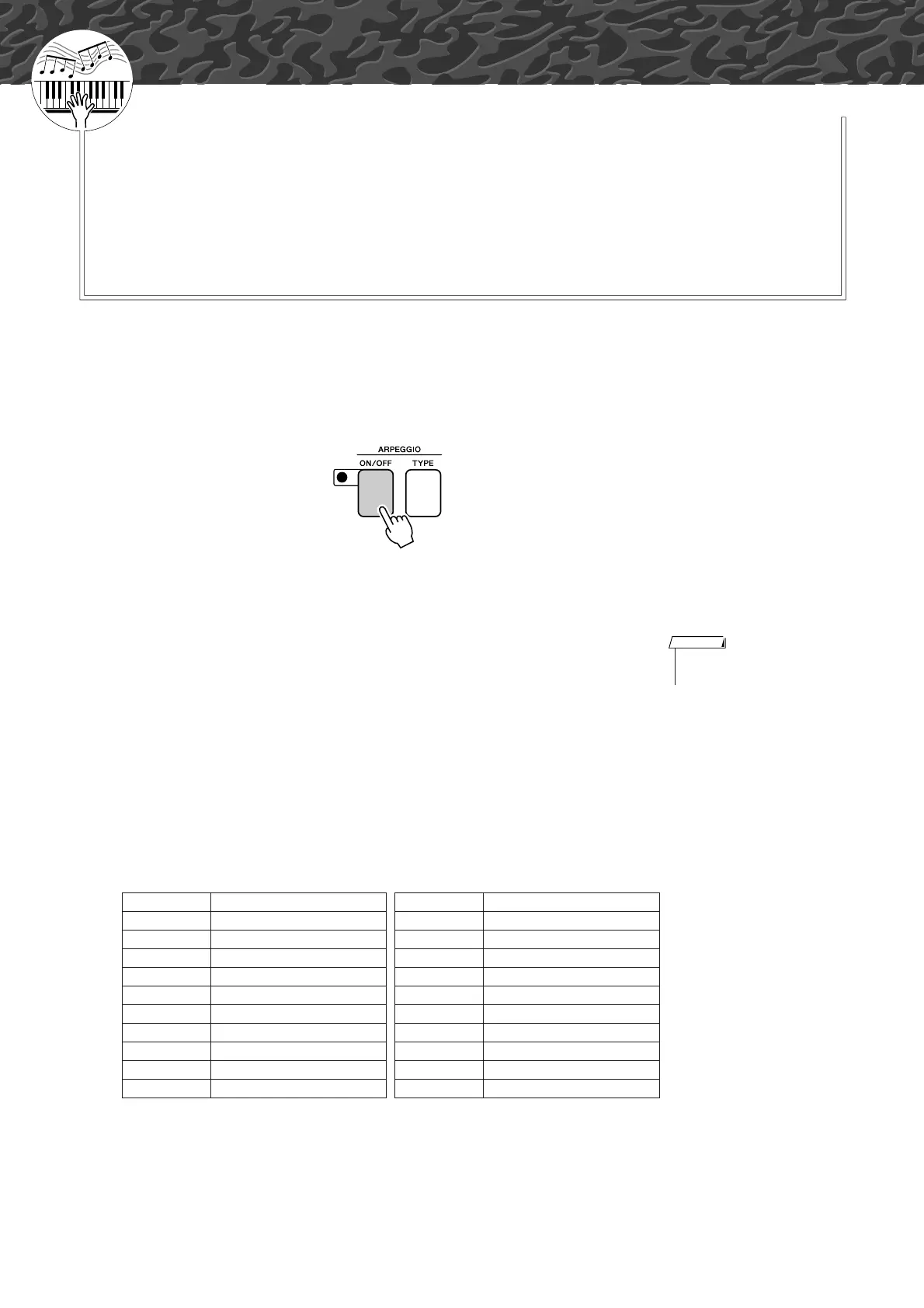
1
Press the ARPEGGIO [ON/OFF] button to turn the arpeg-
gio function on.
The indicator lights when the Arpeggio function is on.
● Voices and the Arpeggio Function
This instrument lets you select a variety of “voices” that you can play
via the keyboard. When you select a voice number between 129 and 148
the arpeggio function will automatically be engaged so you can start
playing arpeggios immediately. The arpeggio function will automati-
cally be turned off when you select any other voice.
If you want to use voices 129–148 for normal performance without the
arpeggio function, press the ARPEGGIO [ON/OFF] button to turn the
arpeggio function off after selecting the voice.
● Voices for which the arpeggio function is automatically turned on.
Voice No. Voice Name Voice No. Voice Name
129 Concerto 139 ReggaeOrgan
130 Pizzicato 140 Harpeggio
131 Piano Ballad 141 SalsaPIano
132 Synth Sequence 142 AnalogSequence
133 Guitarist 143 Sawtooth
134 Pauls Bass 144 Piano Arpeggio
135 Trance Bass 145 Guitar Arpeggio
136 SynthChords 146 ClubBeat
137 Acid Bass 147 R&B Loop
138 Funky Clavi 148 ClubAdds
• See “Try Playing a Variety of
Instrument Voices” on page 28.
NOTE
Quick Guide















 To Next Page