Handy Performance Features
PSR-E413 Owner’s Manual 65
You can supply a count-in at any tempo you like to start playback. Simply tap the [TEMPO/TAP] button at
any tempo—4 times for time signatures in 4, and 3 times for time signatures in 3—and the selected style/
song will begin playing at the tapped tempo.
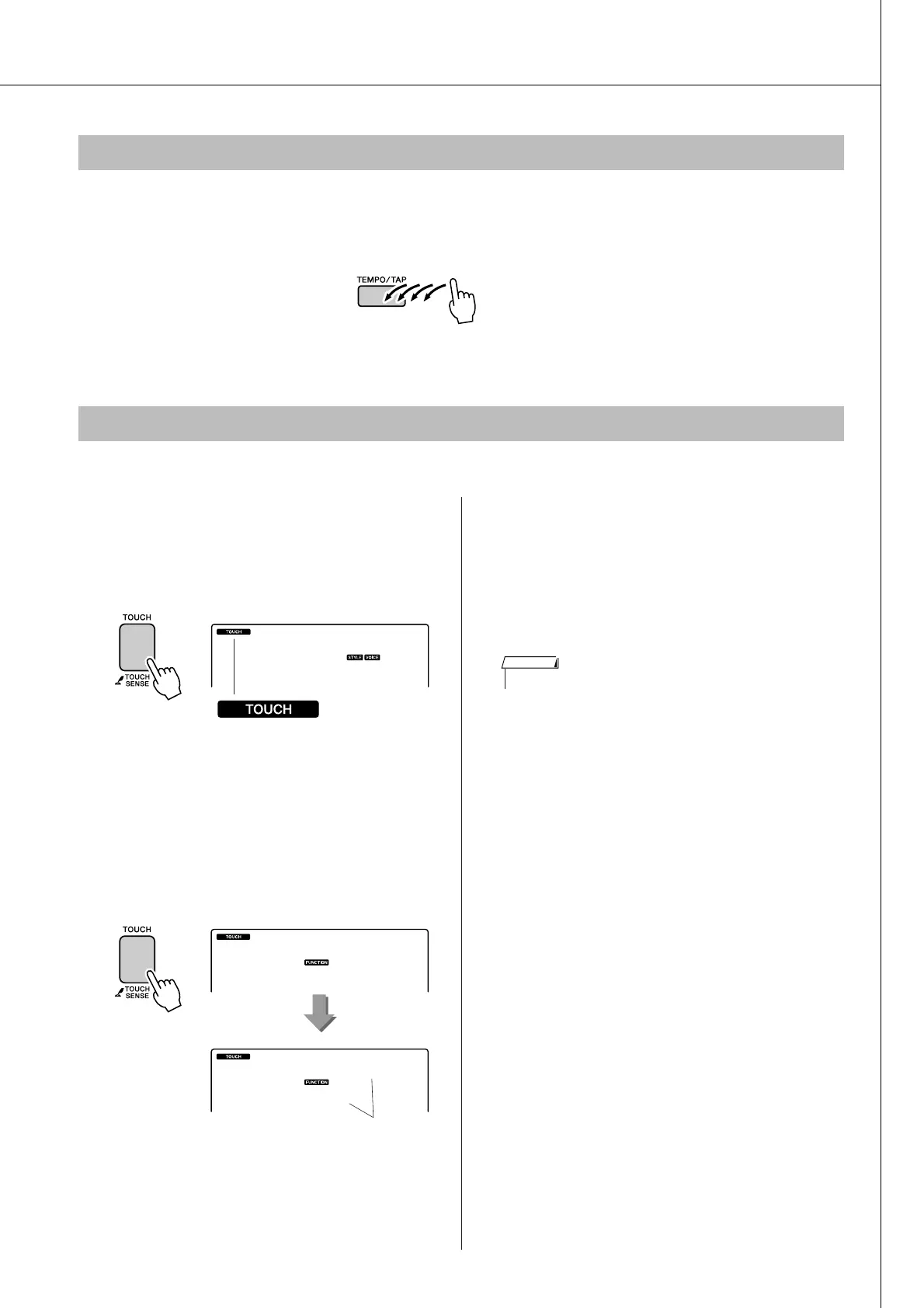
When touch response is on you can adjust the keyboard’s sensitivity to dynamics in three steps.
1
Press the [TOUCH] button to turn touch
response on.
The touch response icon will appear in the dis-
play when touch response is on (page 59).
2
Press and hold the [TOUCH] button for
longer than a second so that the Touch
Sensitivity item appears.
“TouchSns” appears in the display for a few
seconds, and the currently selected touch sensi-
tivity will be displayed.
3
Use the dial in response to keyboard
dynamics to select a touch sensitivity
setting between 1 and 3. Higher values
produce greater (easier) volume varia-
tion in response to keyboard dynam-
ics—i.e. greater sensitivity.
Tap Start
Touch Response Sensitivity
001
GrandPno
Touch response icon
TouchSns
Hold for longer
than a second.
Touch Sensitivity
2
Medium
• The initial default touch sensitivity setting is “2”.
NOTE















 To Next Page