Handy Performance Features
PSR-E413 Owner’s Manual 67
1
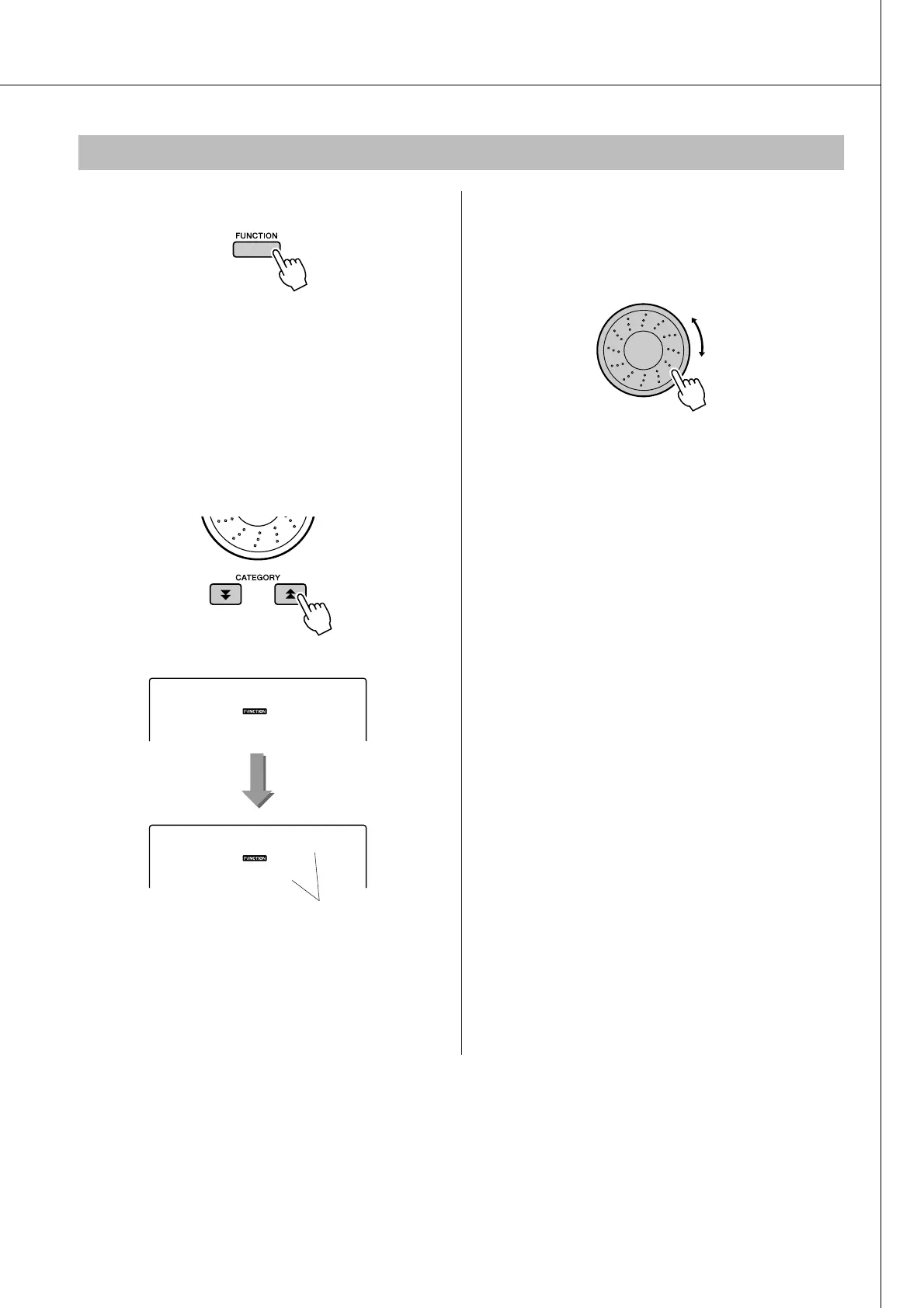
Press the [FUNCTION] button.
2
Press the CATEGORY [ ] and [ ] but-
tons as many times as necessary to
select the arpeggio velocity function
“ARP Velo”.
“ARP Velo” will be shown in the display for a
few seconds, then the currently selected arpeg-
gio velocity setting will appear.
3
Use the dial to select “2 Thru”.
When “1 Original” is selected the arpeggio vol-
ume is the same regardless of changes in key-
board velocity.
Controlling Arpeggio Volume with Keyboard Dynamics
f
r
1
Original
The currently selected
arpeggio velocity.
ARP Velo















 To Next Page