R
e
f
e
r
e
n
c
e
82 PSR-E413 Owner’s Manual
Setting the Sleep Mode
This instrument has a Sleep Mode function that allows it to automatically go into a low-
power “sleep” mode if not operated for specified period of time. In Sleep Mode all panel
indicators and the display backlight are off to conserve power. The Sleep Mode func-
tion is initially disabled (OFF) by default.
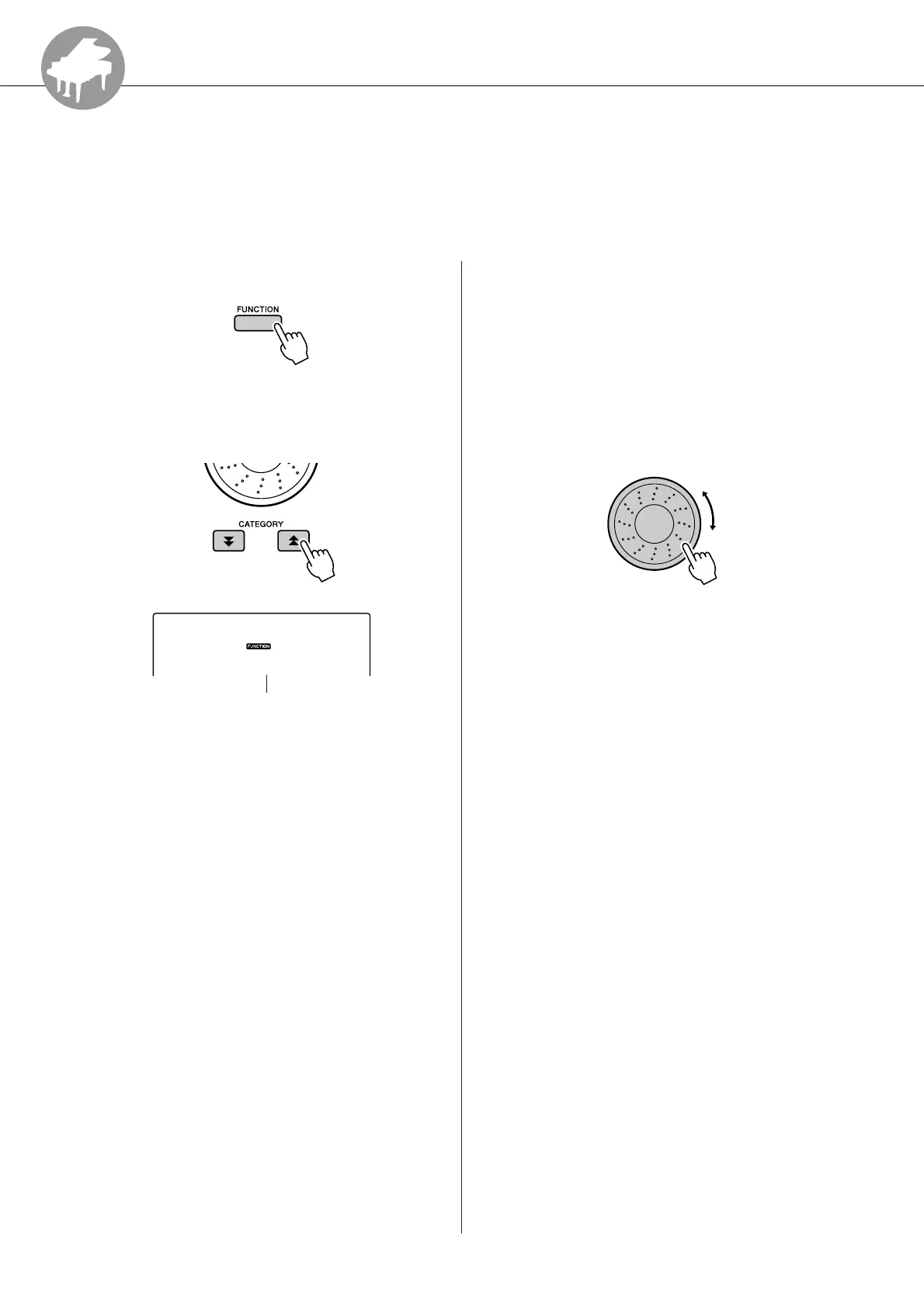
1
Press the [FUNCTION] button.
2
Use the
CATEGORY [ ] and [ ] buttons
to select the SLEEP item.
3
Rotate the dial to set the desired time
until Sleep Mode begins (3–20 minutes).
The time can be set in one-minute increments.
Select OFF to disable Sleep Mode (the instru-
ment will not go to sleep). The instrument will
wake from Sleep Mode as soon as a panel con-
trol is operated, a key is pressed, or a MIDI
command is received.
f
r
Sleep
oFF
Time to Sleep Mode















 To Next Page