R
e
f
e
r
e
n
c
e
PSR-E413 Owner’s Manual 63
Handy Performance Features
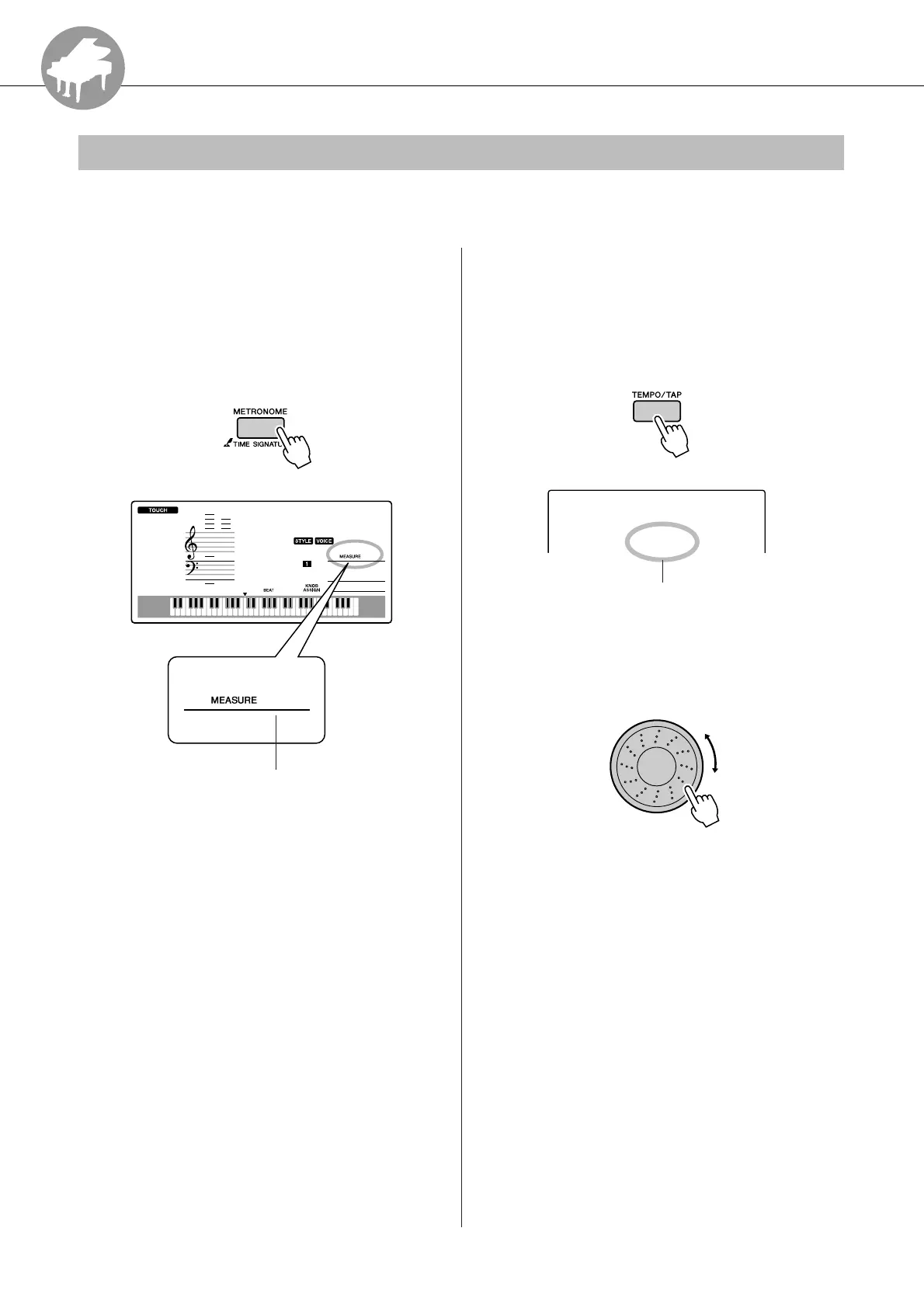
The instrument includes a metronome with adjustable tempo and time signature.
Use it to set the tempo that is most comfortable for you.
■Start the metronome ● ● ● ● ● ● ● ● ● ●
Turn the metronome on and start it by
pressing the [METRONOME] button.
To stop the metronome, press the [METRO-
NOME] button again.
■Adjusting the Metronome
Tempo
● ● ● ● ● ● ● ● ● ● ● ● ● ● ● ● ● ● ● ● ●
1
Press the [TEMPO/TAP] button to call
up the tempo setting.
2
Use the dial to select a tempo from 11 to
280.
The Metronome
001
1
GrandPno
1
Indicates the beat number
in the measure
090
Tempo
Current Tempo setting















 To Next Page