Memorize Your Favorite Panel Settings
PSR-E413 Owner’s Manual 81
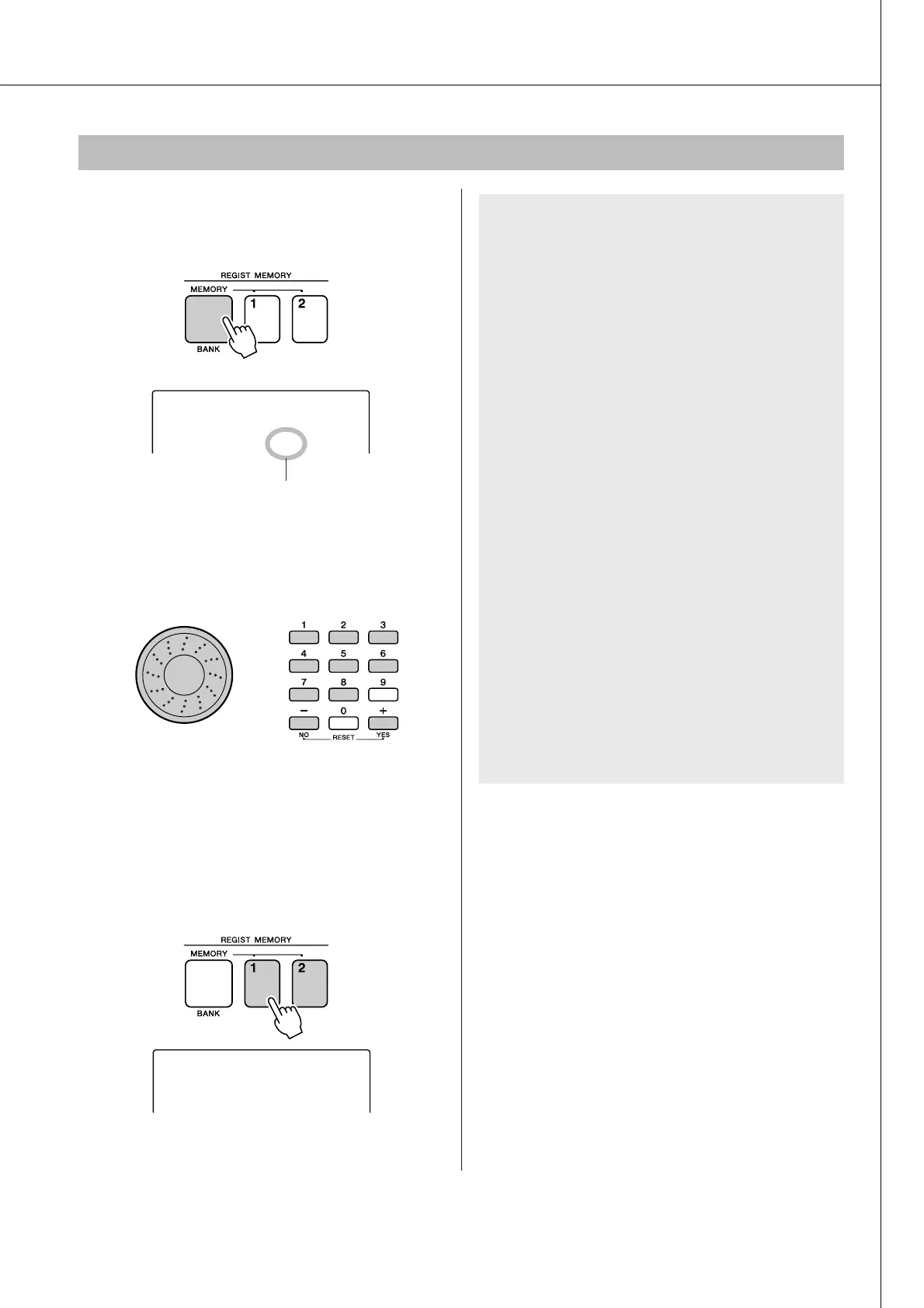
1
Press the [MEMORY/BANK] button. A
bank number will appear in the display
when you release the button.
2
Use the dial or the [1]–[8] number but-
tons to select bank you want to recall.
3
Press the REGIST MEMORY button, [1]
or [2], containing the settings you want
to recall. The recalled REGIST MEMORY
number appears in the display for a few
seconds. The panel controls will be
instantly set accordingly.
Recalling a Registration Memory
Bank number
1
Bank
REGIST 1
1
● Settings That Can be Saved to the Registra-
tion Memory
• Style settings*
Style number, Auto Accompaniment ON/OFF,
Split Point, Style settings (Main A/B),
Style Volume, Tempo
• Voice settings
Main Voice setting (Voice number, Volume,
Octave, Pan, Reverb Send Level, Attack Time,
Release Time, Filter Cutoff, Filter Resonance,
Chorus Send Level), Dual Voice settings
(Dual ON/OFF, Voice number, Volume, Octave,
Pan, Reverb Send Level, Chorus Send Level,
Attack Time, Release Time, Filter Cutoff, Filter
Resonance), Split Voice settings (Split ON/OFF,
Voice number, Volume, Octave, Pan,
Reverb Send Level, Chorus Send Level)
• Effect settings
Reverb Type, Chorus Type
• Arpeggio settings
Arpeggio Type, Arpeggio ON/OFF
• Harmony settings
Harmony ON/OFF, Harmony Type,
Harmony Volume
• Other settings
Transpose, Pitch Bend Range, Knob Assign
* Style settings are not available for Registration Memory when
using the Song features.















 To Next Page