PSR-E413 Owner’s Manual 39
Q
u
i
c
k
G
u
i
d
e
Using Songs
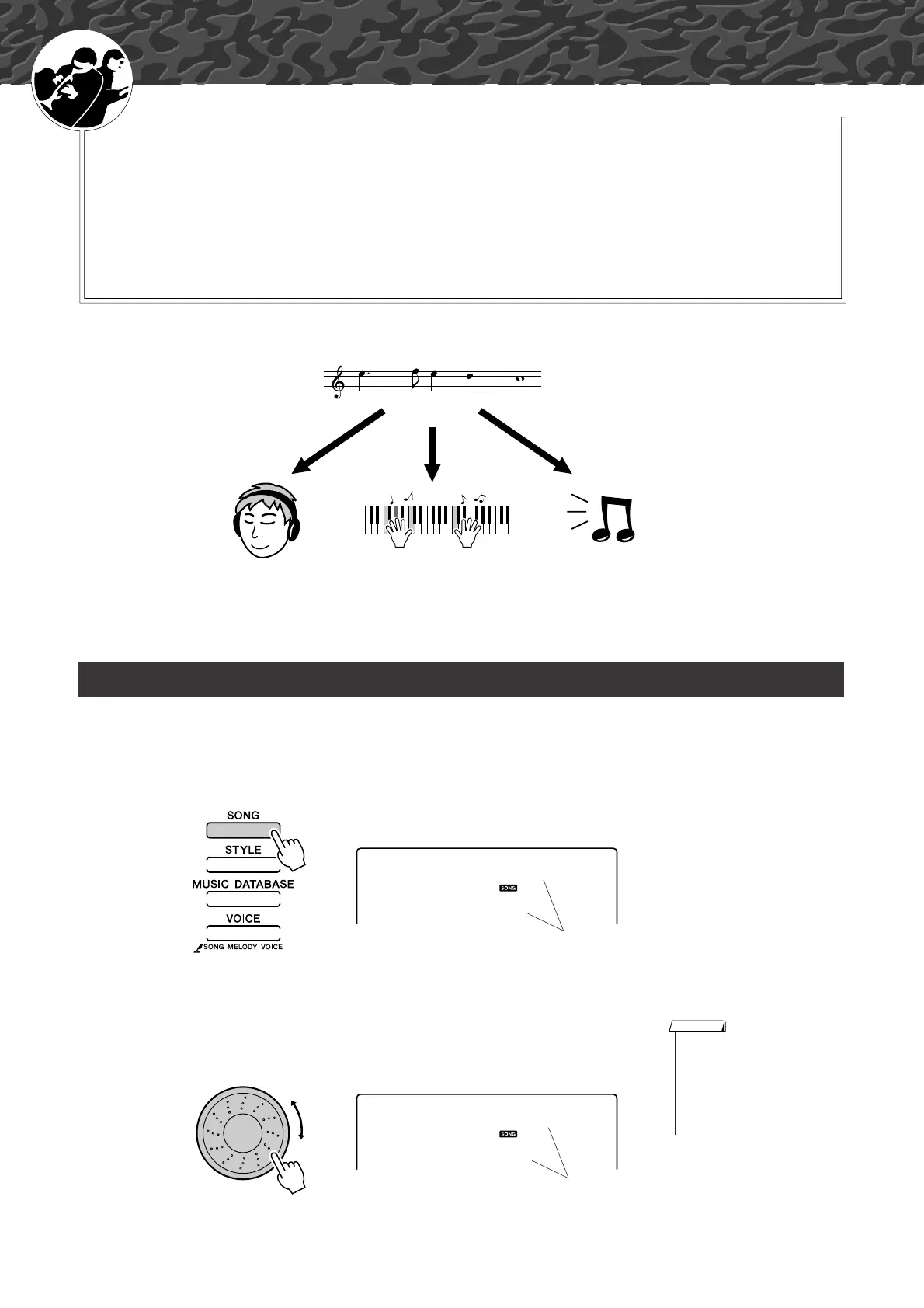
With this instrument the term “song” refers the data that makes up a
piece of music. You can simply enjoy listening to the 30 internal songs,
or use them with just about any of the many functions provided—the
performance assistant technology feature, lessons, and more. The
songs are organized by category.
In this section we’ll learn how to select and play songs, and briefly
describe the 30 songs provided.
1
Press the [SONG] button.
The song number and name will be displayed.
You can use the dial to select a different song.
2
Select a song.
Select a song after referring to the preset song category list on page 41.
Use the dial to select the song you want to listen to.
Select and Listen to a Song
Listen Lesson Record
Song
011
Nocturne
The currently selected song
and number are displayed
•You can also play songs you
have recorded yourself (User
Songs) or songs that have been
transferred to the instrument
from a computer in the same
way that you play the internal
songs.
NOTE
012
ForElise
The song displayed here
can be played















 To Next Page