Handy Performance Features
PSR-E413 Owner’s Manual 69
1
Press the [FUNCTION] button.
2
Use the CATEGORY [ ] and [ ] but-
tons to select the Harmony Volume
item.
3
Use the dial to set the harmony volume
between 000 and 127.
Five different master equalizer (EQ) settings are provided to give you the best possible sound when listen-
ing through different reproduction systems—the instrument’s internal speakers, headphones, or an external
speaker system.
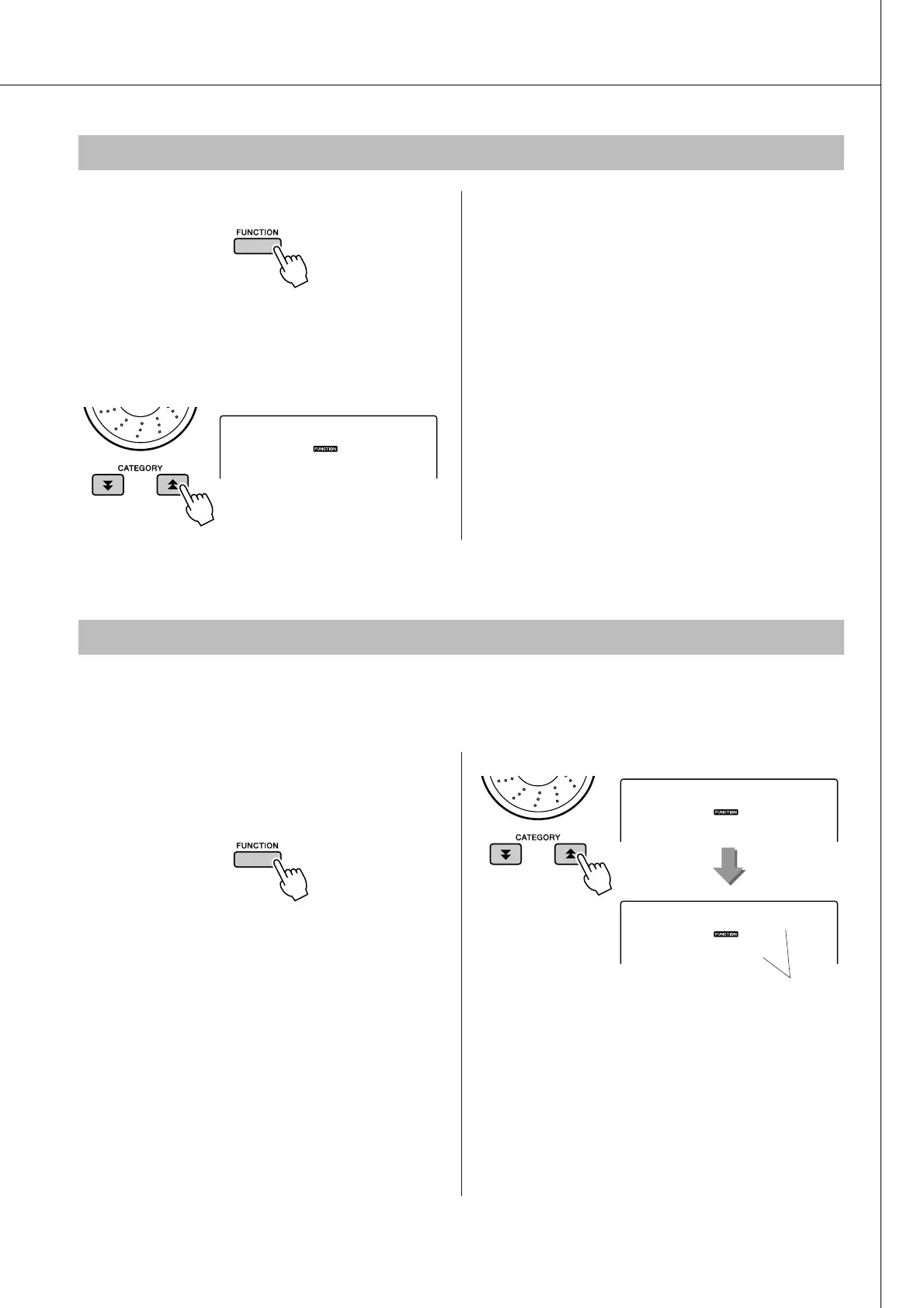
1
Press the [FUNCTION] button.
The currently selected function will appear in
the display.
2
Press the CATEGORY [ ] and [ ] but-
tons as many times as necessary to
select the master EQ type function
“MasterEQ”.
“MasterEQ” will be shown in the display for a
few seconds, then the currently selected EQ
type will appear.
3
Use the dial to select the desired Master
EQ setting.
Five settings are available: 1–5. Settings 1 and
2 are best for listening via the instrument’s
built-in speakers, setting 3 is for headphones,
and settings 4 and 5 are ideal for listening via
external speakers.
Adjusting the Harmony Volume
f
r
080
HarmVol
Select an EQ Setting for the Best Sound
f
r
1
Speakerl
MasterEQ
The currently selected
master EQ type.















 To Next Page