Using Songs
40 PSR-E413 Owner’s Manual
3
Listen to the song.
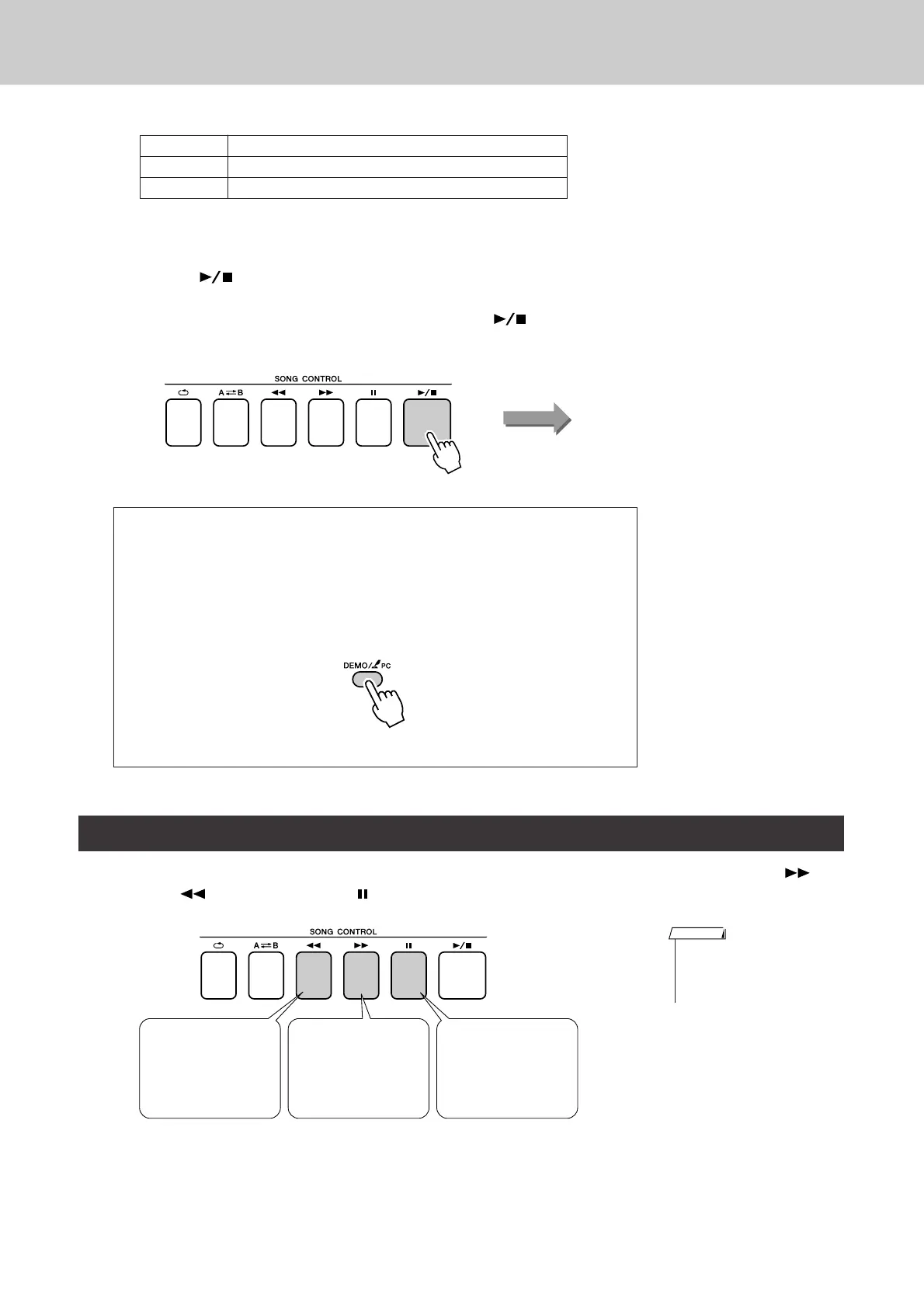
Press the [ ] (START/STOP) button to begin playback of the
selected song.
You can stop playback at any time by pressing the [ ] (START/
STOP) button again.
These are just like the transport controls on a cassette deck or CD player, letting you fast forward [ ]
(FF), rewind [ ] (REW) and pause [ ] (PAUSE) playback of the song.
001–030 Built in Songs (see next page)
031–035 User Songs (Songs you record yourself).
036– Songs transferred from a computer (pages 90–92)
● Using the [DEMO/PC] button
Press the [DEMO/PC] button to play Songs 001–008 in sequence. Playback
will continue repeatedly starting again from the first Song (001).
You can select a song by using the [-] and [+] buttons after pressing the
[DEMO/PC] button.
You can stop playback at any time by pressing the [DEMO/PC] button.
Song Fast Forward, Fast Reverse, and Pause
Song start!
REW
Press the fast reverse
button to rapidly
return to an earlier
point in the song.
FF
Press the fast forward
button to rapidly skip
ahead to a later point
in the song.
PAUSE
Press the pause but-
ton to pause playback.
• When an A-B repeat range is
specified the fast reverse and
forward function will only work
within that range.
NOTE















 To Next Page