Select a Song For a Lesson
PSR-E413 Owner’s Manual 47
Here’s where you can perfect your technique.
The song will play at the normal tempo, minus the part you have chosen to play. Play along while listening
to the song.
1
Select the song and part you want to practice (steps 1 and
2 on pages 43, 44).
2
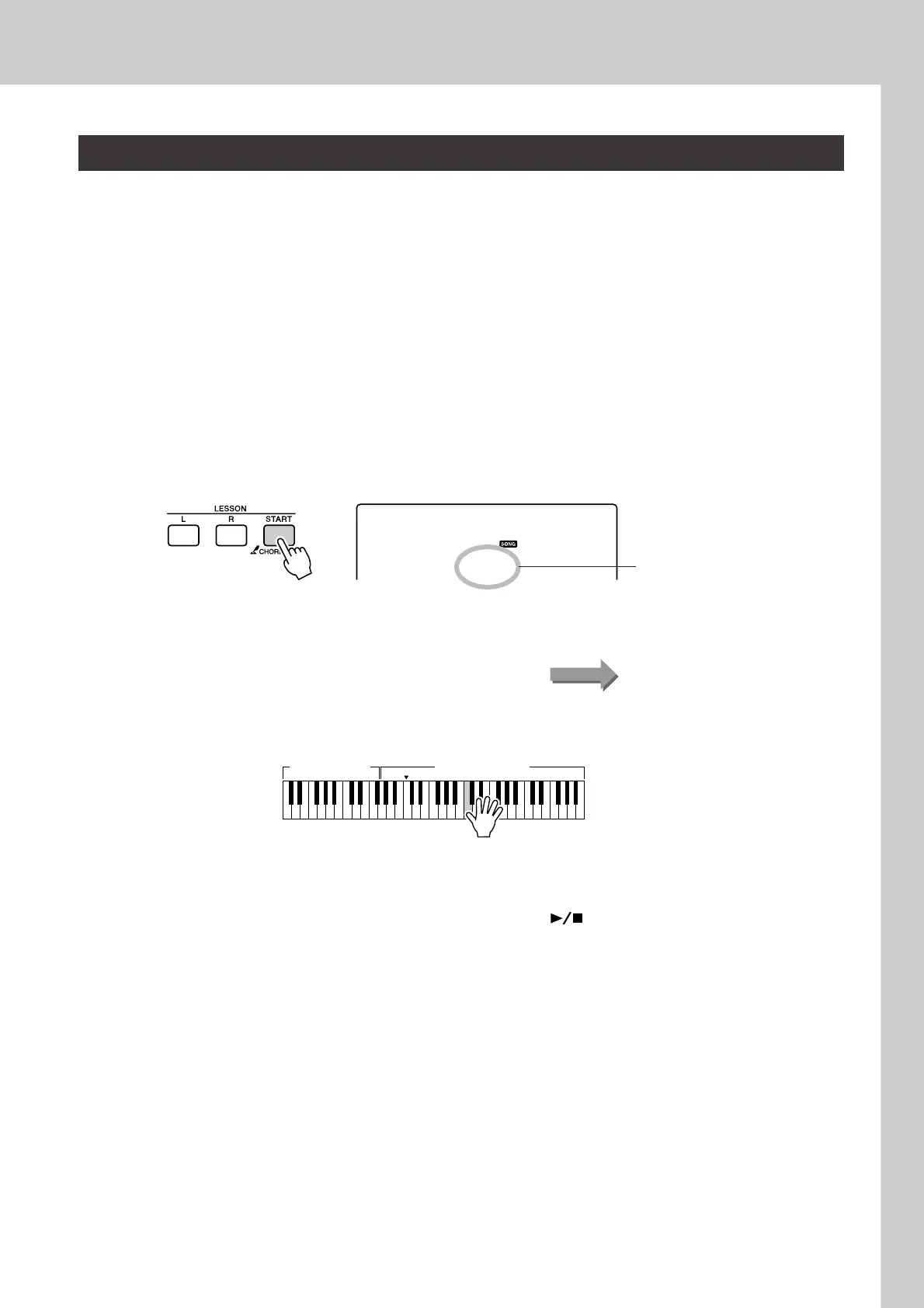
Start Lesson 3.
Each time the LESSON [START] button is pressed the lesson modes are
selected in sequence: Lesson 1 → Lesson 2 → Lesson 3 → Off → Les-
son 1 ...
Play the note shown in the display.
3
Stop the Lesson mode.
You can stop the Lesson mode at any time by pressing the [ ]
(START/STOP) button.
Lesson 3—Minus One
r3
MinusOne
In this case “r3” indicate that right-
hand lesson 3 has been selected.
Start the lesson!Song playback will begin automatically when Lesson 3 is selected.
Left-hand part Right-hand part
(In the case of a right-hand lesson)















 To Next Page