Select a Song For a Lesson
44 PSR-E413 Owner’s Manual
2
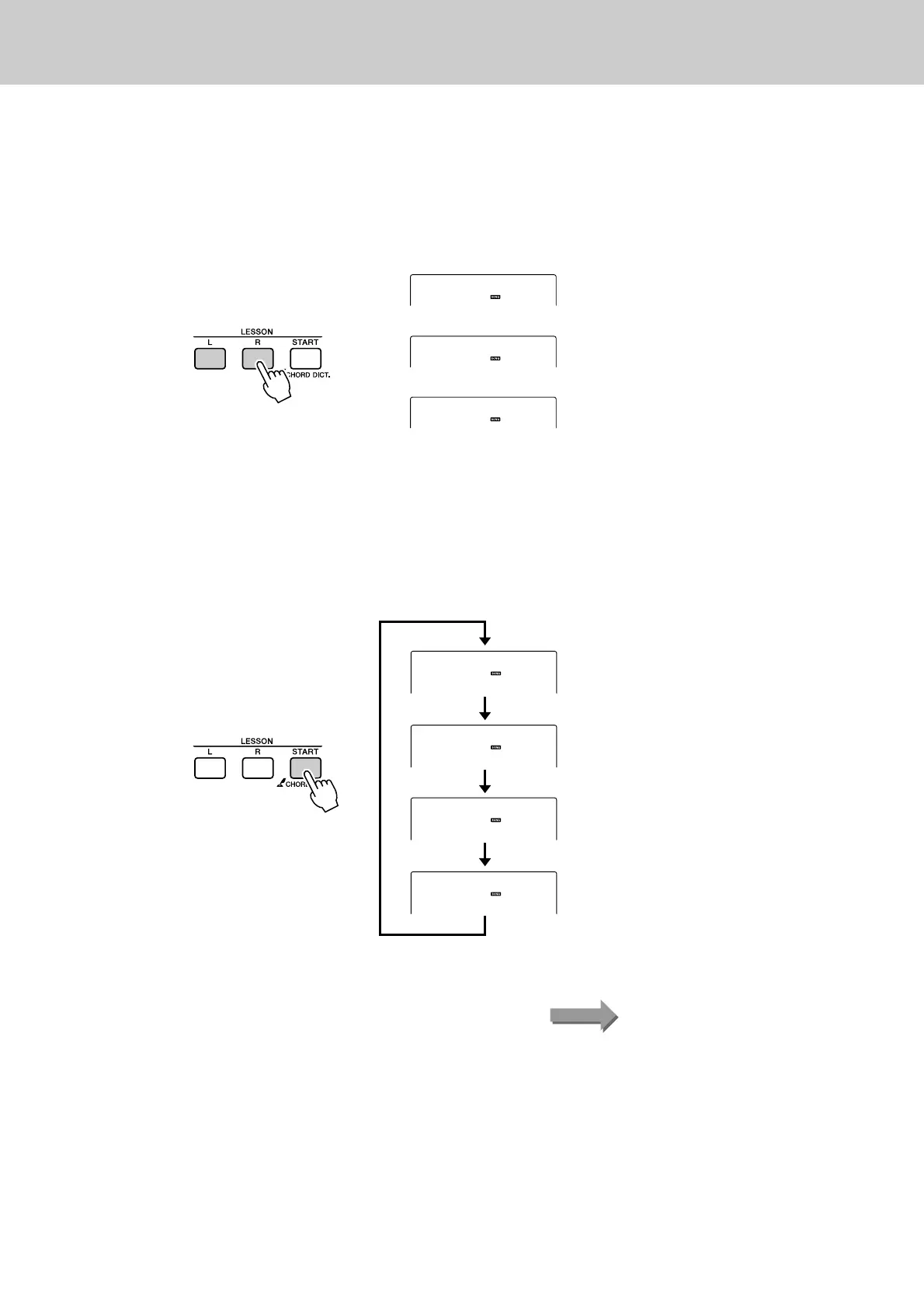
Select the part you want to practice.
Press the [R] button for a right-hand lesson, [L] button for a left-hand
lesson, or press both the [R] and [L] buttons simultaneously for a both-
hands lesson.
The currently selected part is shown in the display.
3
Start Lesson 1.
Press the LESSON [START] button to select Lesson 1. Each time the
LESSON [START] button is pressed the lesson modes are selected in
sequence: Lesson 1 → Lesson 2 → Lesson 3 → Off → Lesson 1 …. The
currently selected mode is shown in the display.
Right
Left
BothHand
Right-hand lesson
Left-hand lesson
Both-hands lesson
r1
Waiting
r2
YourTemp
r3
MinusOne
012
ForElise
(Lesson 1)
(Lesson 2)
(Lesson 3)
(Song Lesson off)
Start the lesson!Song playback will begin automatically when you select Lesson 1.















 To Next Page