Playing Styles
PSR-E413 Owner’s Manual 35
4
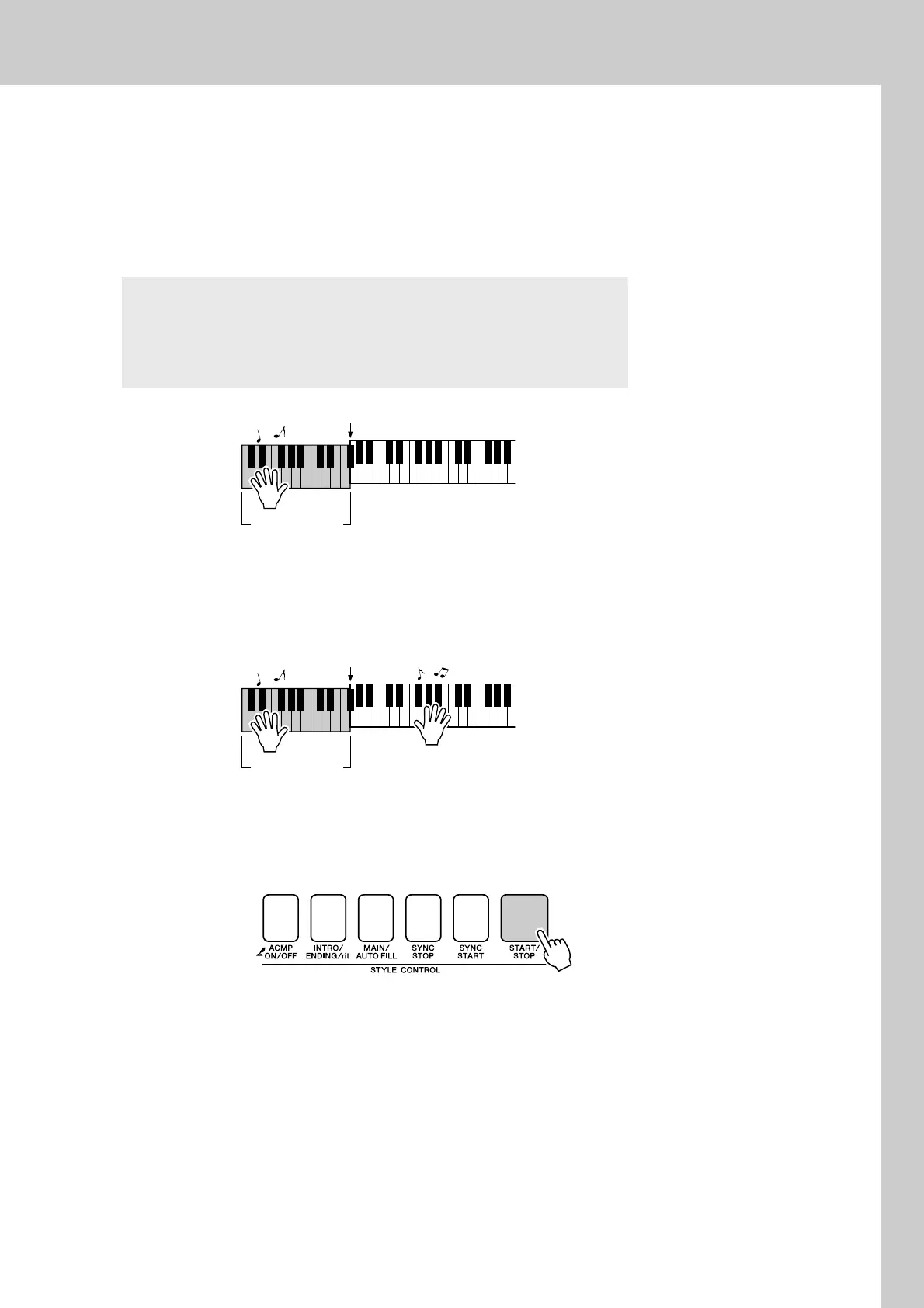
Play a left-hand chord to start the style.
You can still “play” chords even if you don’t actually know any chords.
This instrument will recognize even a single note as a chord. Try play-
ing from one to three notes at the same time to the left of the split point.
The accompaniment will change according to the left-hand notes you
play.
5
Play a variety of left-hand chords while playing a melody
with your right hand.
6
Press the [START/STOP] button to stop style playback
when you’re done.
You can switch style “sections” to add variety to the accompaniment.
Refer to “Pattern Variation (Sections)” on page 70.
Try this!
Scores for some chord progressions are provided on page 36.
These examples should help you get a feel for what types of chord
progressions sound good with the styles.
Auto accompani-
ment region
Split point
Auto accompani-
ment region
Split point















 To Next Page