PREPARATIONS ➤ Connecting to a network wirelessly (RX-V577 only) En 34
4
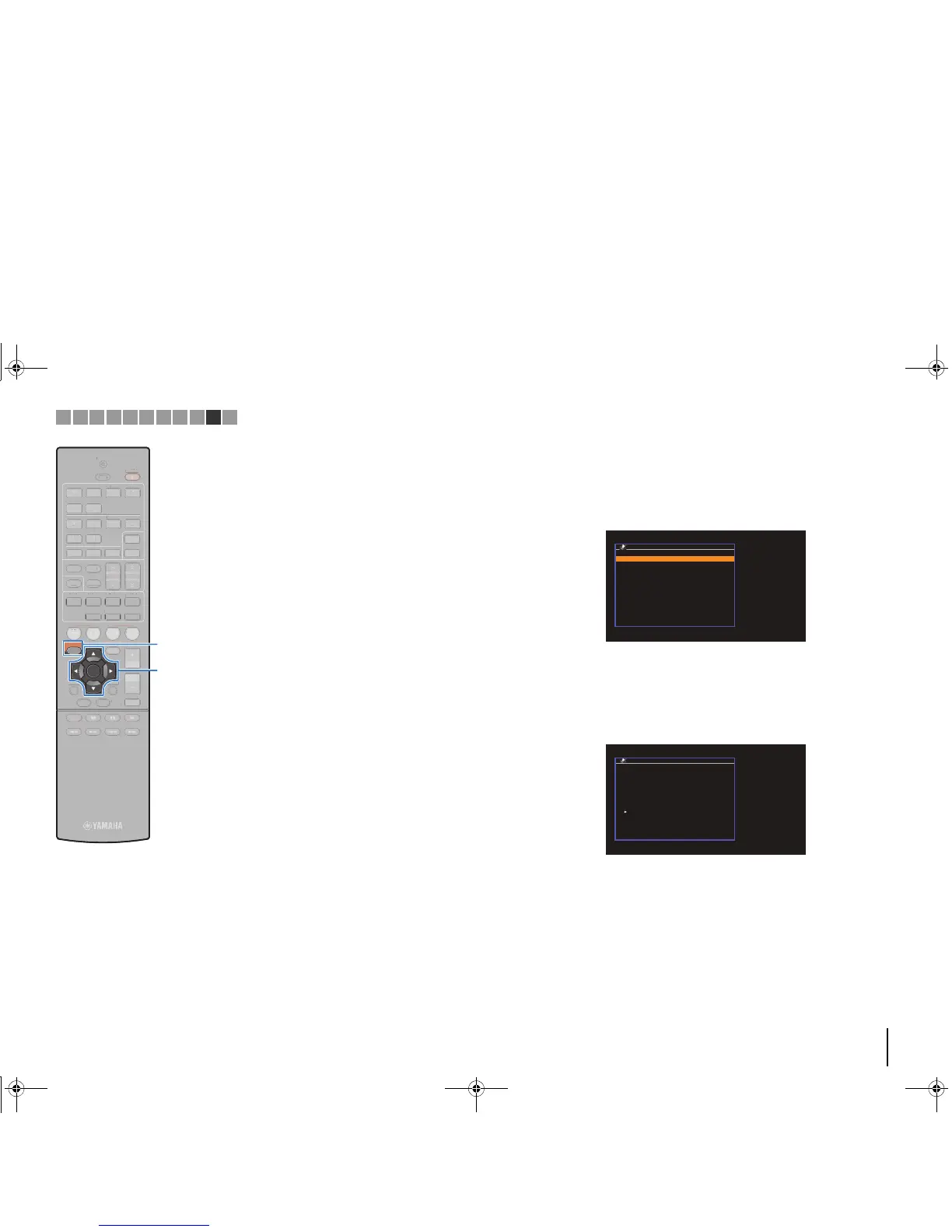
Use the cursor keys (q/w) to select “Connect” and
press ENTER to start the connection process.
When the connection process finishes, “Completed”
appears on the TV screen.
If “Not connected” appears, repeat from step 1 or try
another connection method.
5
To exit from the menu, press SETUP.
❑ Setting up the wireless connection manually
If you select “Manual Setting” as the connection method, the
wireless connection setting screen appears on the TV.
You need to setup the SSID (network name), encryption method
and security key for your network.
1
Use the cursor keys (q/w) to select “SSID” and
press ENTER.
2
Use the cursor keys and ENTER to enter the SSID of
the access point.
When finished entering the key, select “OK” to return to the
previous screen.
Network Connection
OK
CANCEL
CLEAR
abc_
( ) [ ] { } < > * ! ? # % &
. , : ; _ | / \ $ ~^´ ’ `
0 1 2 3 4 5 6 7 8 9 + - =
← Aa BKSP Space DEL →
a b c d e f g h i j k l m
n o p q r s t u v w x y z



 To Next Page