EasyManua.ls Logo

Yamaha V50 - Page 74

Yamaha V50
81 pages
Print Icon
To Next Page IconTo Next Page
To Previous Page IconTo Previous Page
Loading...
sounds
that
the
RX
series
assigns
to
keys
outside
of
the
6}-note
range
of
the
V50
have
been
assigned
within
the
V50
key
range.
PRESET
2
has
a
basic
drum
set
assigned
to
the
third
octave
(the
octave
begining
with
C3).
The
white
keys
of
octave
|
have
bass
drum
sounds,
the
white
keys
of
octave
2
have
snare
drum
sounds,
and
the
white
keys
of
octaves
4
and
5
have
toms.
Percussion
sounds
are
assigned
to
the
black
keys.
(There
are
some
exceptions.)
PRESET
3
is
set
to
match
the
key
assignments
of
the
Yamaha
Clavinova
series.
However,
since
the
sounds
themselves
are
different,
not
all
assignments
are
the
same.
Normally
you
will
select
one
of
these
presets.
In
the
above
display,
you
can
check
the
rhythm
instrument
assign-
ments
by
moving
the
cursor
to
“Key”
and
playing
a
key.
The
rhythm
instrument
assigned
to
that
key
will
be
displayed.
9
To
create
your
own
rhythm
instrument
assignment,
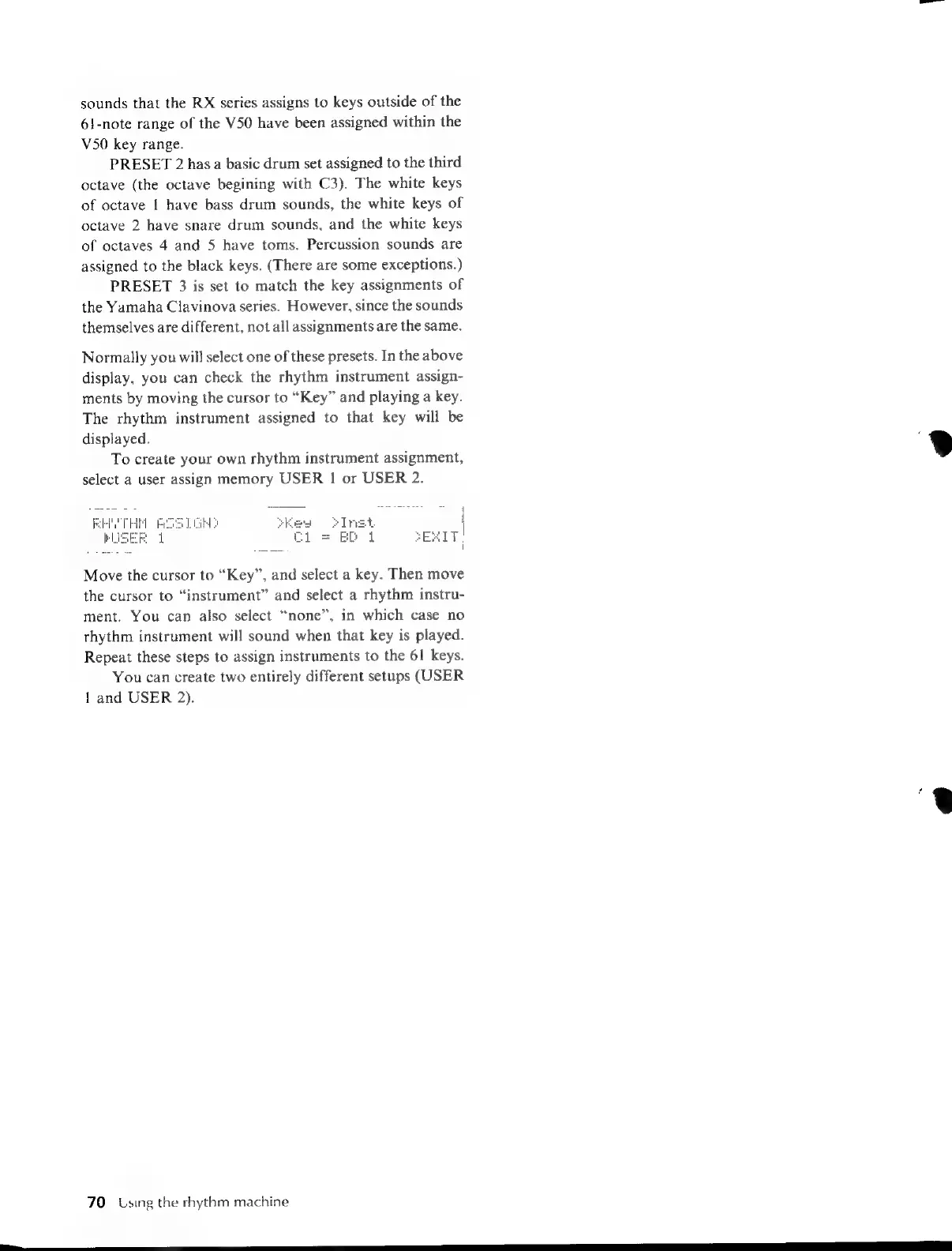
select
a
user
assign
memory
USER
1
or
USER
2.
=
ED
1
Move
the
cursor
to
“Key”,
and
select
a
key.
Then
move
the
cursor
to
“instrument”
and
select
a
rhythm
instru-
ment.
You
can
also
select
“none”,
in
which
case
no
rhythm
instrument
will
sound
when
that
key
is
played.
Repeat
these
steps
to
assign
instruments
to
the
61
keys.
You
can
create
two
entirely
different
setups
(USER
1
and
USER
2).
70
Using
the
rhythm
machine
a

Table of Contents

Other manuals for Yamaha V50

Related product manuals