User Guide for the SIP-T48G IP Phone
62
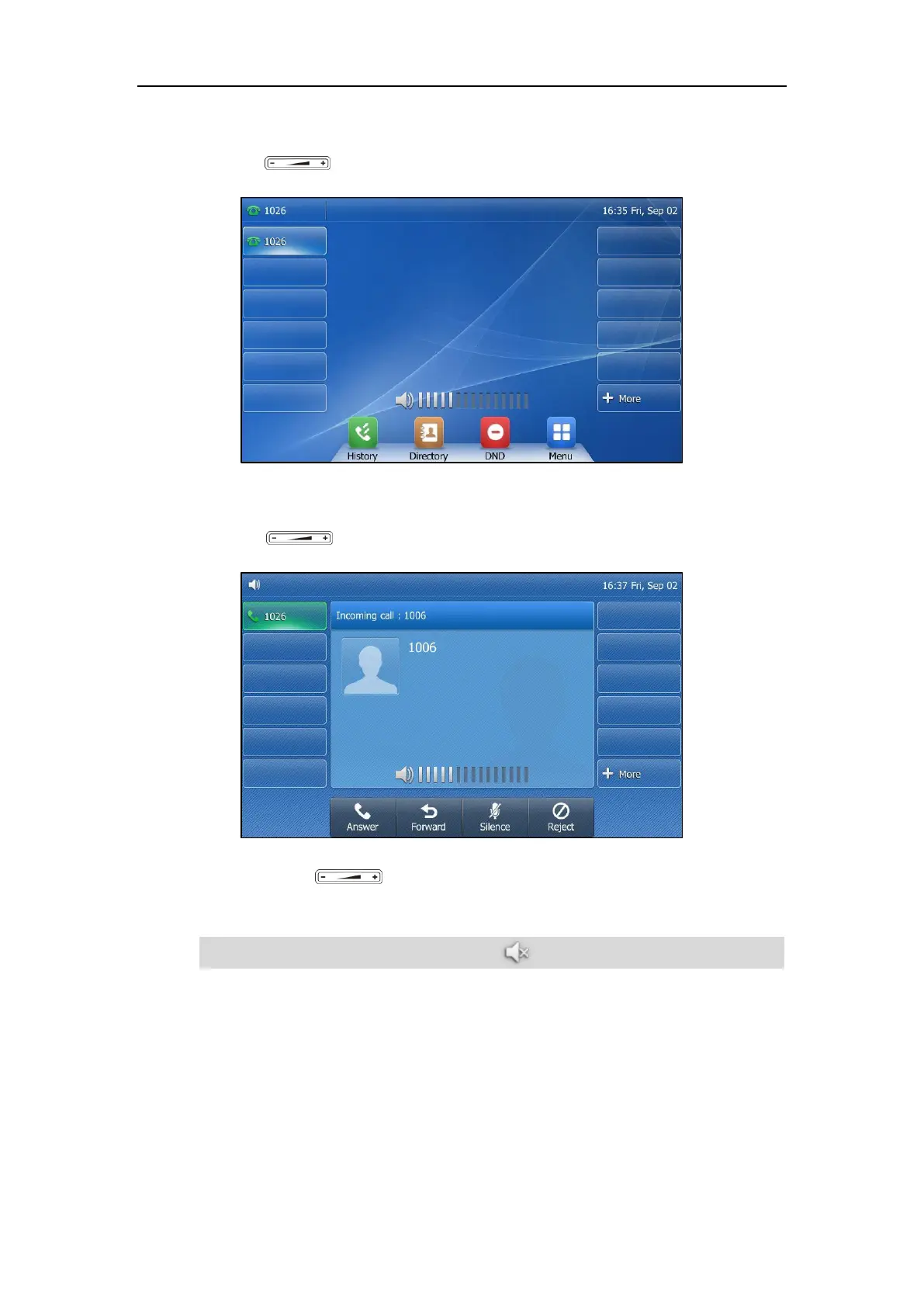
To adjust the ringer volume when the phone is idle:
1. Press to adjust the ringer volume.
To adjust the ringer volume when the phone is ringing:
1. Press to adjust the ringer volume.
You can also press to adjust the ringer volume when selecting a ring tone. For more
information, refer to Ring Tones on page 63.
Note
If ringer volume is adjusted to minimum, the icon will appear on the LCD screen.


 To Next Page
 Loading...