13
Safety Instructions
Monitor Overview
Connections
Basic Operation
Sleep Timer
Picture & Sound
Special Features
Misc.
Using the Remote Control
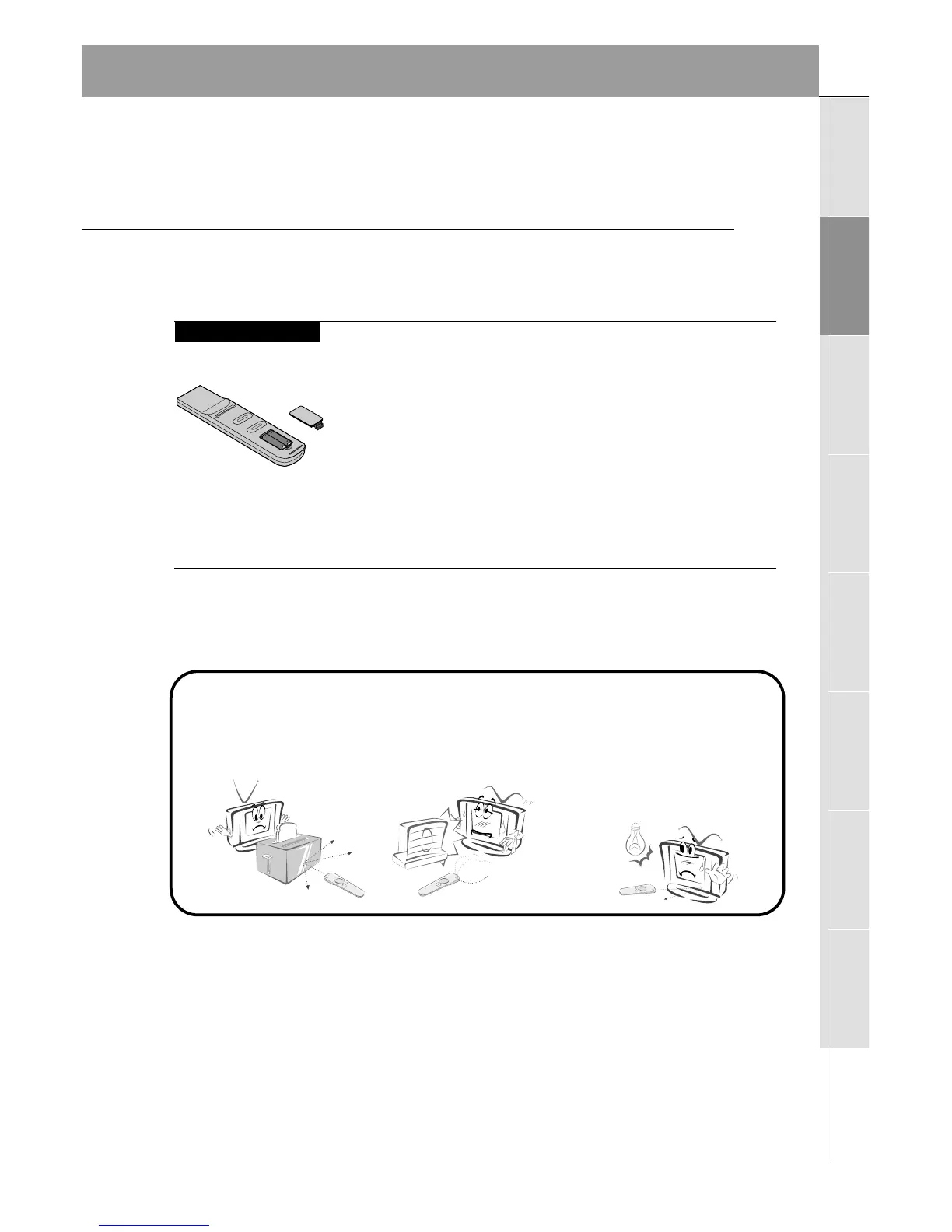
Installing Batteries
• Open the battery compartment cover on the back
of the remote control and insert the batteries with
correct polarity, match “+” with “+”, and match “-”
with “-”.
• Install two 1.5V “AAA” alkaline batteries.
Don’t mix used batteries with new batteries.
Notes for Using the Remote Control
Make sure these are no
objects between the
remote control and its
sensor.
Don’t place the remote control
near a heater or damp place. A
hard impact to the remote control
may cause operation failure.
Signal from the remote control
may be disturbed by sun light or
other strong light. In this case,
turn the set to a different direc-
tion, or dim the room light.



 To Next Page