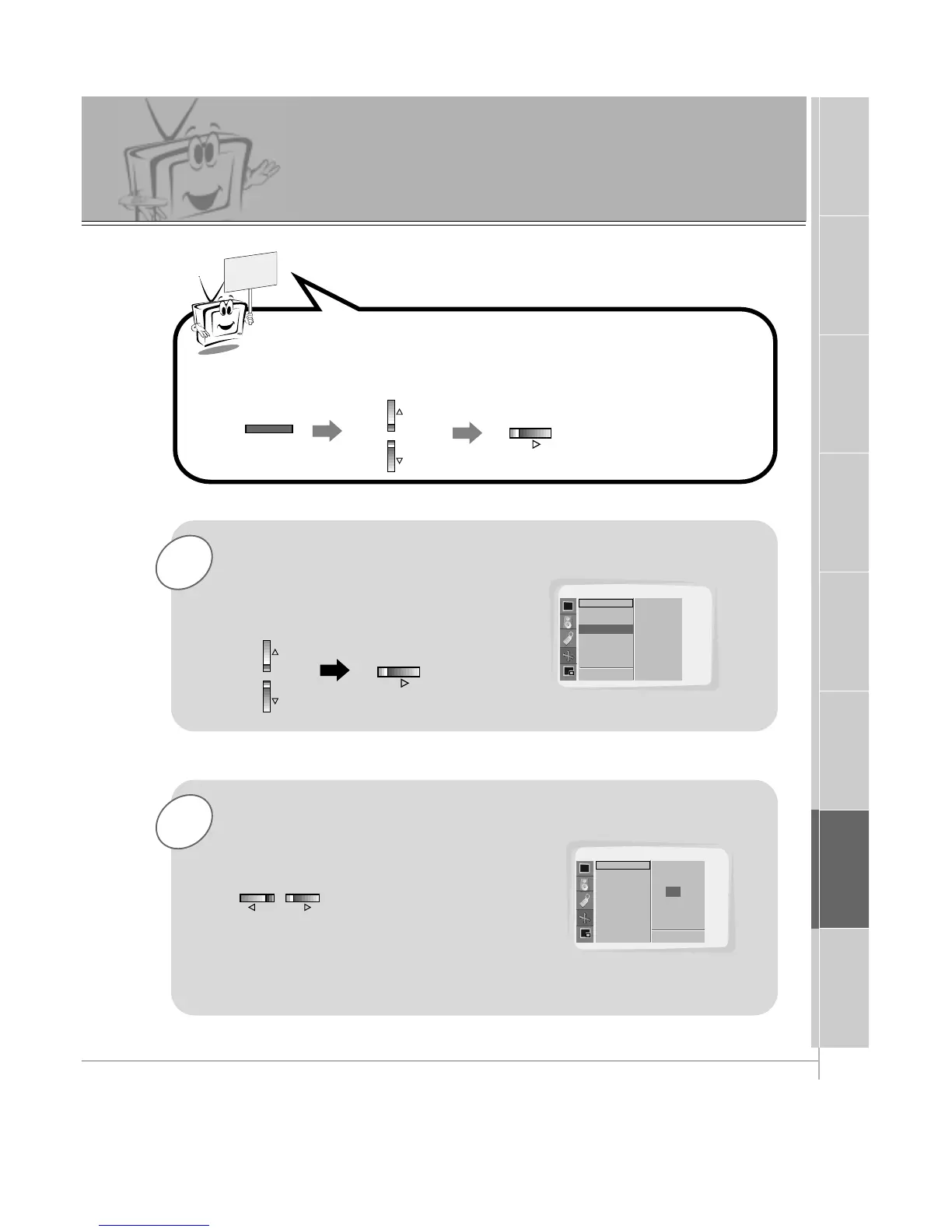
Use the UP/DOWN button to select the
Zoom In/Out option and then press
the VOL (
G
) button.
• You can zoom in on the image up to 50x.
Use the VOL buttons to select desired
zoom in or out.
Press the MENU button and then use the UP/DOWN button to
select the PICTURE ADJ. menu.
Press the VOL (
G
) button.



 To Next Page